Signoff Studio Docs
Getting Started
Signoff Studio is a local-first desktop workspace for Quality Engineering — API requests (REST, GraphQL, WebSocket, SSE, gRPC, MQTT), collection runs, load tests, local mocks, and database checks. Available as a Windows desktop app and a VS Code extension sharing the same product UI.
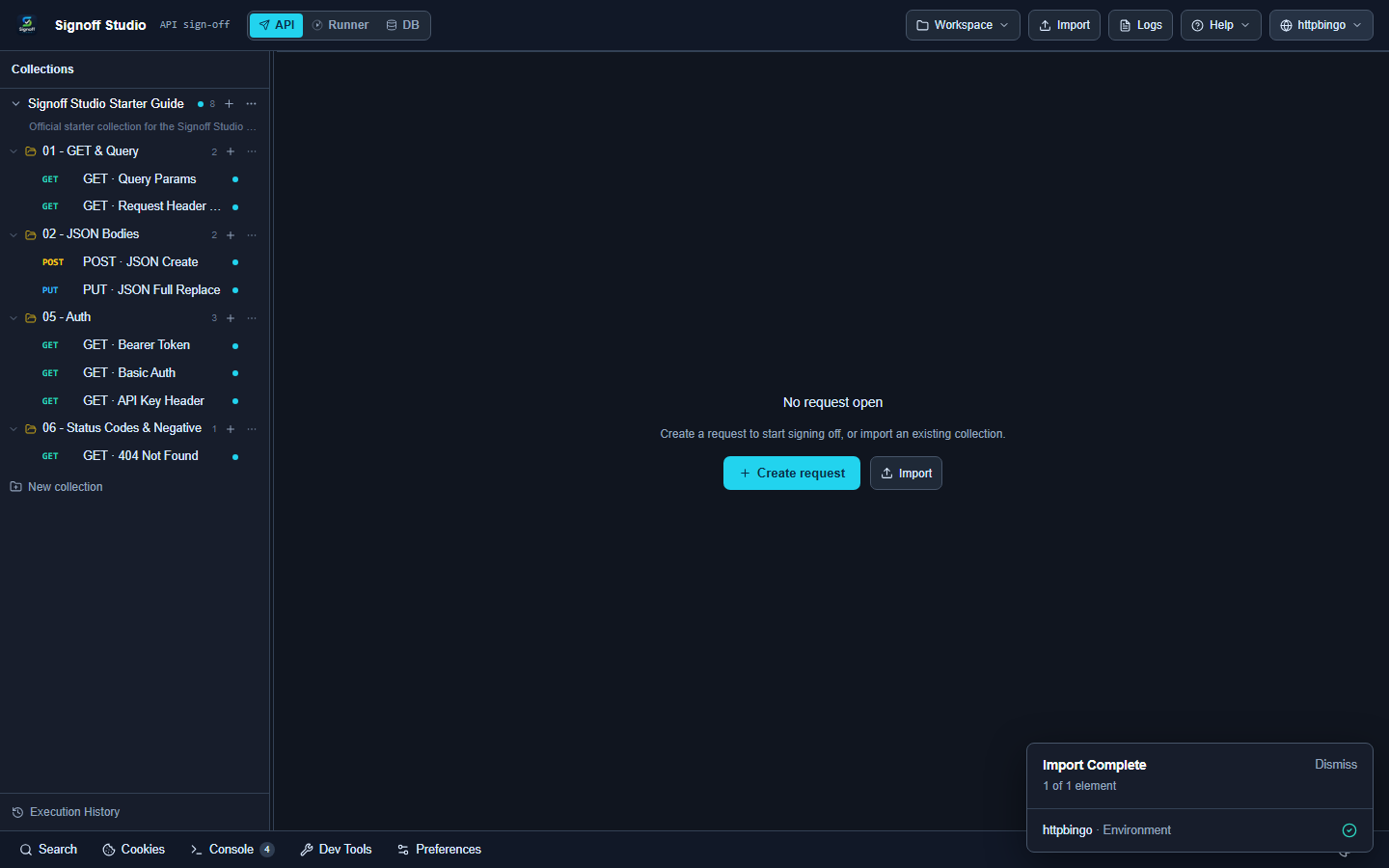
Start here
| Path | What you learn |
|---|---|
| Install | Download Windows app or VS Code extension |
| Quick Start | Import the Starter Guide and complete core workflows |
| Interface tour | Annotated map of every major panel on both platforms |
| Parity & gap report | Windows vs VS Code capability matrix |
Starter Guide collection
Docs walkthroughs use the official Signoff Studio Starter Guide:
01 - GET & Query02 - JSON Bodies05 - Auth06 - Status Codes
Download:
Import both files, select the httpbingo environment, then follow Quick Start.
Browse by task
Core features
- Collections
- Requests
- Protocols
- Environments
- Authentication
- Import & export
- Cookies & utilities
- AI assist
- Workspaces
- Git workbench (Windows)
Automate
- Tests & scripts
- Collection Runner
- Load testing
- Monitors & scheduler
- OpenAPI mocks
- Code generation
- MCP & CLI
Database & reference
Why Signoff Studio?
- API mode — Multi-protocol client with scripts, asserts, and codegen
- Runner — Collection plans, reports, load, and local monitors
- Database workbench — Postgres, MySQL, SQL Server, Oracle, SQLite
- Local-first workspaces — Files you can commit
- Import — Postman, Bruno, Hoppscotch, Insomnia, Thunder, OpenAPI, cURL