Signoff Studio Docs
Tests & scripts
- Platform Availability: Windows App · VS Code Extension (shared shell)
- Overview: Pre-request scripts and tests run in a QuickJS sandbox with the
qa.*dialect (pluspm.*/bru.*/pw.*aliases). Collection and folder scopes use Scope Script Studio.
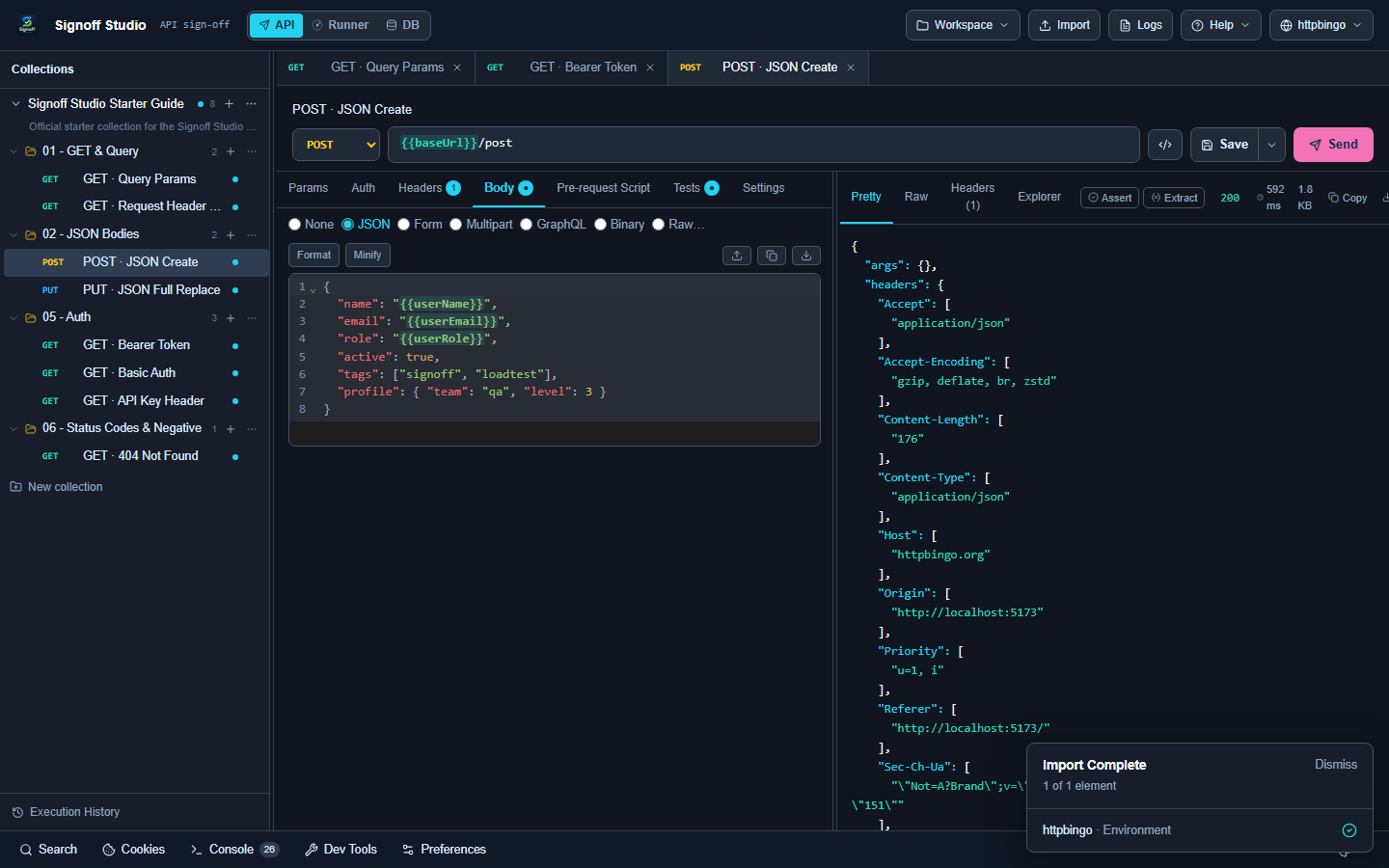
How It Works (Windows App)
- Open a request → Pre-request Script and/or Tests.
- Write assertions with
qa.test/qa.expect. - Send or run via Runner — failures show in Checks / Runner report.
- For folder/collection scripts, open Open Scripts from the tree context menu.
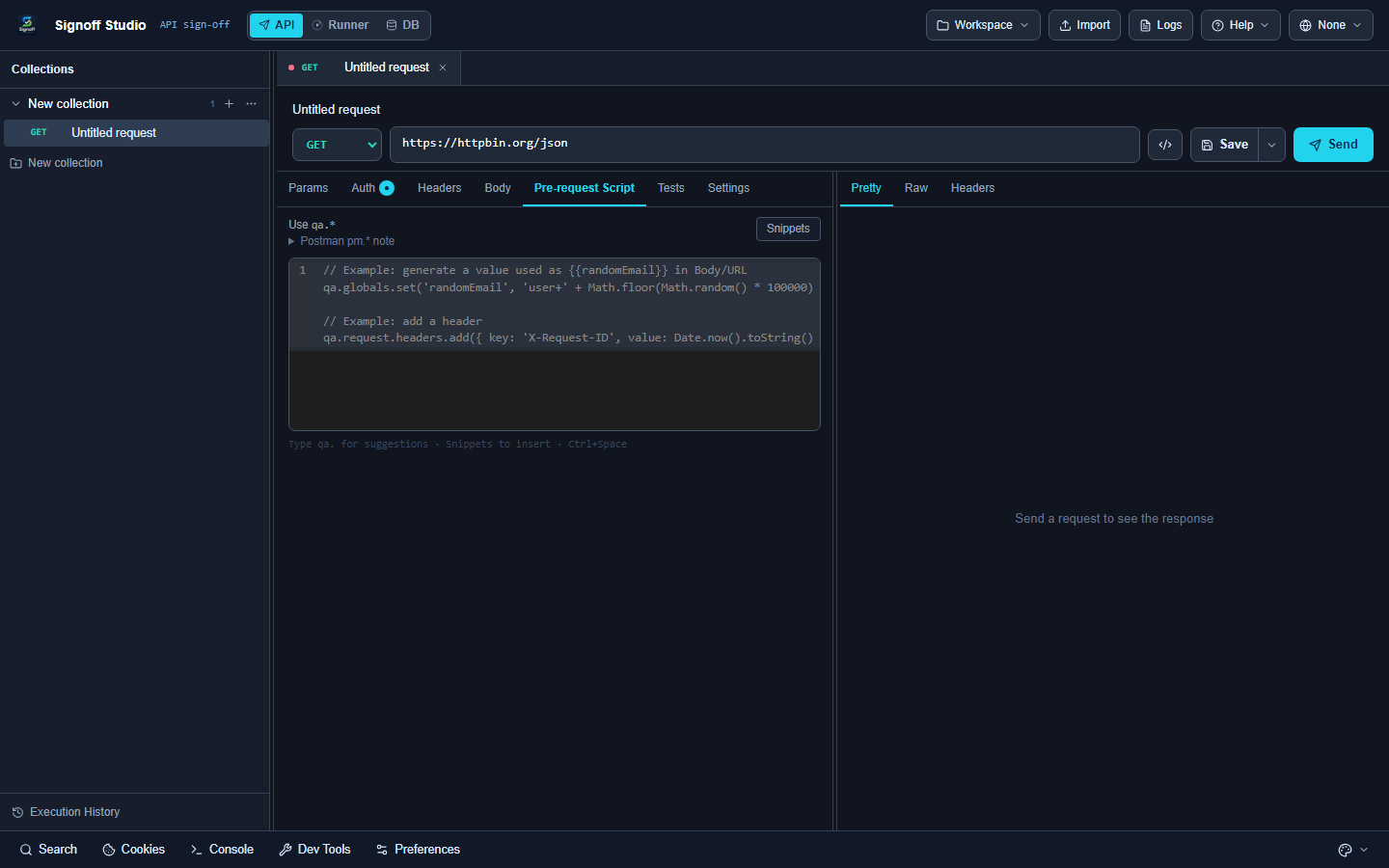
How It Works (VS Code Extension)
Same editors and sandbox inside the webview. Host-gated APIs (qa.ui, some file/DB helpers) follow the VS Code host bridge.
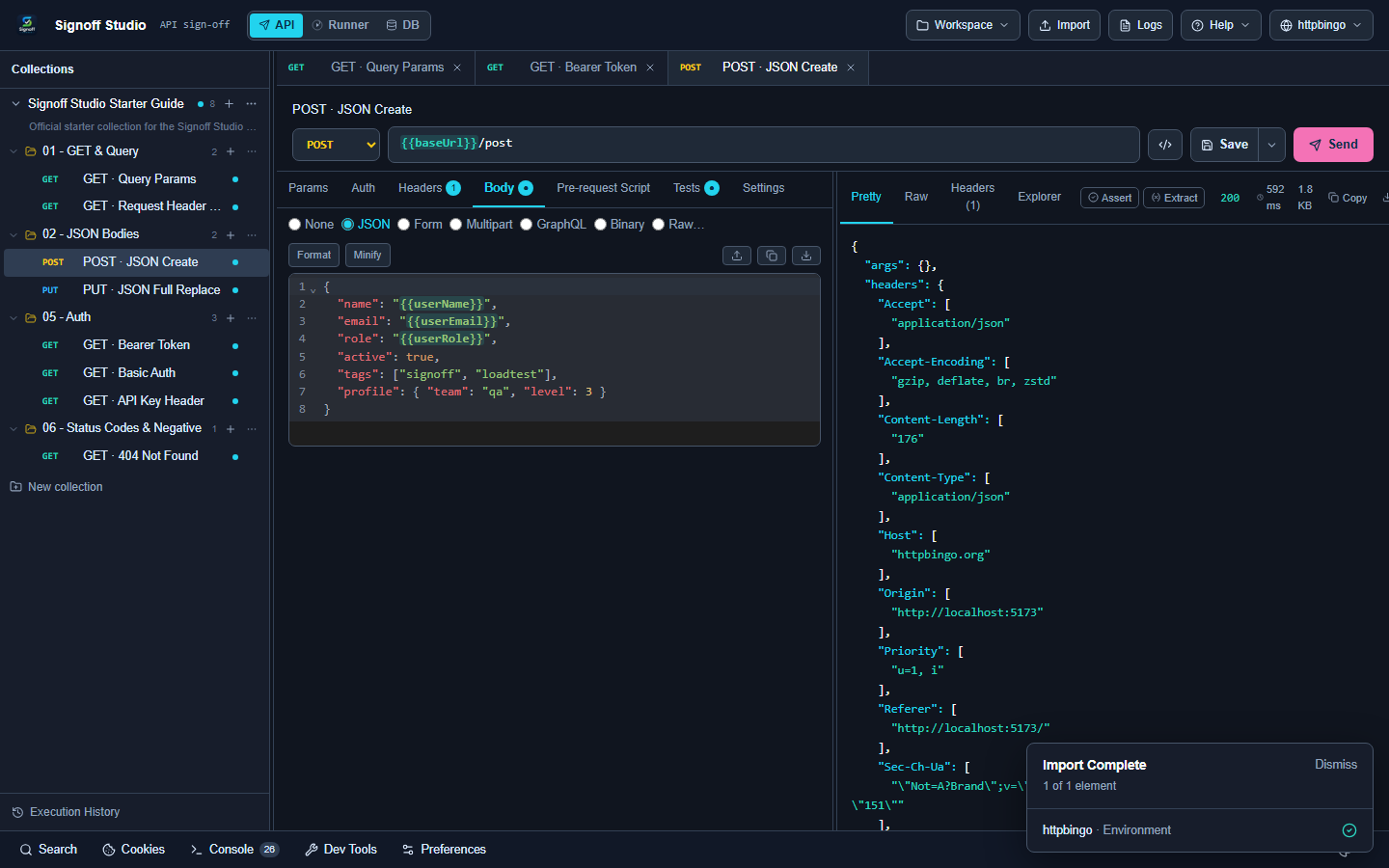
Code / Configuration Examples
// Pre-request: set a timestamp variable
qa.variables.set("ts", String(Date.now()));

// Tests
qa.test("status 200", () => {
  qa.expect(qa.response.code).to.equal(200);
});

qa.test("json has url", () => {
  const body = qa.response.json();
  qa.expect(body.url).to.be.a("string");
});

// Extract for later requests
qa.variables.set("gotUrl", qa.response.json().url);
Postman-style alias:
pm.test("status is 200", function () {
  pm.response.to.have.status(200);
});
Edge Cases, Troubleshooting & Pro-Tips
- Prefer
qa.*in new scripts; aliases exist for migration. qa.sendRequestnests HTTP from scripts — avoid infinite loops.qa.db/qa.load/qa.files/qa.uiare host-gated; behavior can differ slightly by runtime.
GAP IDENTIFIED: Some scripting host APIs are gated per runtime (Electron vs VS Code). If a
qa.uicall no-ops, run that flow on Windows desktop or use variables/tests only.