Signoff Studio Docs
Load testing
Local, process-bound virtual users (VUs) against a Signoff or Postman collection. Available in the Runner Load panel and via npm run runner -- load. Not a distributed cloud load grid — Phase 7C process-local VUs only (soft cap via --max-vus, hard ceiling 200).
Load panel (UI)
- Platform Availability: Full Parity
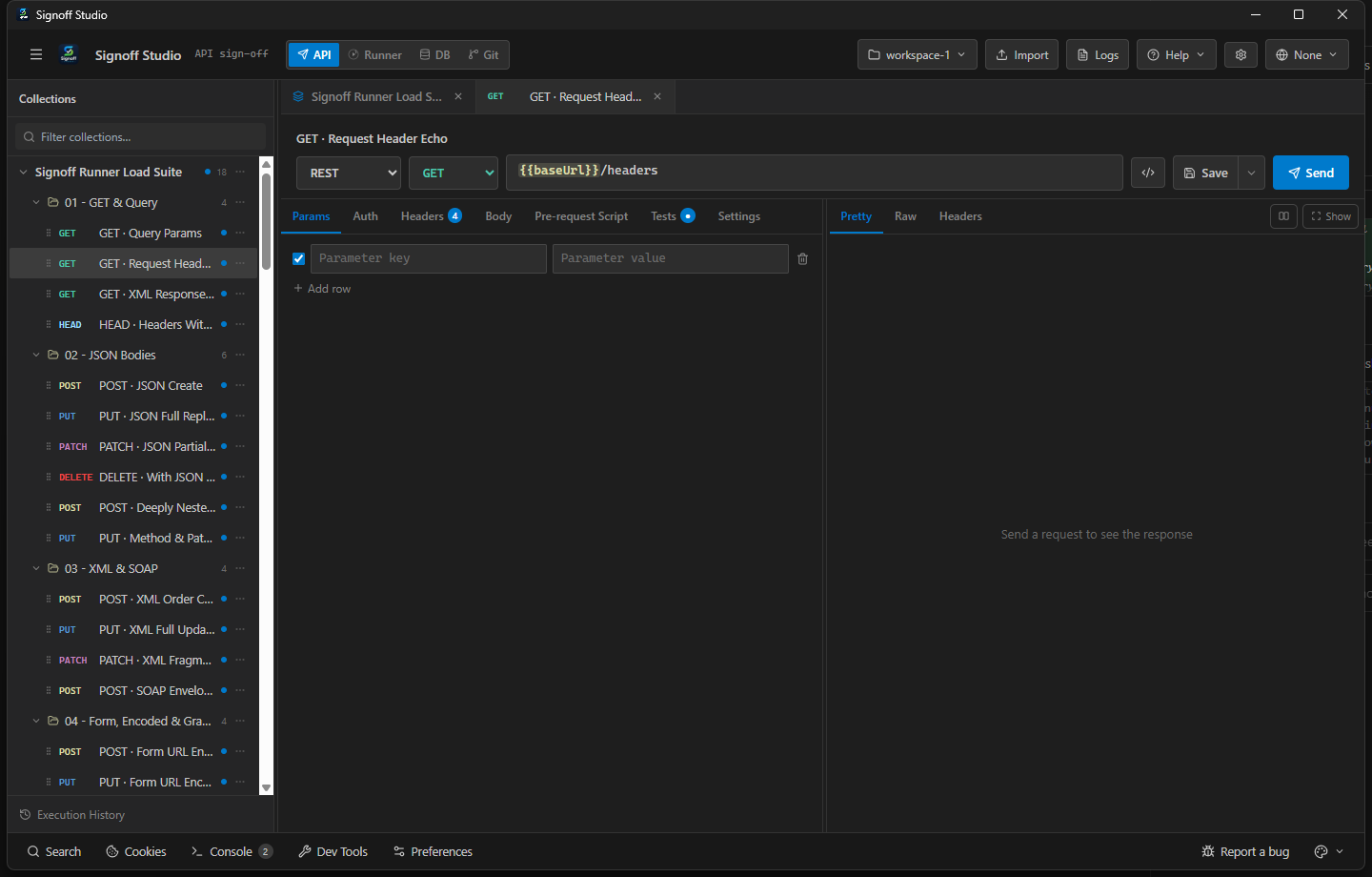
- Overview: Configure VUs, steady-state duration, ramp-up/down, think time, and pass/fail thresholds (p95, error rate) against the current Runner collection/folder scope. Results land as a load JSON report plus on-screen metrics.
- How It Works (Windows App):
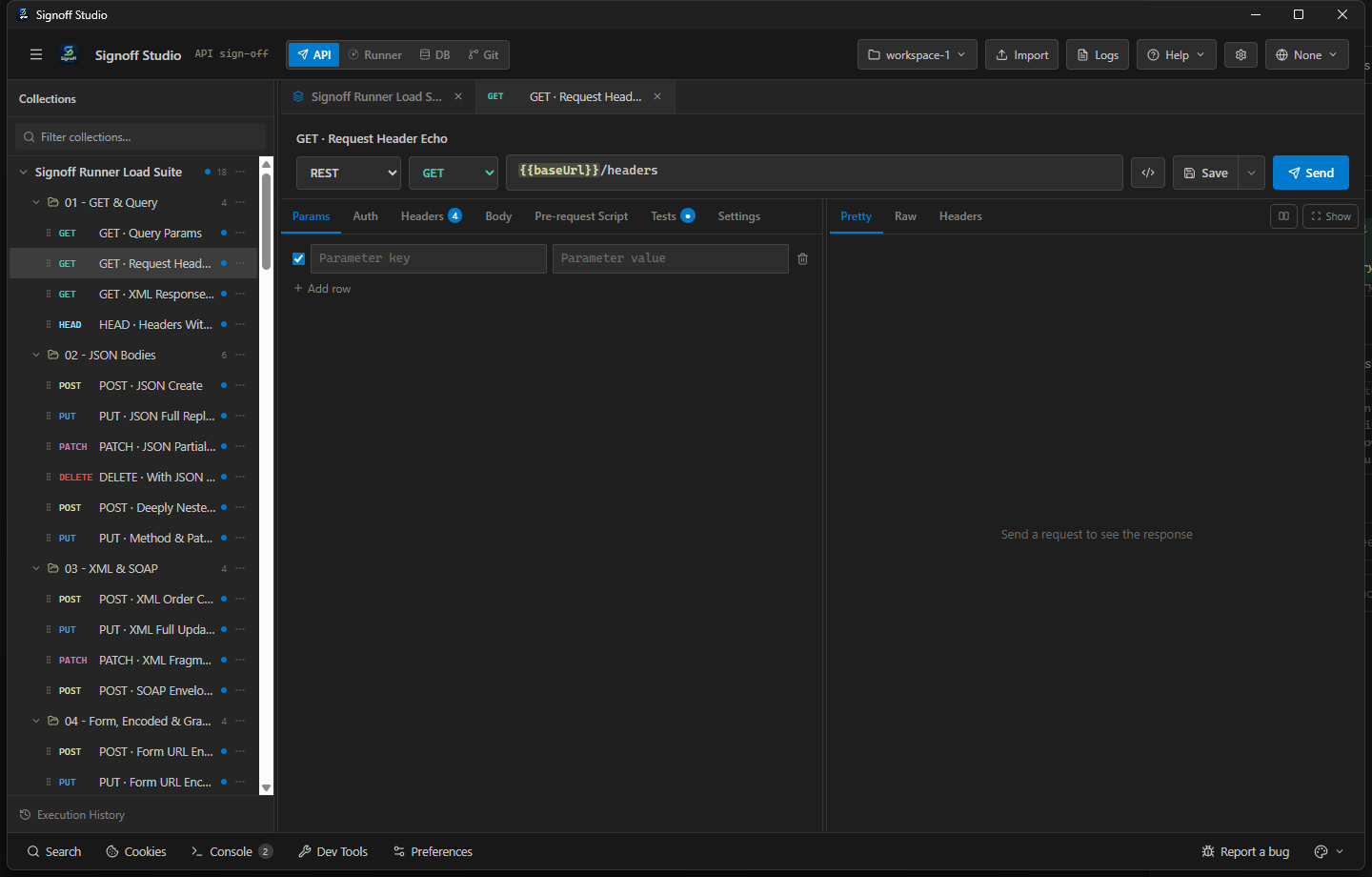
- Open Runner, select collection/folder and environment.
- Open the Load panel; set VUs, duration, ramp, think time, thresholds.
- Start the load session; watch live metrics; review the JSON report when finished.
- How It Works (VS Code Extension):
- Same Load panel inside the shared Runner shell.
- Keep the webview open for the full duration — closing the panel stops the session host path.
- Prefer CLI load in CI for headless runs (same engine).
- Code / Configuration Examples:
npm run runner -- load \
  -c ./Pets.signoff.json \
  -e ./staging.signoff.env.json \
  --vus 20 \
  --duration 60000 \
  --ramp-up 10000 \
  --ramp-down 5000 \
  --think-time 200 \
  --p95 500 \
  --error-rate 0.01 \
  --max-vus 50 \
  -o ./reports \
  -v
- Edge Cases, Troubleshooting & Pro-Tips:
- Exit codes: 0 thresholds pass, 1 fail, 2 usage/load/validation error.
- High VUs on a laptop will bottleneck the client CPU before the server — raise gradually.
--users/--duration-msare aliases for--vus/--duration.
CLI load subcommand
- Platform Availability: Full Parity (CLI on any Node host with the backend package)
- Overview: Headless load sessions for local perf checks and CI gates. Reports write to
--output(default cwd). Variable overrides and folder/request filters match theruncommand style. - How It Works (Windows App):
- Install/use the backend package that ships
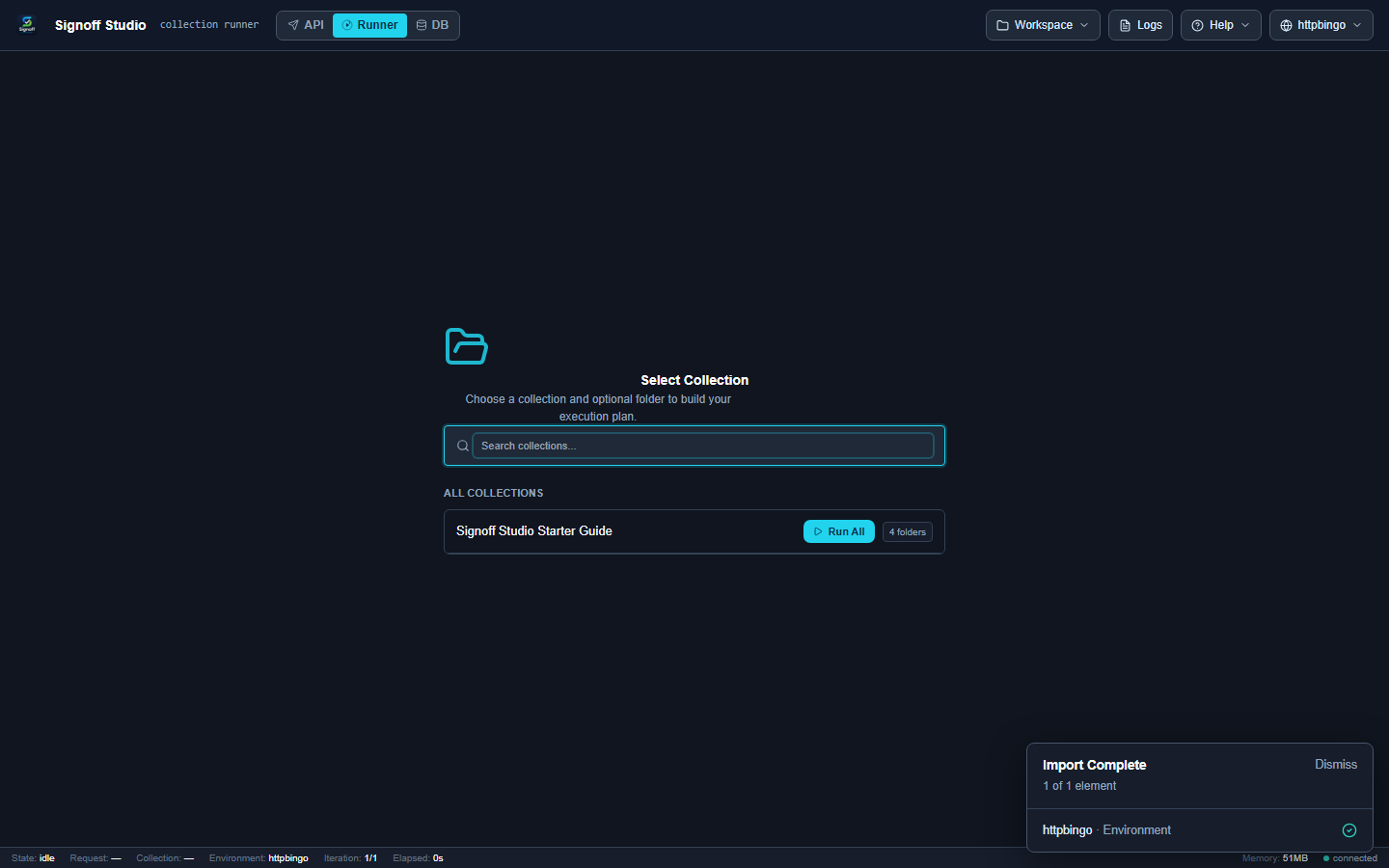
npm run runner. - Export or point at collection + environment files on disk.
- Invoke
loadwith thresholds; fail the pipeline on exit code 1.
- Install/use the backend package that ships
- How It Works (VS Code Extension):
- Use the same CLI from a terminal (extension UI is optional).
- Resolve workspace-relative paths to absolute files before scripting.
- Do not rely on the webview being open for CLI load.
- Code / Configuration Examples:
| Flag | Description | Default |
|---|---|---|
-c, --collection <path> |
Collection file (Signoff or Postman) | required |
-e, --environment <path> |
Environment JSON | — |
--env-file <path> |
Dotenv merged after env JSON | — |
-o, --output <dir> |
Load JSON report directory | cwd |
--vus <n> |
Virtual users | 10 |
--users <n> |
Alias for --vus |
— |
--duration <ms> |
Steady-state duration | 30000 |
--duration-ms <ms> |
Alias for --duration |
— |
--ramp-up <ms> |
Ramp 0→N VUs | 0 |
--ramp-down <ms> |
Drain window after duration | 0 |
--think-time <ms> |
Pause between iterations per VU | 0 |
--p95 <ms> |
Fail if p95 latency exceeds | — |
--error-rate <rate> |
Fail if error rate exceeds (0–1) | — |
--max-vus <n> |
Soft VU cap (hard 200) | 50 |
-v, --verbose |
Verbose progress | false |
--var <pair...> |
key=value overrides |
— |
--folder <nameOrId> |
Load a single folder | — |
--request <nameOrId...> |
Load specific requests | — |
npm run runner -- load -c ./col.json --vus 10 --duration 30000 --p95 800 --error-rate 0.05
- Edge Cases, Troubleshooting & Pro-Tips:
- Soft cap: requested VUs are clamped to
--max-vus(default 50). - Combine
--folderor--requestto load a hot path without the whole collection. - Thresholds are evaluated on the aggregate session — not per individual request name unless you filter scope.
- Soft cap: requested VUs are clamped to
Thresholds & reporting
- Platform Availability: Full Parity
- Overview: Optional
--p95and--error-rateturn a load session into a gate. The primary artifact is a load JSON report under--output. - How It Works (Windows App): Set the same fields in the Load panel; open the report folder when the run completes.
- How It Works (VS Code Extension): Same panel fields; or run CLI and open the JSON in the editor.
- Code / Configuration Examples:
# Fail CI if p95 > 500ms or more than 1% errors
npm run runner -- load -c ./smoke.signoff.json --vus 15 --duration 45000 --p95 500 --error-rate 0.01
echo Exit: $?
- Edge Cases, Troubleshooting & Pro-Tips:
- Cold starts skew p95 — use
--ramp-upor a short discard window operationally. - Error rate is 0–1 (
0.01= 1%), not a percentage integer.
- Cold starts skew p95 — use