Signoff Studio Docs
MCP & CLI
Headless entry points for the same execution engine behind Runner: npm run runner (run + load), npm run mock, and npm run mcp. No cloud relay — everything is local stdio/process.
Working directory examples assume the qasignoff-backend package.
Collection runner (npm run runner -- run)
- Platform Availability: Full Parity (CLI)
- Overview: Execute a Signoff
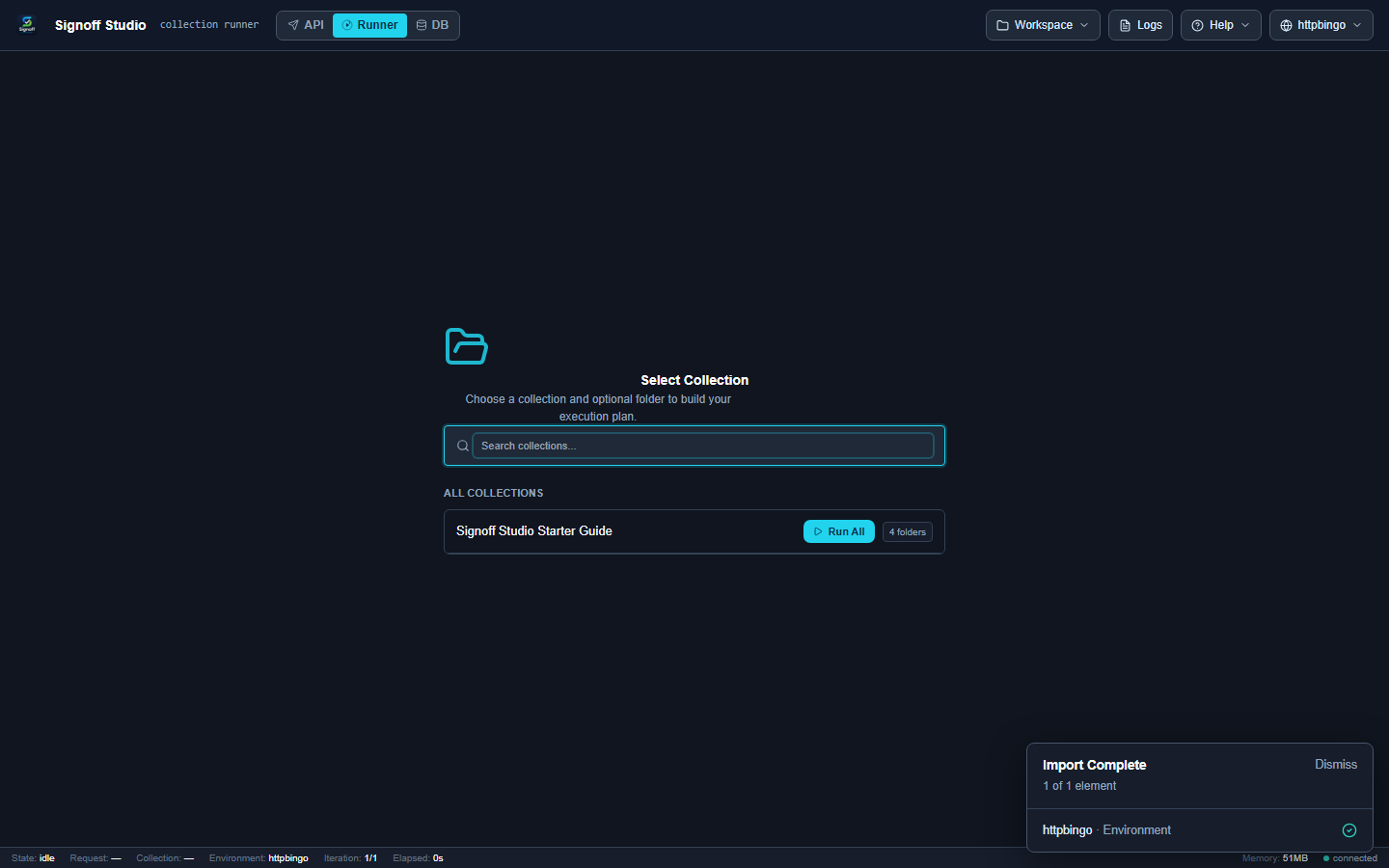
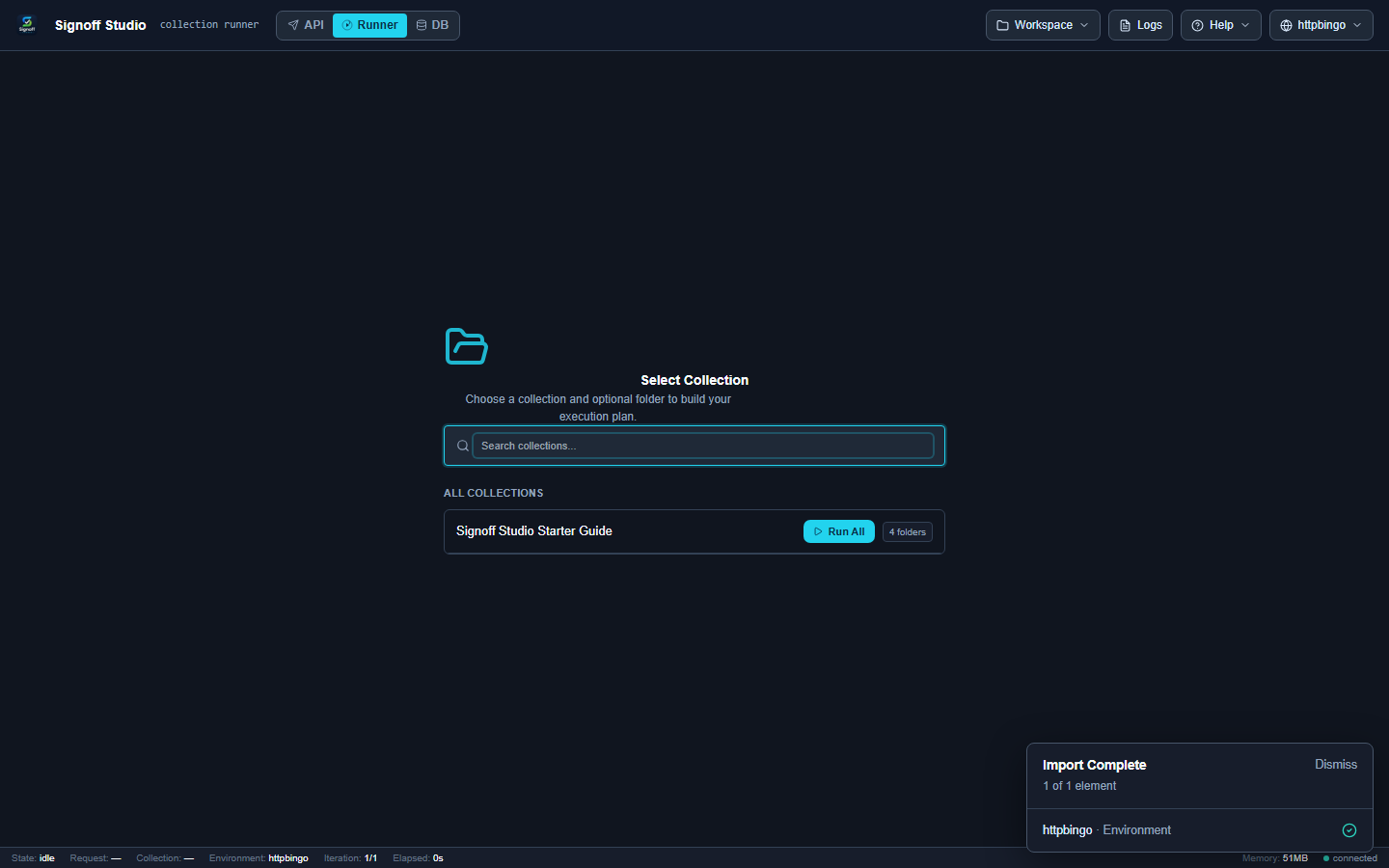
*.signoff.jsonor Postman v2.1 collection with environments, dotenv, data files, iterations, workers, retries, and reporters (json,html,pdf,junit,csv). - How It Works (Windows App): Export or save collection/env files from the workspace, then run from PowerShell/terminal. UI Runner remains available for interactive plans.
- How It Works (VS Code Extension): Same CLI from the integrated terminal; optional UI Runner while developing.
- Code / Configuration Examples:
| Flag | Description | Default |
|---|---|---|
-c, --collection <path> |
Collection file (Signoff or Postman v2.1) | required |
-e, --environment <path> |
Environment JSON (Signoff or Postman) | — |
--env-file <path> |
Dotenv file merged after environment JSON | — |
-d, --data <path> |
Data file (CSV/JSON) | — |
-o, --output <dir> |
Report output directory | cwd |
--reporters <formats> |
json,html,pdf,junit,csv (comma-separated) |
json |
-i, --iteration <n> |
Iteration count | 1 |
--delay <ms> |
Delay between requests | 0 |
--retry <n> |
Retry count | 0 |
-w, --workers <n> |
Parallel workers (1 = sequential) |
1 |
--timeout <ms> |
Per-request timeout | 30000 |
--bail |
Stop on first failure | false |
-v, --verbose |
Verbose logging | false |
--var <pair...> |
key=value overrides (highest precedence) |
— |
--folder <nameOrId> |
Run a single folder | — |
--request <nameOrId...> |
Run one or more requests | — |
npm run runner -- run \
  -c ./signoff-studio-starter.signoff.json \
  -e ./signoff-studio-starter.httpbingo.signoff.env.json \
  --reporters json,html,junit \
  -o ./reports \
  --bail -v
Exit codes: 0 ok · 1 failures (including assertions) · 2 usage/load/validation.
- Edge Cases, Troubleshooting & Pro-Tips:
- PDF needs Chrome/Edge or
SIGNOFF_CHROME_PATH(otherwise preferhtml). --varwins over env JSON and dotenv — use for CI secrets injection.- Scope with
--folder/--requestfor fast PR checks.
- PDF needs Chrome/Edge or
Load testing (npm run runner -- load)
- Platform Availability: Full Parity (CLI)
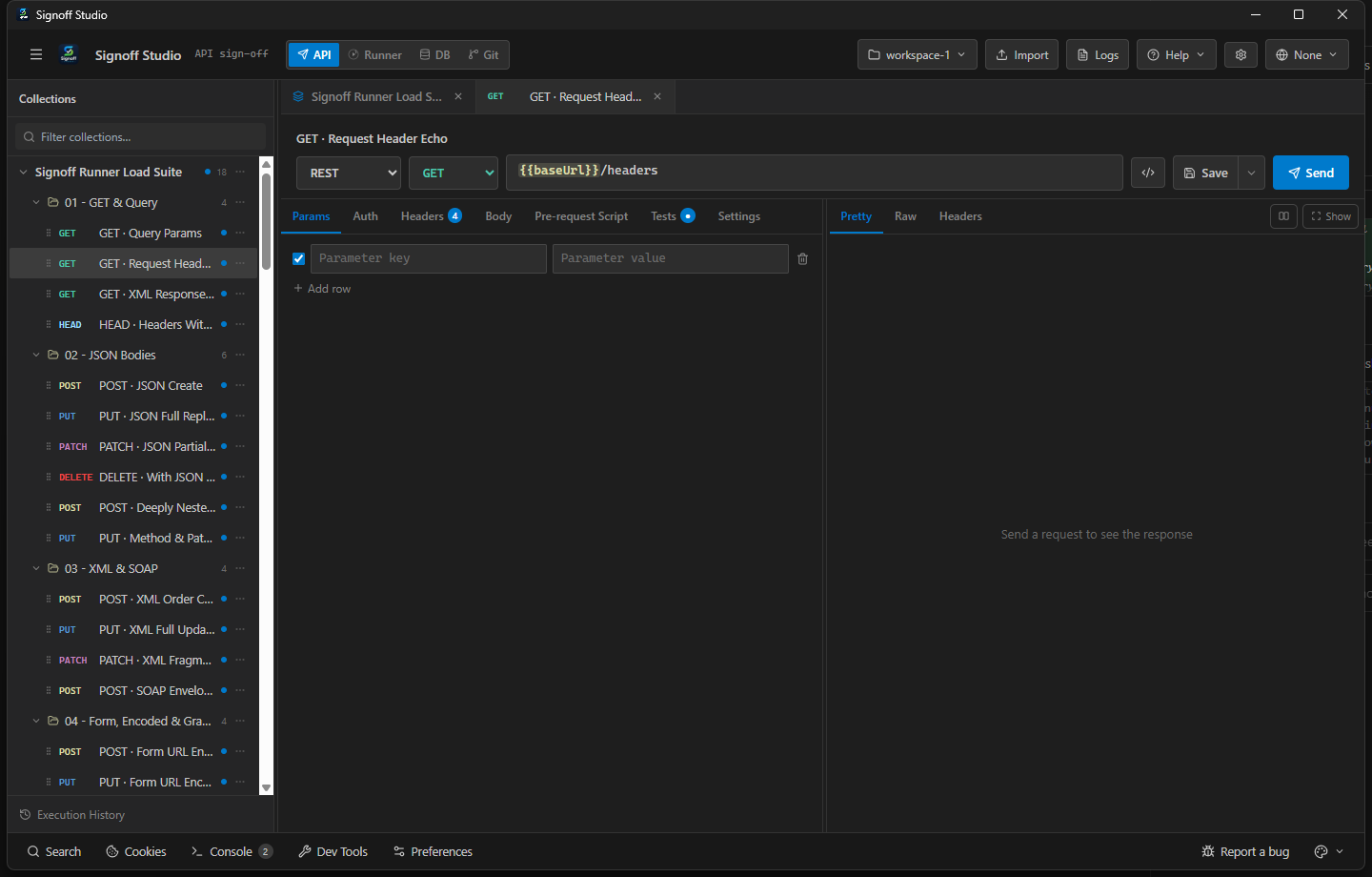
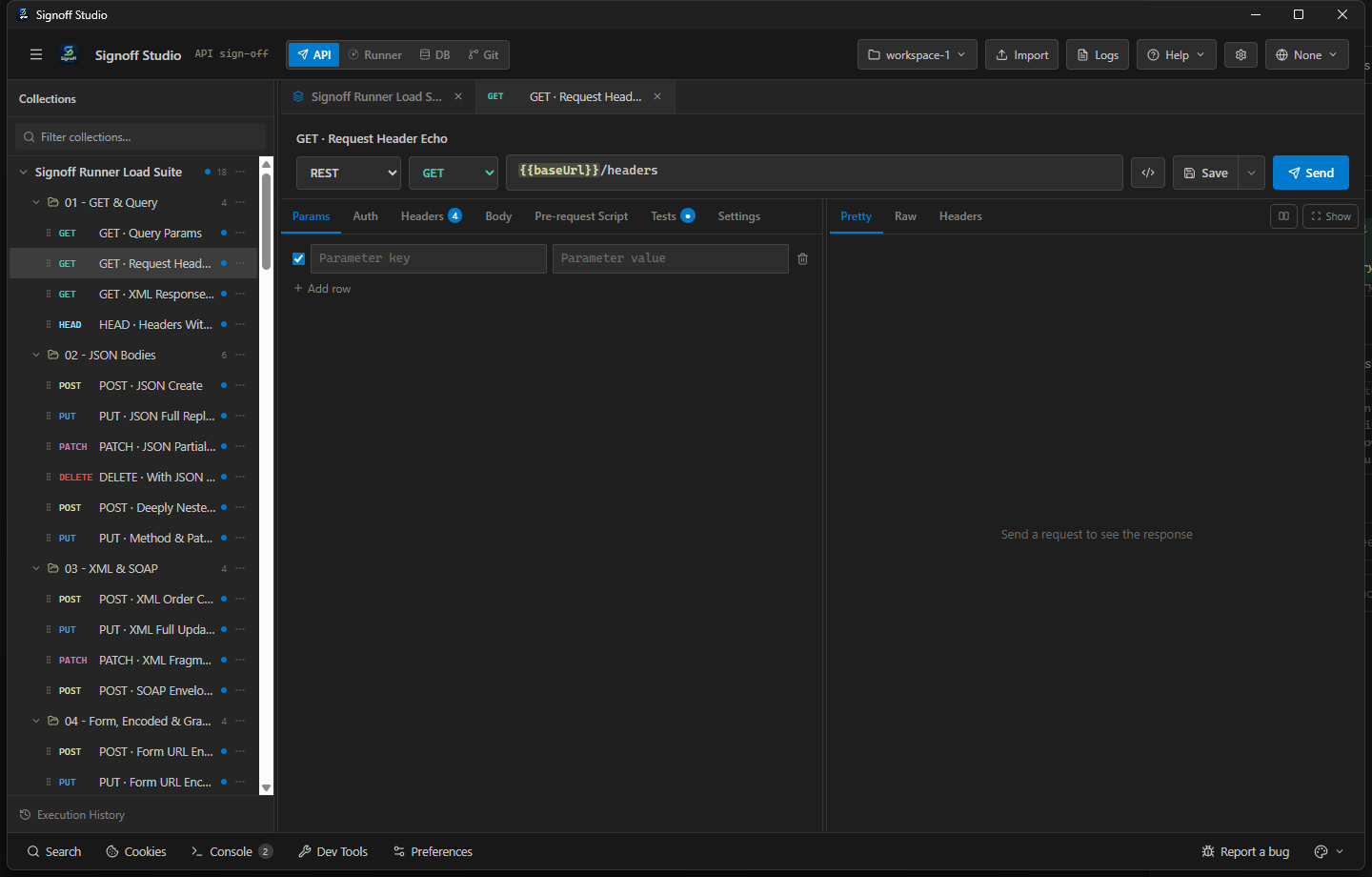
- Overview: Process-local VU sessions with ramp, think time, and optional p95 / error-rate gates. See Load testing for UI parity.
- How It Works (Windows App): Use Load panel or CLI; CLI preferred for automation.
- How It Works (VS Code Extension): Same.
- Code / Configuration Examples:
| Flag | Description | Default |
|---|---|---|
-c, --collection <path> |
Collection file | required |
-e, --environment <path> |
Environment JSON | — |
--env-file <path> |
Dotenv merged after env JSON | — |
-o, --output <dir> |
Load JSON report directory | cwd |
--vus <n> |
Virtual users | 10 |
--users <n> |
Alias for --vus |
— |
--duration <ms> |
Steady-state duration | 30000 |
--duration-ms <ms> |
Alias for --duration |
— |
--ramp-up <ms> |
Ramp 0→N | 0 |
--ramp-down <ms> |
Drain after duration | 0 |
--think-time <ms> |
Pause between iterations per VU | 0 |
--p95 <ms> |
Fail if p95 exceeds | — |
--error-rate <rate> |
Fail if error rate exceeds (0–1) | — |
--max-vus <n> |
Soft VU cap (hard 200) | 50 |
-v, --verbose |
Verbose progress | false |
--var <pair...> |
key=value overrides |
— |
--folder <nameOrId> |
Load one folder | — |
--request <nameOrId...> |
Load specific requests | — |
npm run runner -- load -c ./Pets.signoff.json --vus 20 --duration 60000 --p95 500 --error-rate 0.01 -v
Exit codes: 0 thresholds pass · 1 fail · 2 usage.
- Edge Cases, Troubleshooting & Pro-Tips:
- Not distributed — one process, one machine.
- Soft-capped by
--max-vus(default 50).
Mock server (npm run mock)
- Platform Availability: Full Parity (CLI)
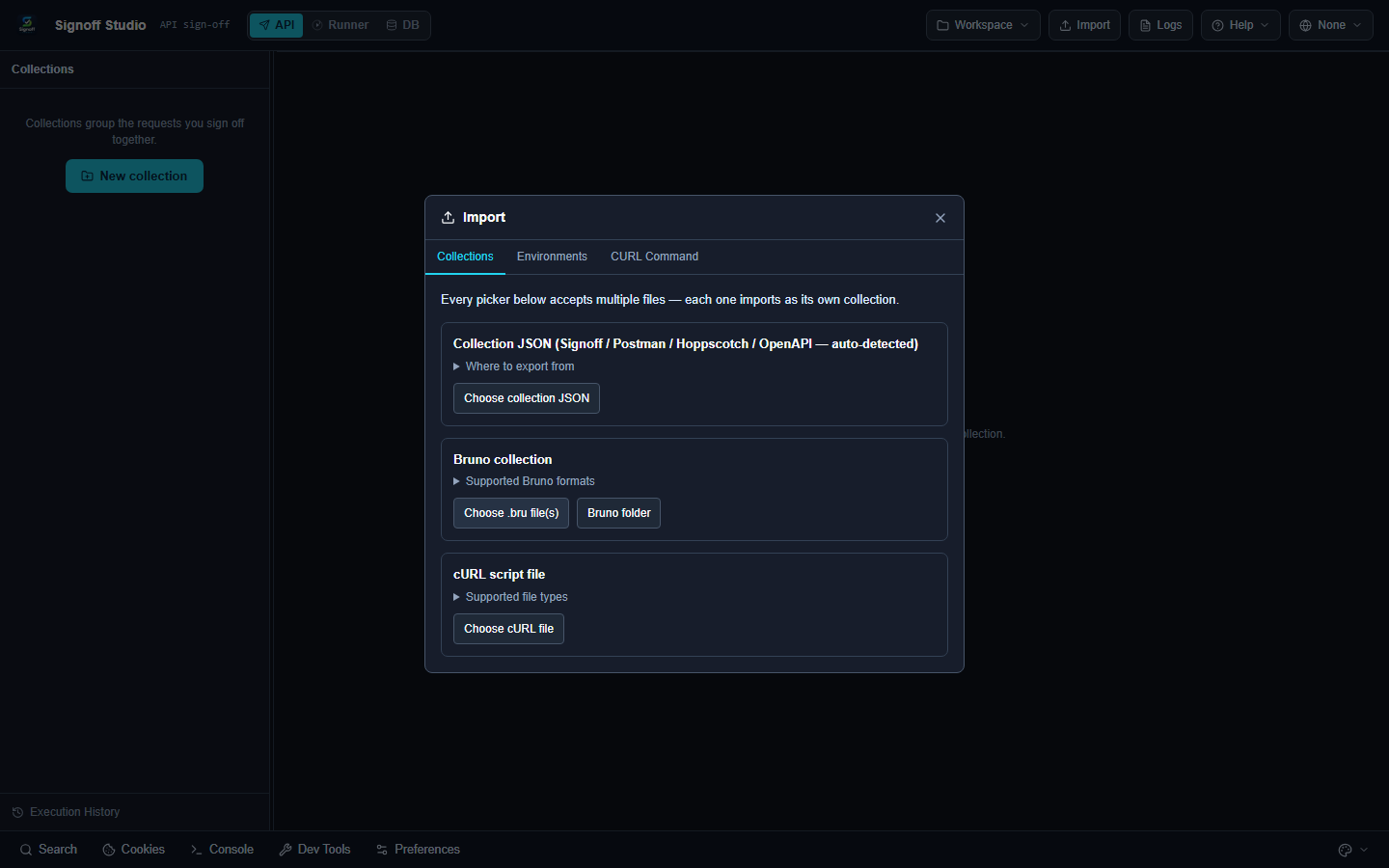
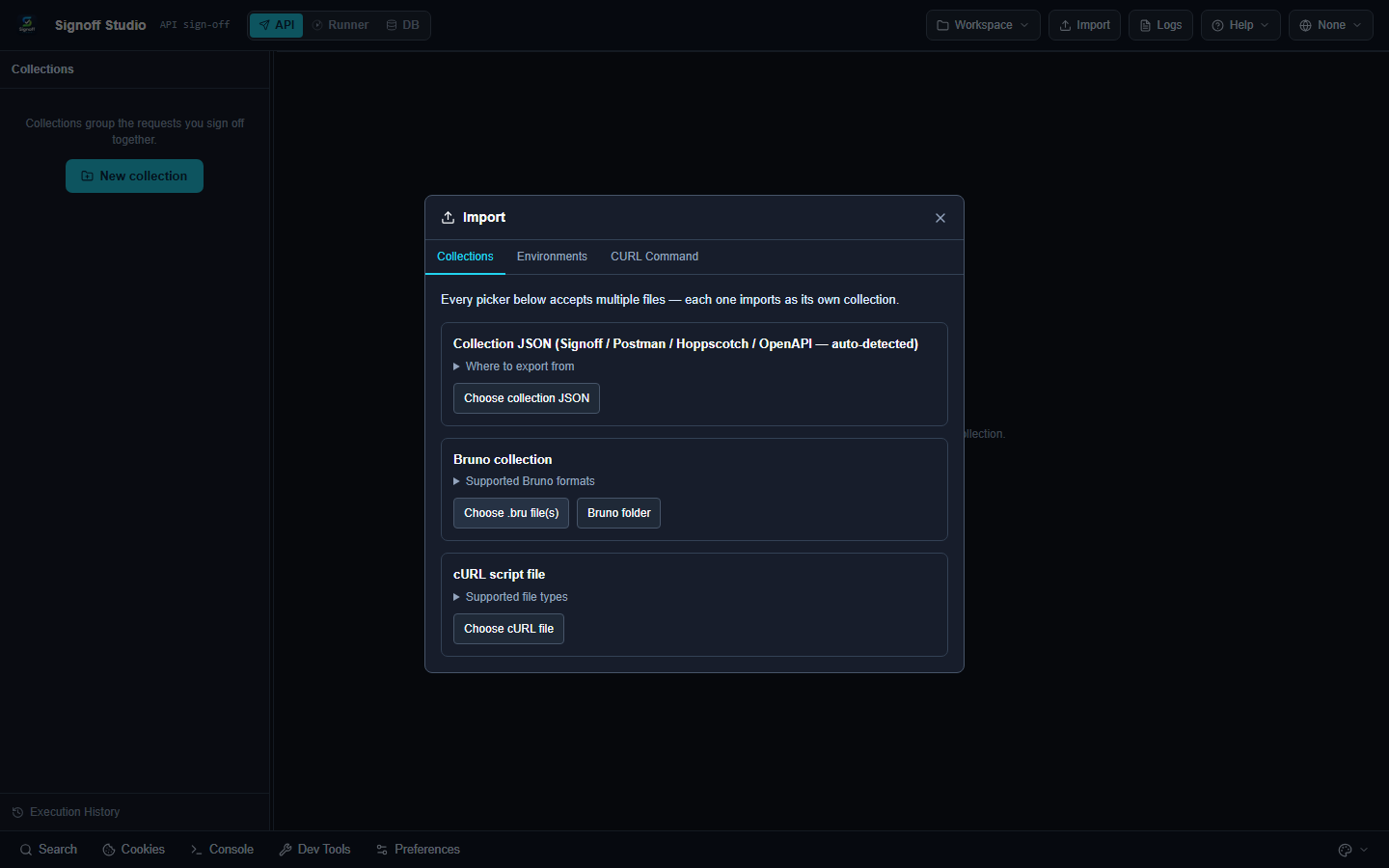
- Overview: Serve a local mock from workspace collection, collection file, or OpenAPI/Swagger. Details in Mocks & OpenAPI.
- How It Works (Windows App): CLI or UI mock actions.
- How It Works (VS Code Extension): CLI from terminal; UI mock from tree.
- Code / Configuration Examples:
| Flag | Description | Default |
|---|---|---|
-w, --workspace <path> |
Absolute Signoff workspace folder | — |
-c, --collection <id|name|file> |
Collection id/name or file | — |
--folder <id|name> |
Folder when using a workspace | — |
-o, --openapi <path> |
OpenAPI/Swagger JSON or YAML | — |
-p, --port <n> |
Port (0 = ephemeral) |
0 |
--quiet |
Less request logging | false |
npm run mock -- --openapi ./petstore.yaml --port 0
npm run mock -- -w C:/abs/workspace -c Pets --folder smoke
- Edge Cases, Troubleshooting & Pro-Tips:
- Require workspace+collection, collection file, or
--openapi. - Absolute workspace paths only;
..rejected.
- Require workspace+collection, collection file, or
MCP server (npm run mcp)
- Platform Availability: Full Parity (local stdio MCP)
- Overview: Stdio MCP server (
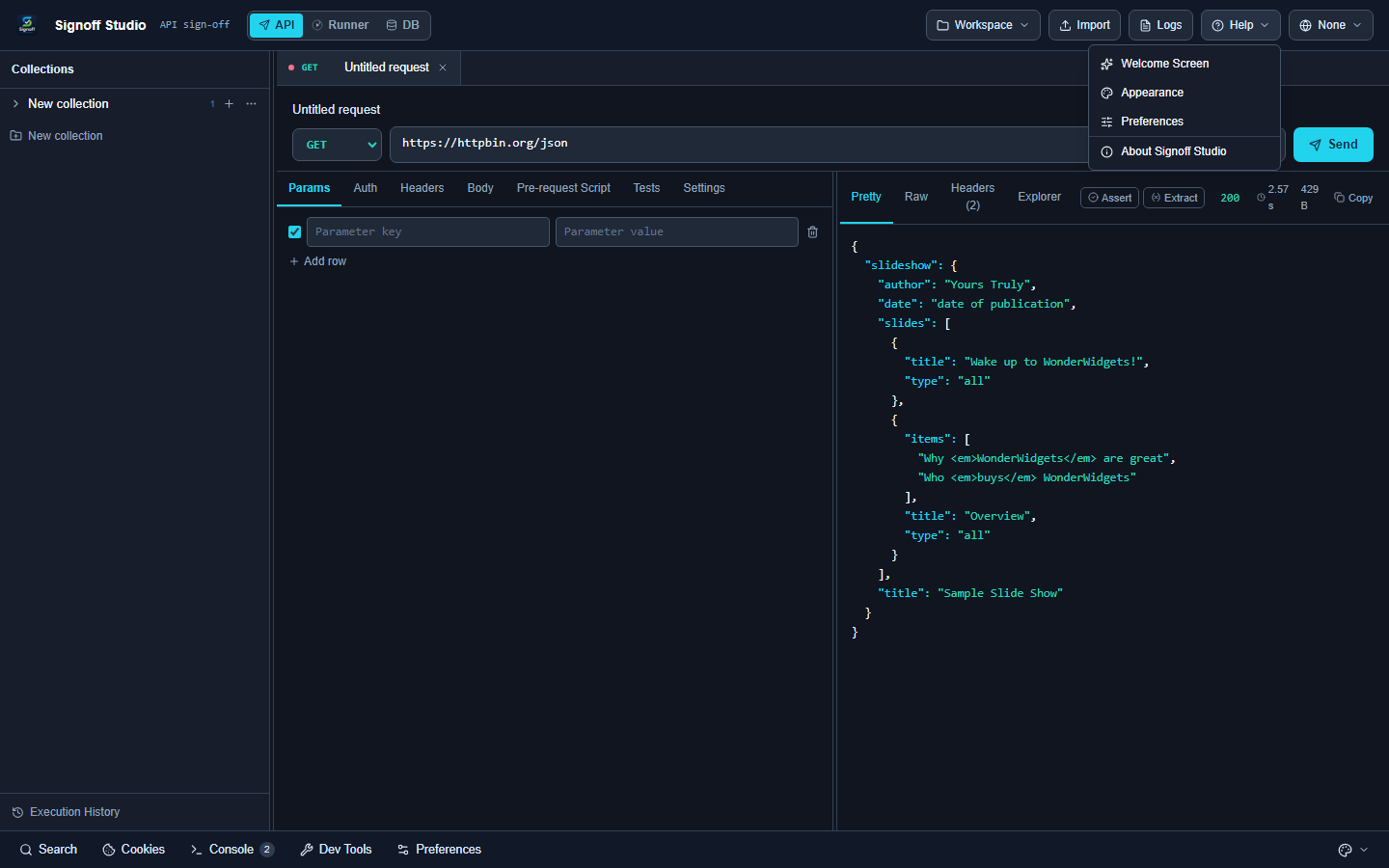
signoff-studio) so Cursor or other local MCP clients can list and run collections. Read/execute only — no tool writes collection files. Secrets redacted in tool output. - How It Works (Windows App): Copy MCP snippet from collection Settings/toolbar when available; run with absolute
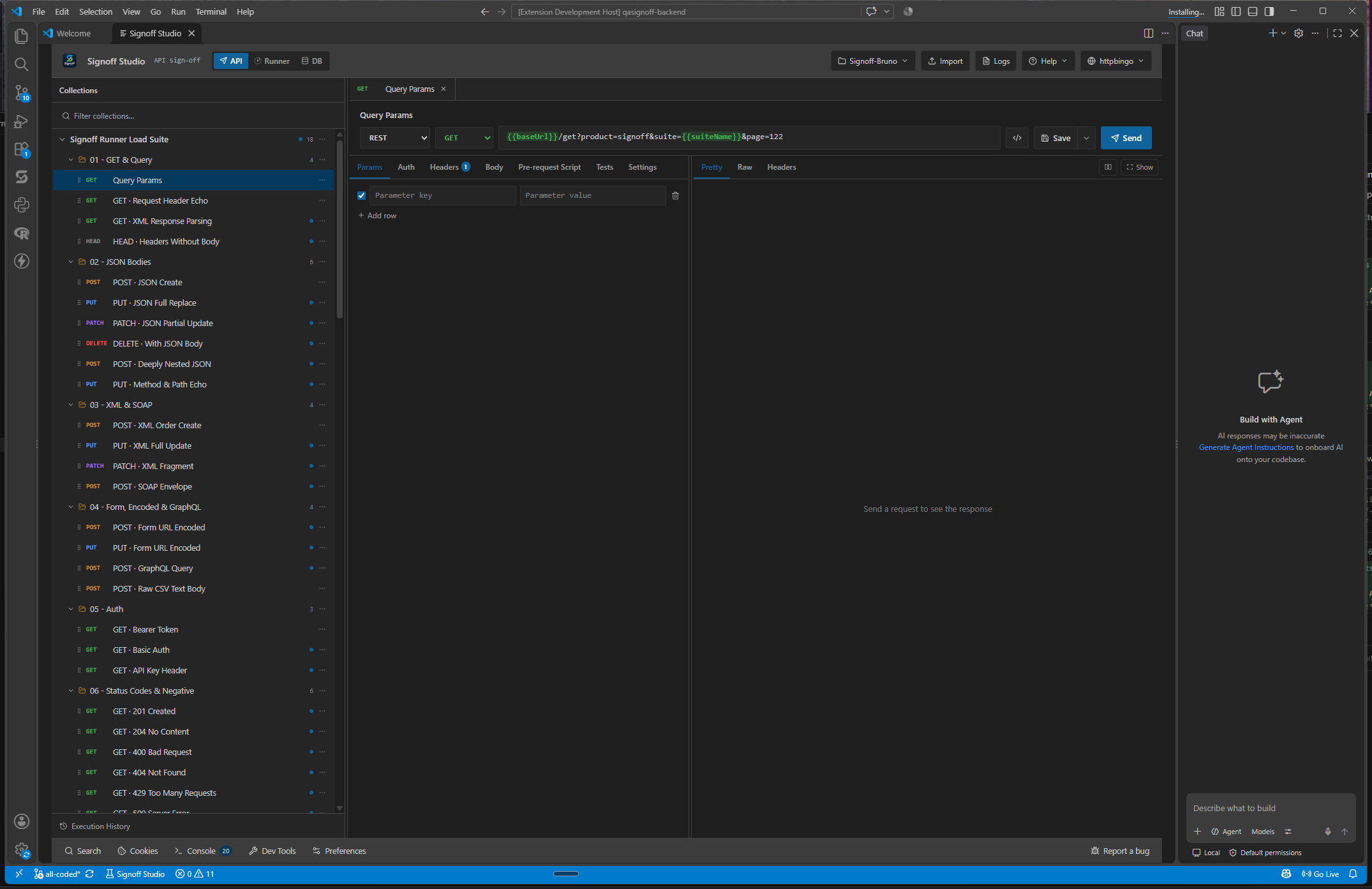
--workspace. - How It Works (VS Code Extension): Same server process; configure in Cursor/
mcp.jsonindependently of the VS Code Signoff webview.
- Code / Configuration Examples:
| Flag / env | Description |
|---|---|
-w, --workspace <path> |
Absolute workspace folder or collection file |
SIGNOFF_WORKSPACE |
Used when --workspace omitted |
SIGNOFF_COLLECTION |
Alternate env fallback |
SIGNOFF_MCP_MAX_REQUESTS |
Override run_collection default cap (50) |
npm run mcp -- --workspace C:/absolute/path/to/workspace
Cursor / MCP client config:
{
  "mcpServers": {
    "signoff-studio": {
      "command": "node",
      "args": [
        "C:/signoff-studio/signoff-studio-tool/qasignoff-backend/src/mcp/server.mjs",
        "--workspace",
        "C:/absolute/path/to/workspace"
      ]
    }
  }
}
MCP tools
| Tool | Arguments | Result |
|---|---|---|
list_collections |
— | id, name, request count |
list_environments |
— | id, name |
list_requests |
collectionId?, folderId?, query? |
id, name, method, url, protocol |
get_request |
requestId |
request JSON (secrets redacted) |
run_request |
requestId, environmentId?, vars? |
status, time, size, body preview (~12KB), assert summary |
run_collection |
collectionId?, folderId?, environmentId?, bail?, confirmLarge? |
summary + failed request ids |
{
  "name": "run_request",
  "arguments": {
    "requestId": "GET · Query Params",
    "environmentId": "httpbingo",
    "vars": { "suiteName": "mcp-smoke" }
  }
}
- Edge Cases, Troubleshooting & Pro-Tips:
run_collectionstops after 50 requests unlessconfirmLarge: true.- Authorization, cookies, and token-like env values are redacted in responses.
- One workspace per MCP process; restart to switch roots.
- Point requests at
npm run mockfor fully local agent loops.
Workspace normalize (related CLI)
- Platform Availability: Full Parity (CLI utility in backend package)
- Overview:
workspace:normalize(package script) repairs/normalizes on-disk workspace layout for Git-friendly collections. Use when migrating legacy state or after manual file edits.
npm run workspace:normalize -- --workspace C:/absolute/path/to/workspace
- Edge Cases, Troubleshooting & Pro-Tips: Commit after normalize so teammates share the same layout.