Signoff Studio Docs
Mocks & OpenAPI
Spin up a local mock server from a collection/folder or an OpenAPI/Swagger document. Use it as a smoke target for Runner, CLI, and MCP without leaving the machine.
Start / stop mock from collection or folder
- Platform Availability: Full Parity
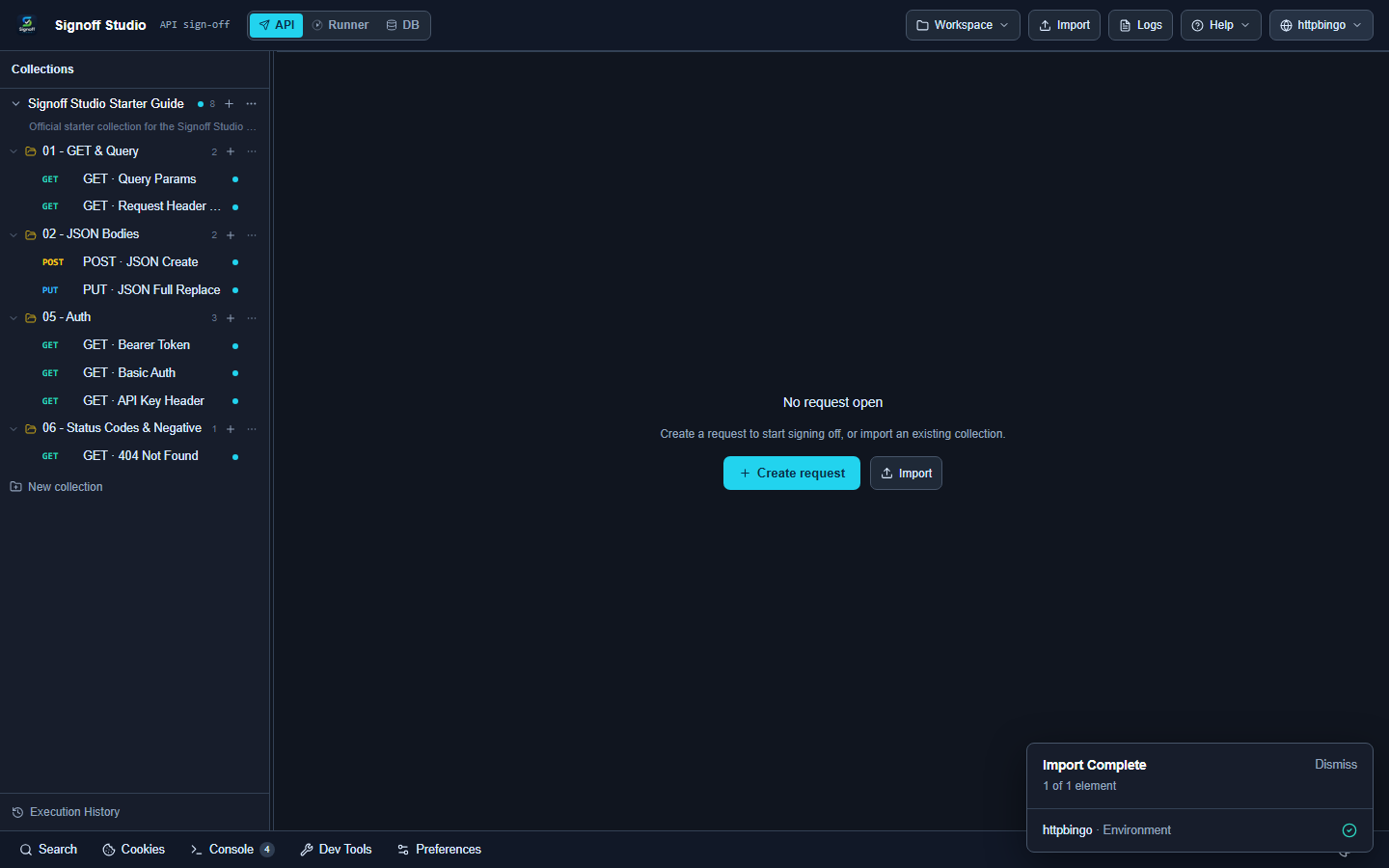
- Overview: Context menus and collection actions can start a mock bound to the selected collection or folder. The mock toolbar shows status, port, and logs; stop returns the port.
- How It Works (Windows App):
- Right-click a collection or folder → Mock (or use collection actions).
- Note the listening port from the mock toolbar.
- Point requests at
http://127.0.0.1:<port>/...; stop when finished.
- How It Works (VS Code Extension):
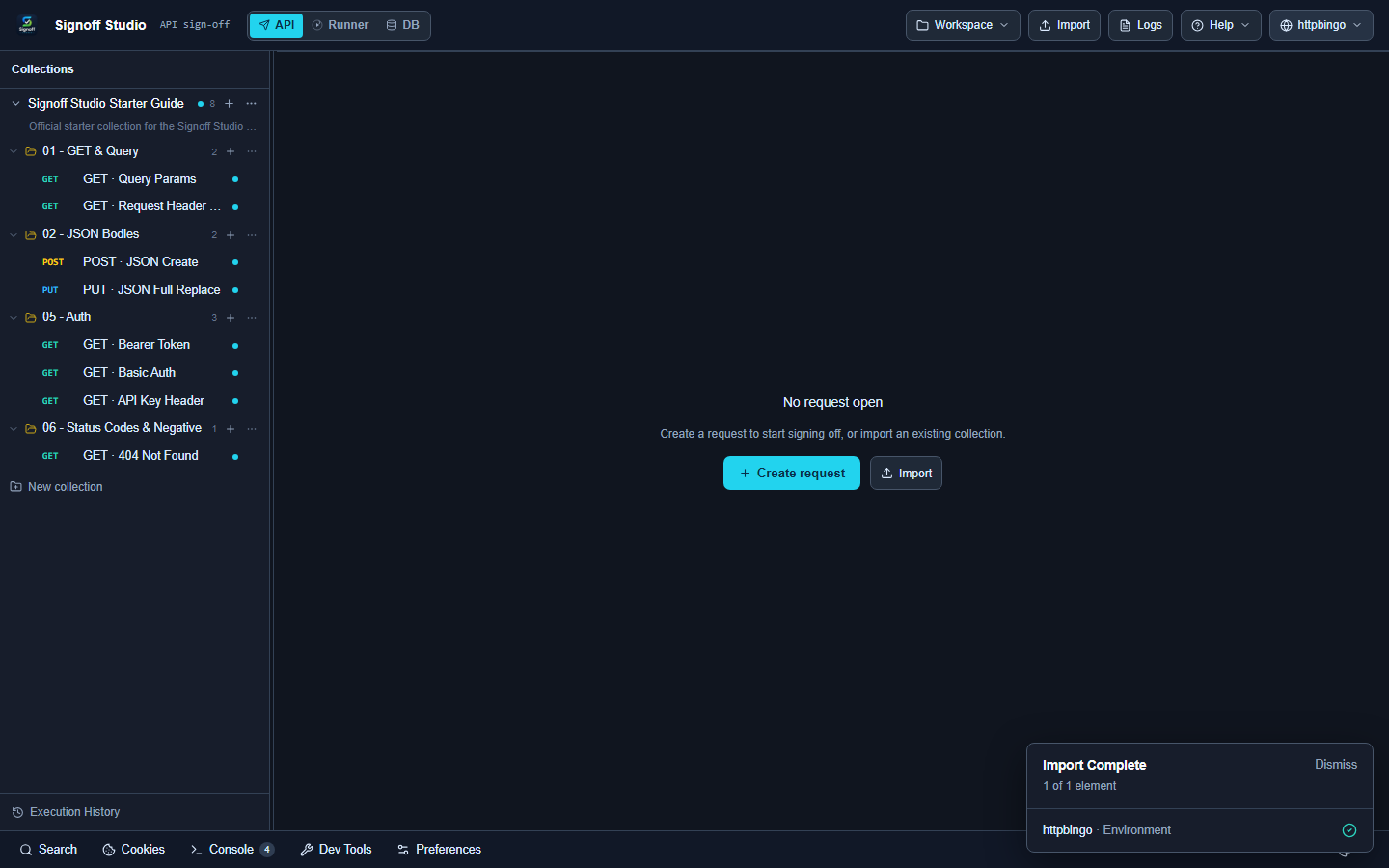
- Same mock actions in the shared webview.
- Mock process is hosted via extension protocol helpers (OpenAPI mock server module).
- Update request
baseUrlor env to the ephemeral port for local runs.
- Code / Configuration Examples:
# Point an environment at the mock
baseUrl=http://127.0.0.1:34567
- Edge Cases, Troubleshooting & Pro-Tips:
- Port
0means ephemeral — read the assigned port from logs/toolbar every start. - If the collection has a linked OpenAPI spec, the mock can prefer that contract.
- Port
OpenAPI / Swagger-driven mock (CLI)
- Platform Availability: Full Parity (CLI)
- Overview:
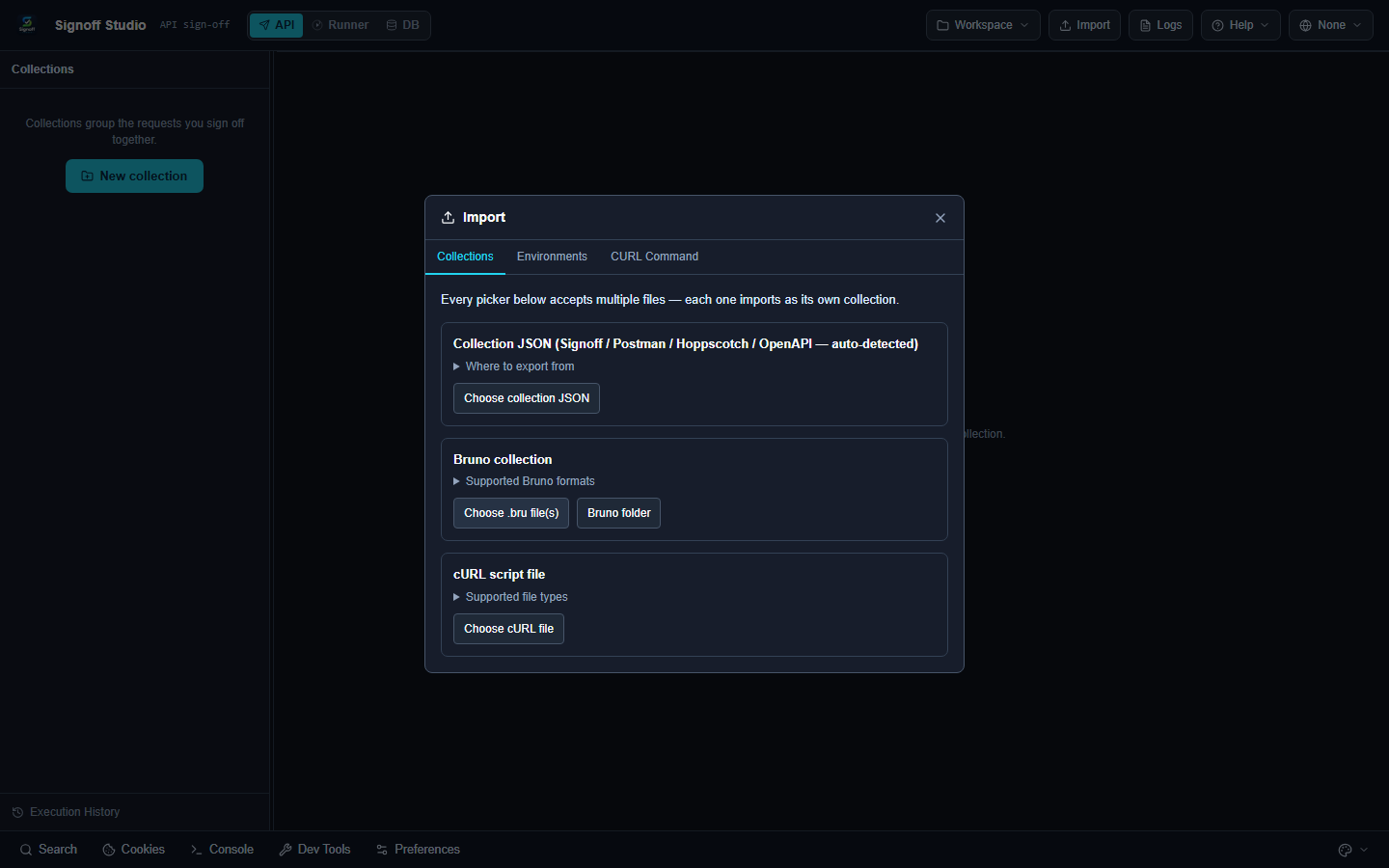
npm run mockserves from--openapi, a workspace collection, or a standalone collection file. Ideal for agents and CI smoke targets. - How It Works (Windows App):
- Keep the backend package available (
qasignoff-backend). - Run mock against OpenAPI YAML/JSON or workspace collection.
- Hit the printed base URL from API mode or Runner.
- Keep the backend package available (
- How It Works (VS Code Extension):
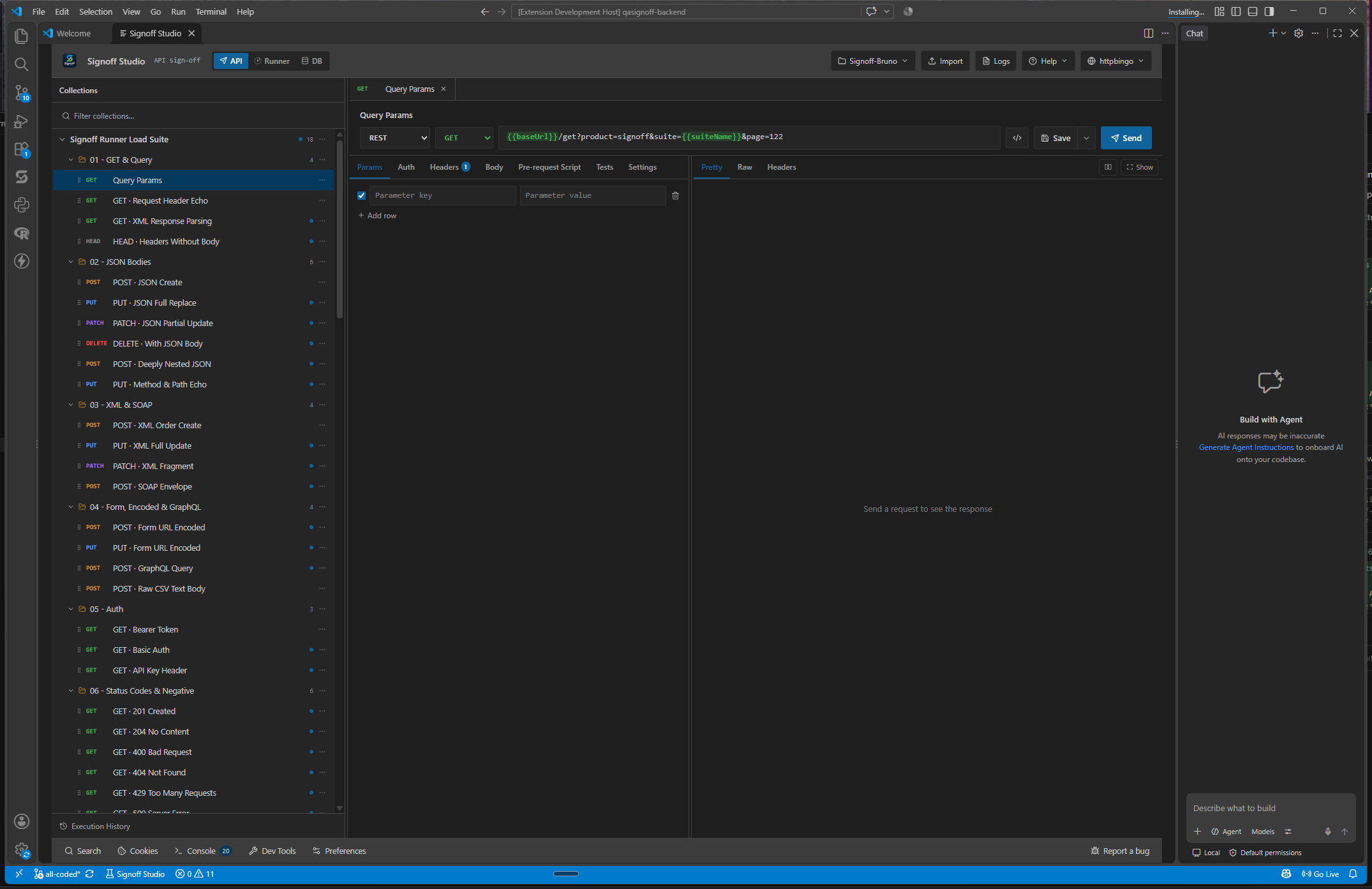
- Run the same CLI from the integrated terminal.
- No need to keep the webview open for CLI mock.
- Use MCP
run_requestagainst mock URLs for agent loops.
- Code / Configuration Examples:
| Flag | Description | Default |
|---|---|---|
-w, --workspace <path> |
Absolute Signoff workspace folder | — |
-c, --collection <id|name|file> |
Collection in workspace, or collection file | — |
--folder <id|name> |
Optional folder when using a workspace | — |
-o, --openapi <path> |
OpenAPI/Swagger JSON or YAML | — |
-p, --port <n> |
Port (0 = ephemeral) |
0 |
--quiet |
Less request logging | false |
npm run mock -- --openapi ./petstore.yaml --port 0
npm run mock -- --workspace C:/abs/workspace --collection Pets
npm run mock -- --collection ./Pets.signoff.json --port 4010
- Edge Cases, Troubleshooting & Pro-Tips:
- You must pass workspace+collection, a collection file, or
--openapi. --openapioverrides a linked spec when both are present.- Workspace paths must be absolute (no
..segments) for host safety checks.
- You must pass workspace+collection, a collection file, or
Mock toolbar & logs
- Platform Availability: Full Parity
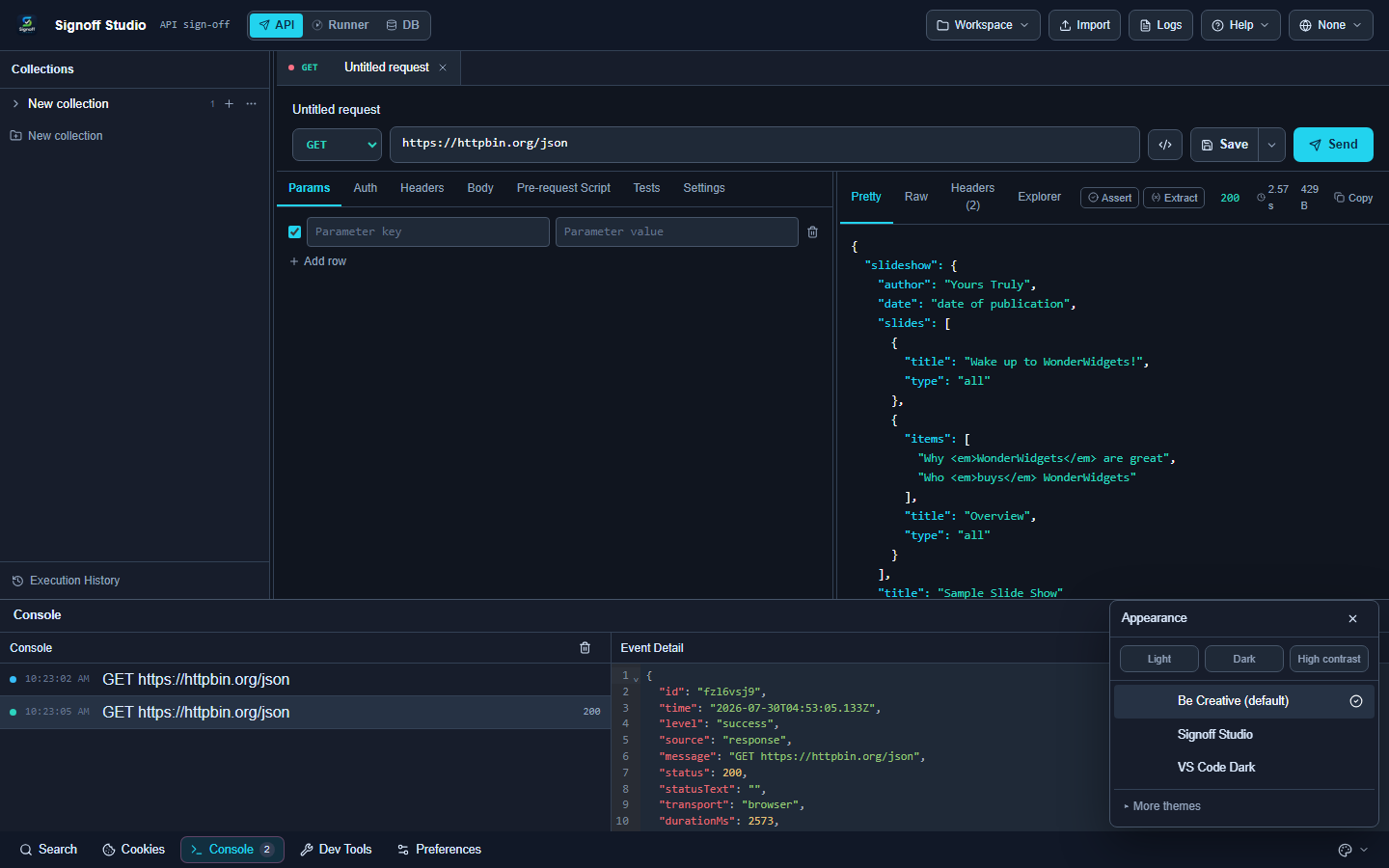
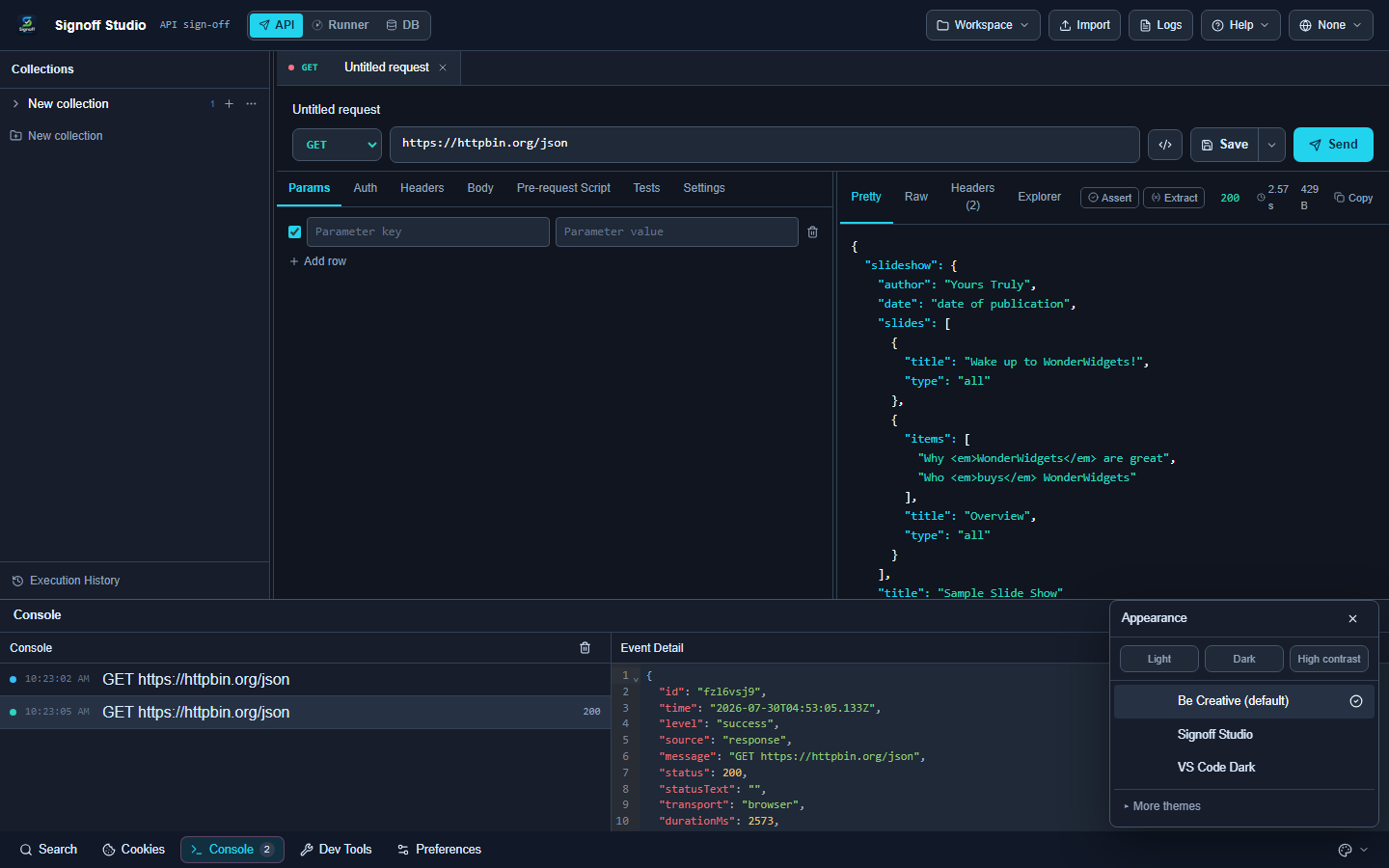
- Overview: While a UI mock is running, the toolbar exposes stop/status and a log stream of incoming requests for quick verification.
- How It Works (Windows App):
- Start mock from the tree.
- Open mock logs; send a request from API mode.
- Confirm method/path/status in the log, then stop.
- How It Works (VS Code Extension):
- Same toolbar/logs in the webview.
- Correlate with bottom Console if script-side errors appear.
- Restore panels if the editor layout hid the mock chrome.
- Code / Configuration Examples:
GET http://127.0.0.1:4010/pets/1
Accept: application/json
- Edge Cases, Troubleshooting & Pro-Tips:
- 404s usually mean path mismatch vs OpenAPI
pathsor collection routes — compare log path to spec. - Parallel mocks need distinct ports; don’t assume a fixed port when using
0.
- 404s usually mean path mismatch vs OpenAPI
OpenAPI import & sync (related)
- Platform Availability: Full Parity
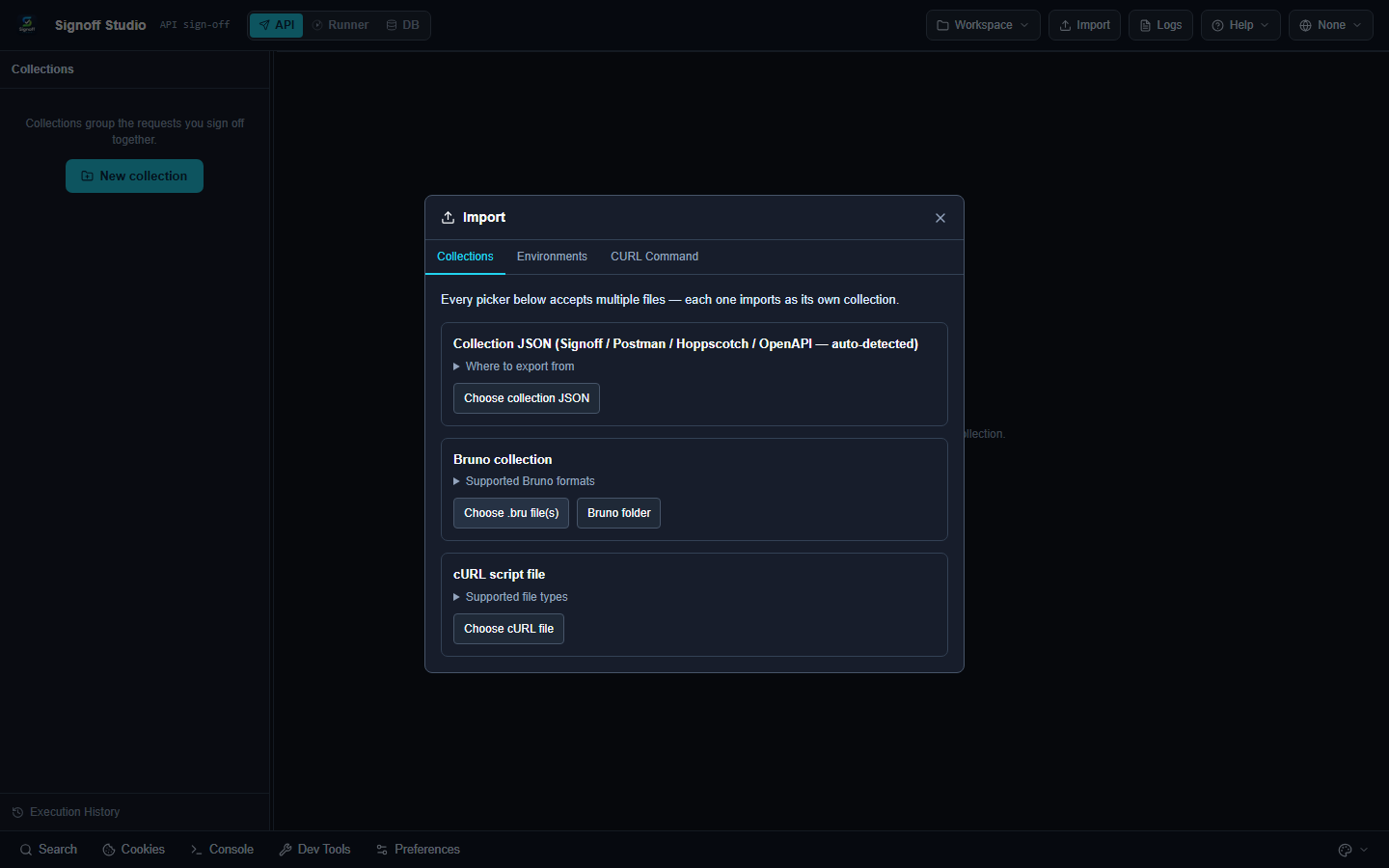
- Overview: Import OpenAPI 3.x / Swagger 2.0 into collections; sync from collection context menus when the source spec changes. Export OpenAPI 3 from Signoff when sharing contracts.
- How It Works (Windows App): Import → choose OpenAPI file → review generated requests → optional Sync OpenAPI later.
- How It Works (VS Code Extension): Same import/sync in the shared shell; reveal generated files on disk via Reveal in File Explorer.
Code / Configuration Examples: See Import / export.
Edge Cases, Troubleshooting & Pro-Tips:
- Generated mocks approximate examples/schemas — not a full stateful backend.
- Prefer contract tests against the real service before release; use mocks for isolation.