Signoff Studio Docs
Troubleshooting
- Platform Availability: Windows App · VS Code Extension
- Overview: Fix the most common Send, Import, environment, Runner, host, and connection failures.
Cannot resolve {{variables}}
- Confirm an environment is selected in the top switcher.
- Open Environments and verify the key exists (Variables vs Secrets).
- Re-send after switching env — Runner also needs the same selection.
Import failed / cURL error
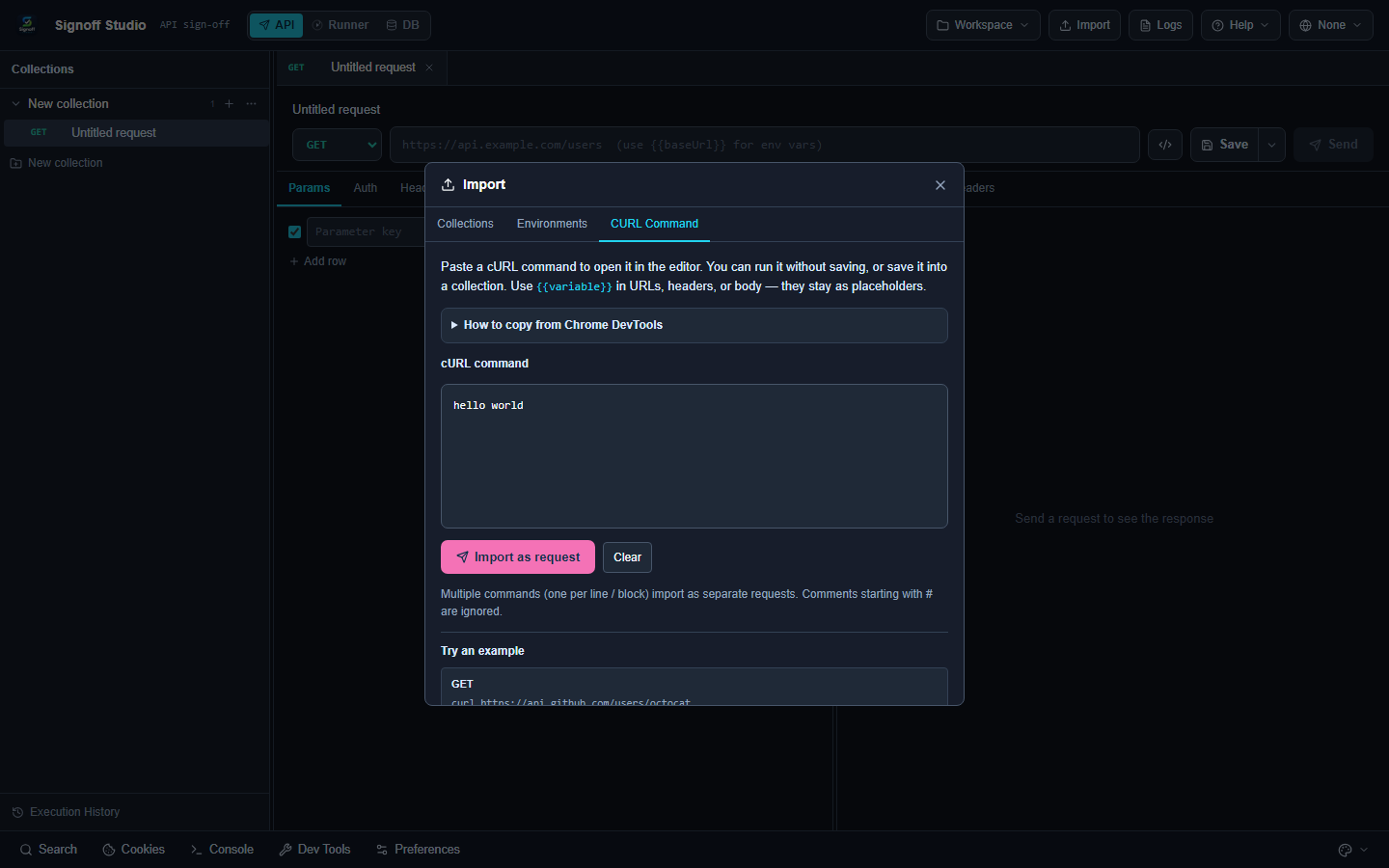
- Validate quotes and line continuations in pasted cURL.
- For Postman/Bruno dumps, wait for the completion dialog — large imports are async.
- Prefer Signoff native format for round-trips.
Send / network failures
- Readable errors must include the endpoint URL (never a bare
Cannot read properties of undefined (reading 'status')). - Check Proxy mode (Windows Settings) and corporate TLS inspection certificates.
- Toggle SSL verification only for local labs — keep it on for real environments.
Runner / monitors
- Schedules fire only while the app or VS Code webview is open.
- For always-on monitors, prefer the Windows Store app.
- PDF reports need Chromium or
SIGNOFF_CHROME_PATH.
VS Code blank webview
- Run Developer: Reload Window.
- Reinstall / update the extension.
- Confirm
qasignoff.openfrom the Command Palette. - Use Restore Response Panel if only the response split is missing.
Database connection errors
- Verify driver, host, port, TLS, and vault password.
- Check driver overlay status/update if a driver pack drifted after upgrade.
- Start with the Sample catalog to confirm the workbench shell is healthy.
Logs
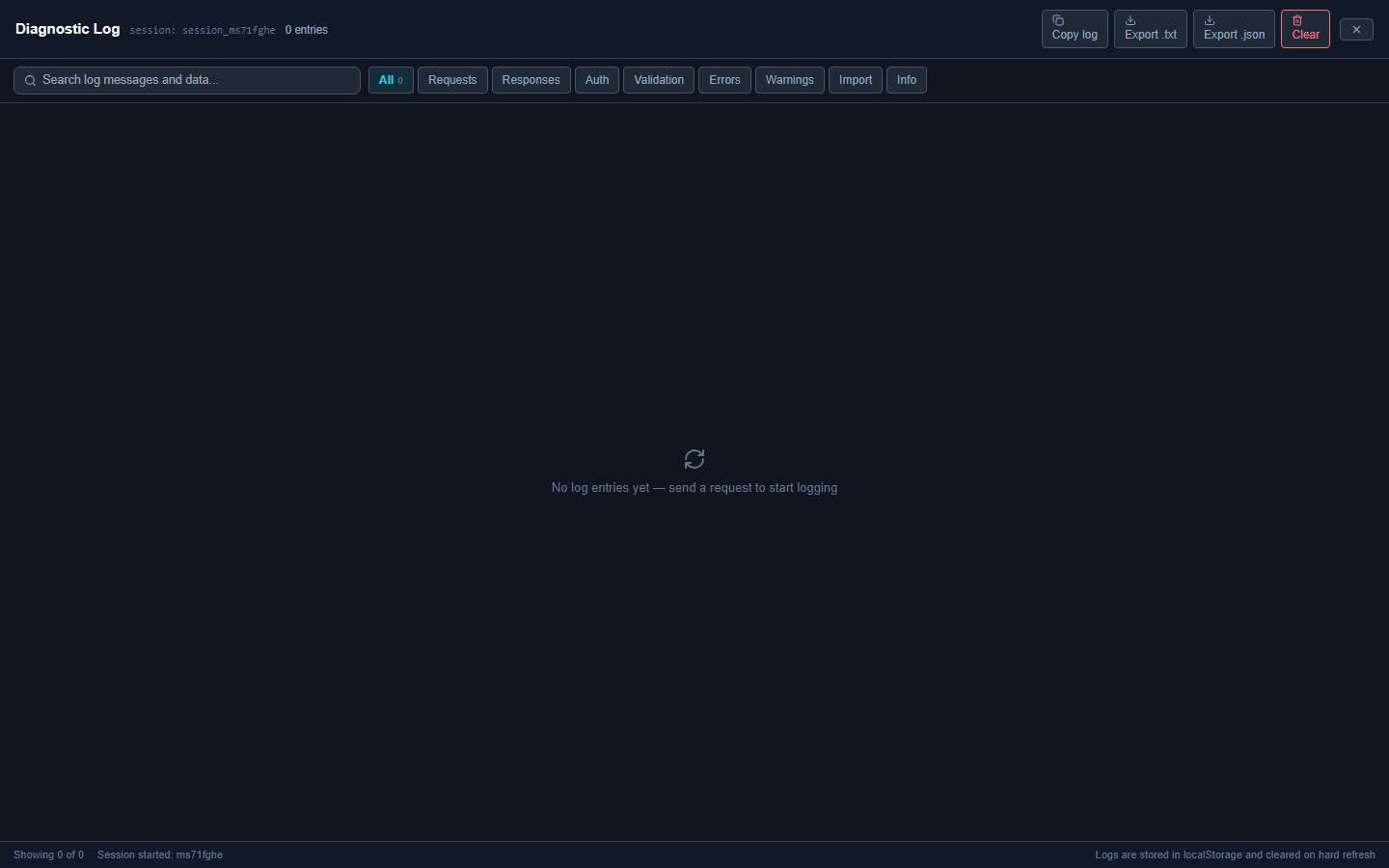
- Windows: Logs top-bar page — enable debug, export bundle, open folder.
- Capture screenshots of the failing state when filing bugs at [email protected].