Signoff Studio Docs
Code generation
- Platform Availability: Windows App · VS Code Extension (shared shell)
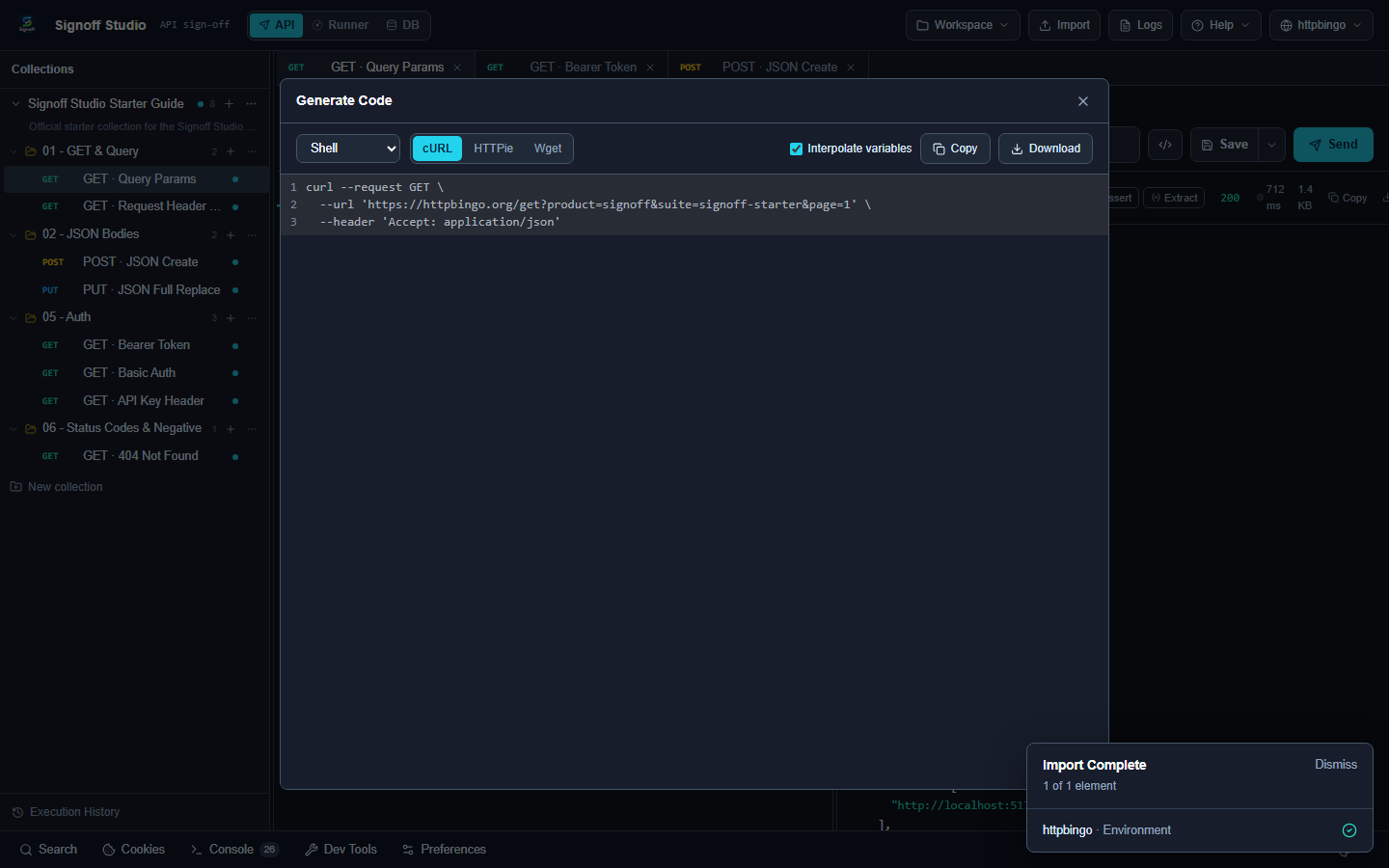
- Overview: Export the active request as cURL, JavaScript, Python, and other httpsnippet targets so you can paste into apps, tickets, or CI.
How It Works (Windows App)
- Open a request in API mode.
- Use Generate Code from the request context menu or the generate-code control.
- Pick a language/target and copy the snippet.
How It Works (VS Code Extension)
- Same Generate Code modal inside the webview.
- Alternatively reveal the request file via Signoff Studio: Reveal in File Explorer if you need the stored definition.
Code / Configuration Examples
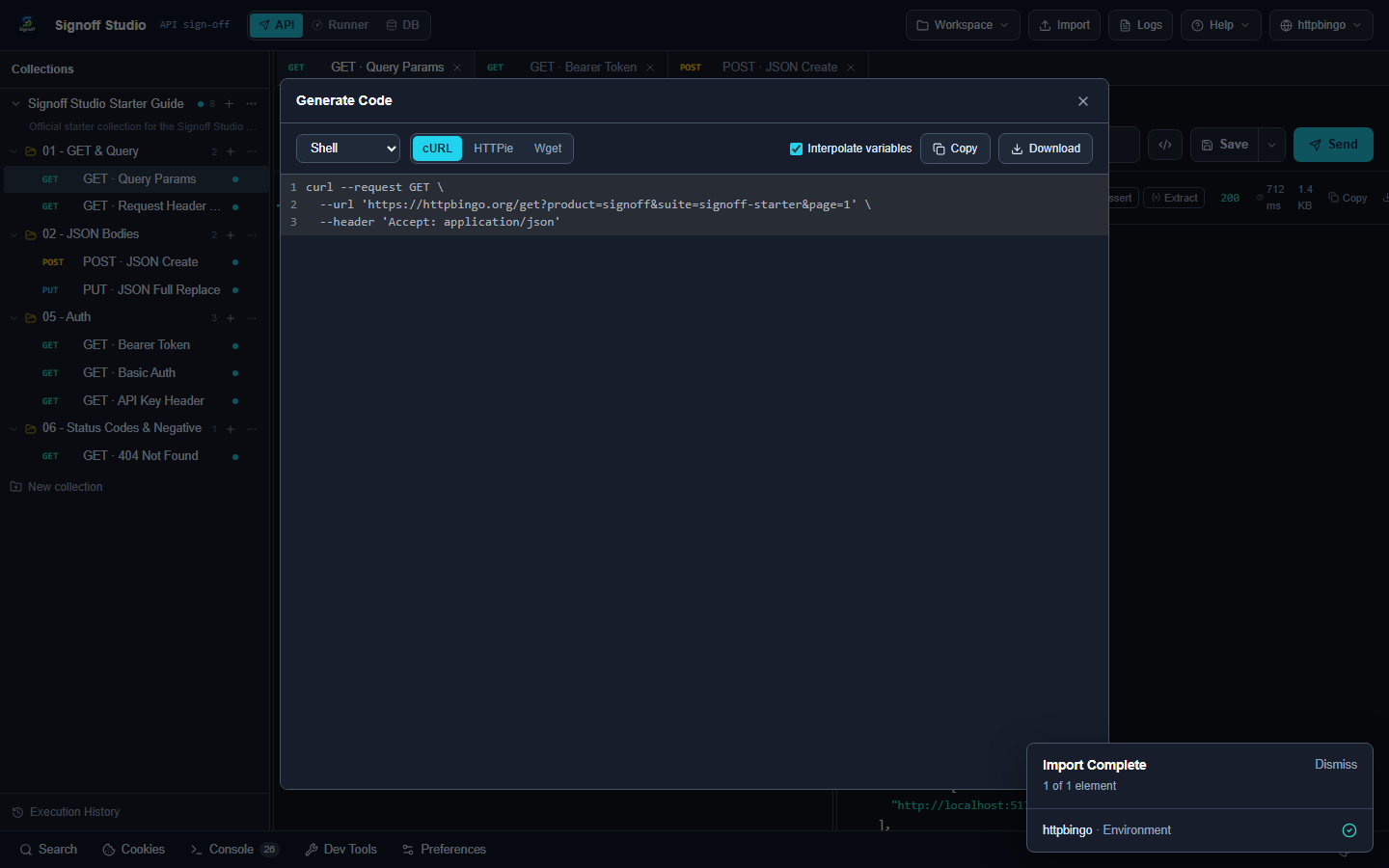
Generated cURL (illustrative):
curl --request GET \
  --url 'https://httpbingo.org/get?foo=bar' \
  --header 'Accept: application/json'
Generated fetch:
const response = await fetch("https://httpbingo.org/get?foo=bar", {
  method: "GET",
  headers: { Accept: "application/json" },
});
const data = await response.json();
Edge Cases, Troubleshooting & Pro-Tips
- Environment variables may appear unresolved in snippets — substitute secrets carefully.
- Prefer cURL for sharing repros in GitHub issues.