Signoff Studio Docs
Workspaces
- Platform Availability: Windows App · VS Code Extension
- Overview: A workspace is a folder of collections, environments, runner config, and DB metadata you can commit to Git. Switch workspaces without losing local-first privacy.
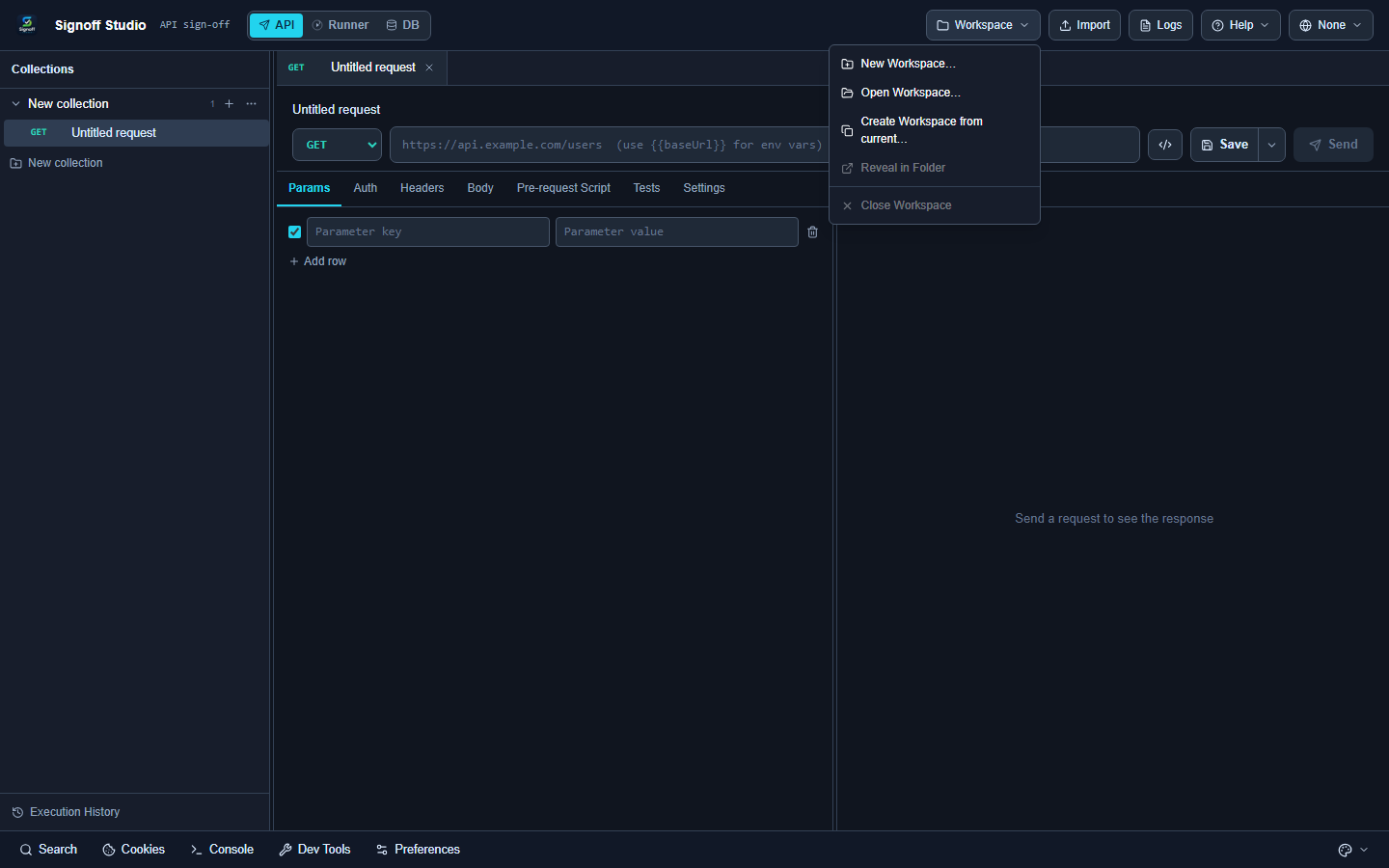
How It Works (Windows App)
- Open the Workspace menu in the top bar.
- New / Open / Import / Manage / Switch / Duplicate as / Reveal / Close / Favorite as needed.
- Default roots live under Documents (Signoff Studio). Uninstall keeps workspace folders.
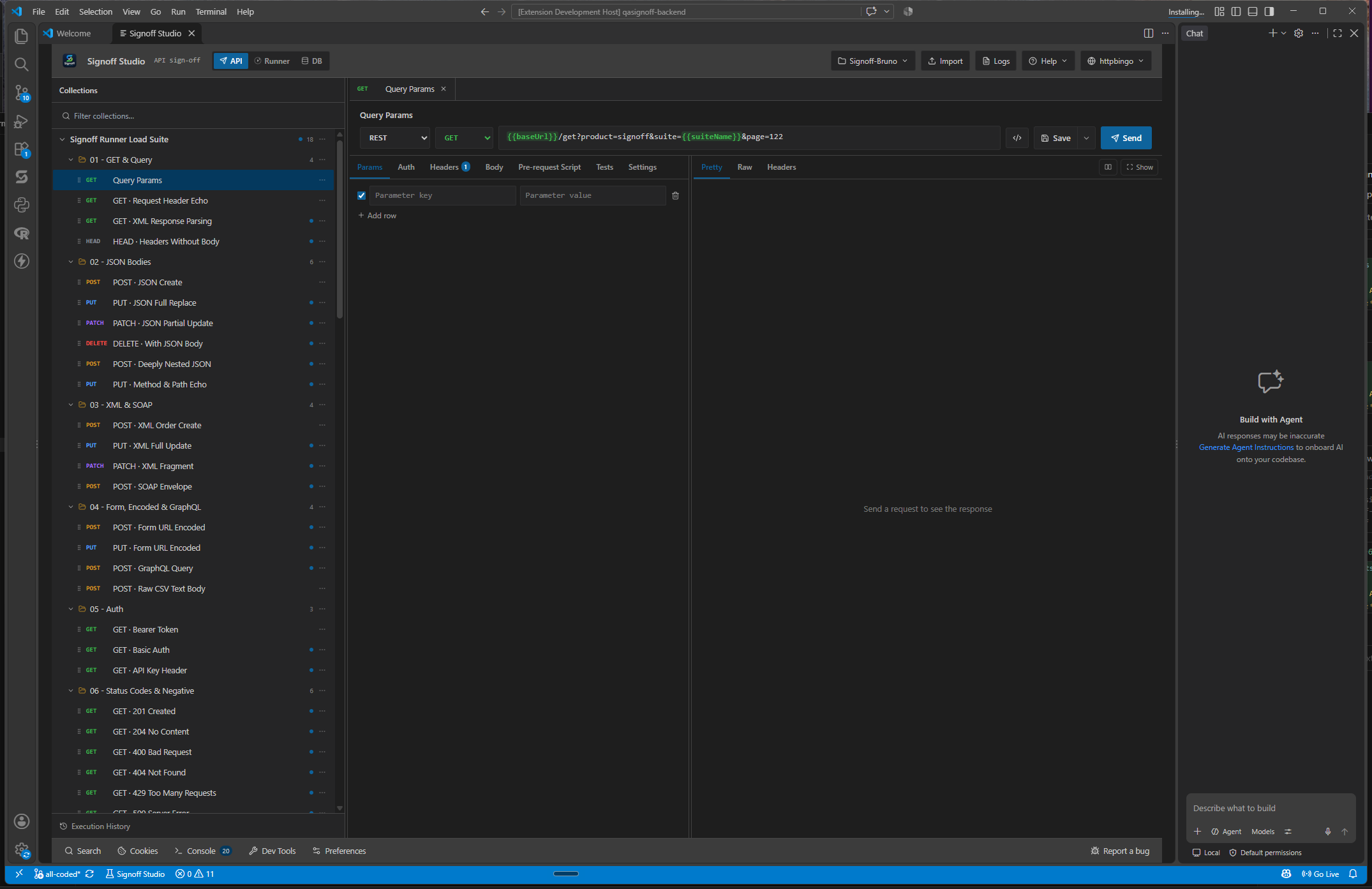
How It Works (VS Code Extension)
Use Command Palette:
| Command | ID |
|---|---|
| New Workspace | qasignoff.newWorkspace |
| Open Workspace | qasignoff.openWorkspace |
| Import Workspace | qasignoff.importWorkspace |
| Manage Workspaces | qasignoff.manageWorkspaces |
| Switch Workspace | qasignoff.switchWorkspace |
Code / Configuration Examples
Typical layout (illustrative):
my-workspace/
  collections/
  environments/
  runner/
    schedules.json
  .signoff/
Edge Cases, Troubleshooting & Pro-Tips
- Dirty indicator (●) means unsaved tab changes — save before switching.
- Prefer one workspace per service or squad for cleaner Git history.
GAP IDENTIFIED: Desktop Workspace menu exposes Duplicate-as / Reveal / Favorite more prominently than VS Code command surface. In VS Code use Manage Workspaces plus Reveal in File Explorer for on-disk access.
Next
- Install
- Git workbench (Windows)