Signoff Studio Docs
Protocols
Signoff Studio speaks REST, GraphQL, WebSocket, SSE, gRPC, and MQTT from the shared API request builder on Windows App v26.8.5 and VS Code Extension v0.2.58.
REST
- Platform Availability: Full Parity
- Overview: Classic HTTP methods with params, auth, headers, bodies (None / JSON / Form / Multipart / Binary / Raw), scripts, and asserts. This is the default protocol for most collections, including the Starter Guide.
- How It Works (Windows App):
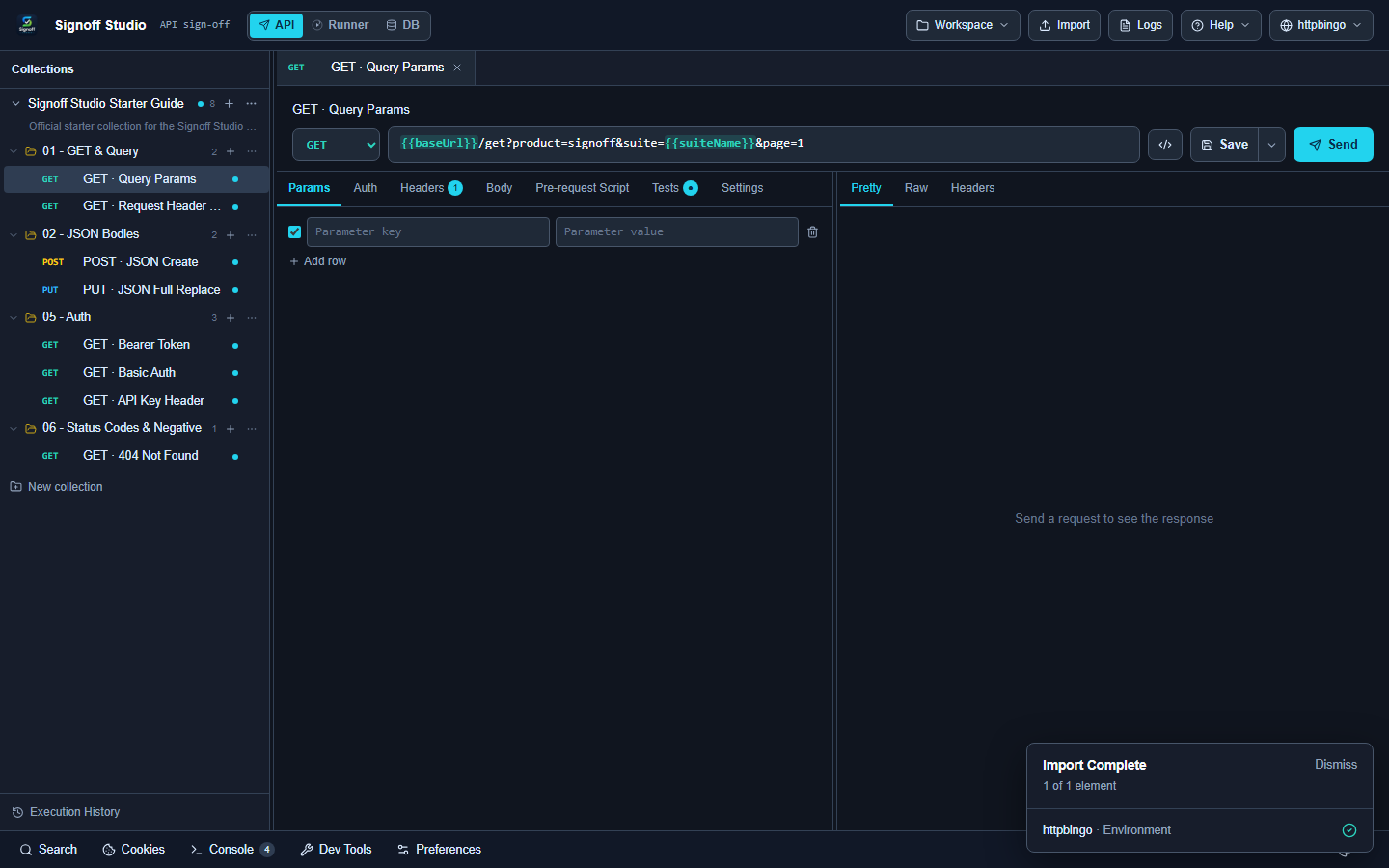
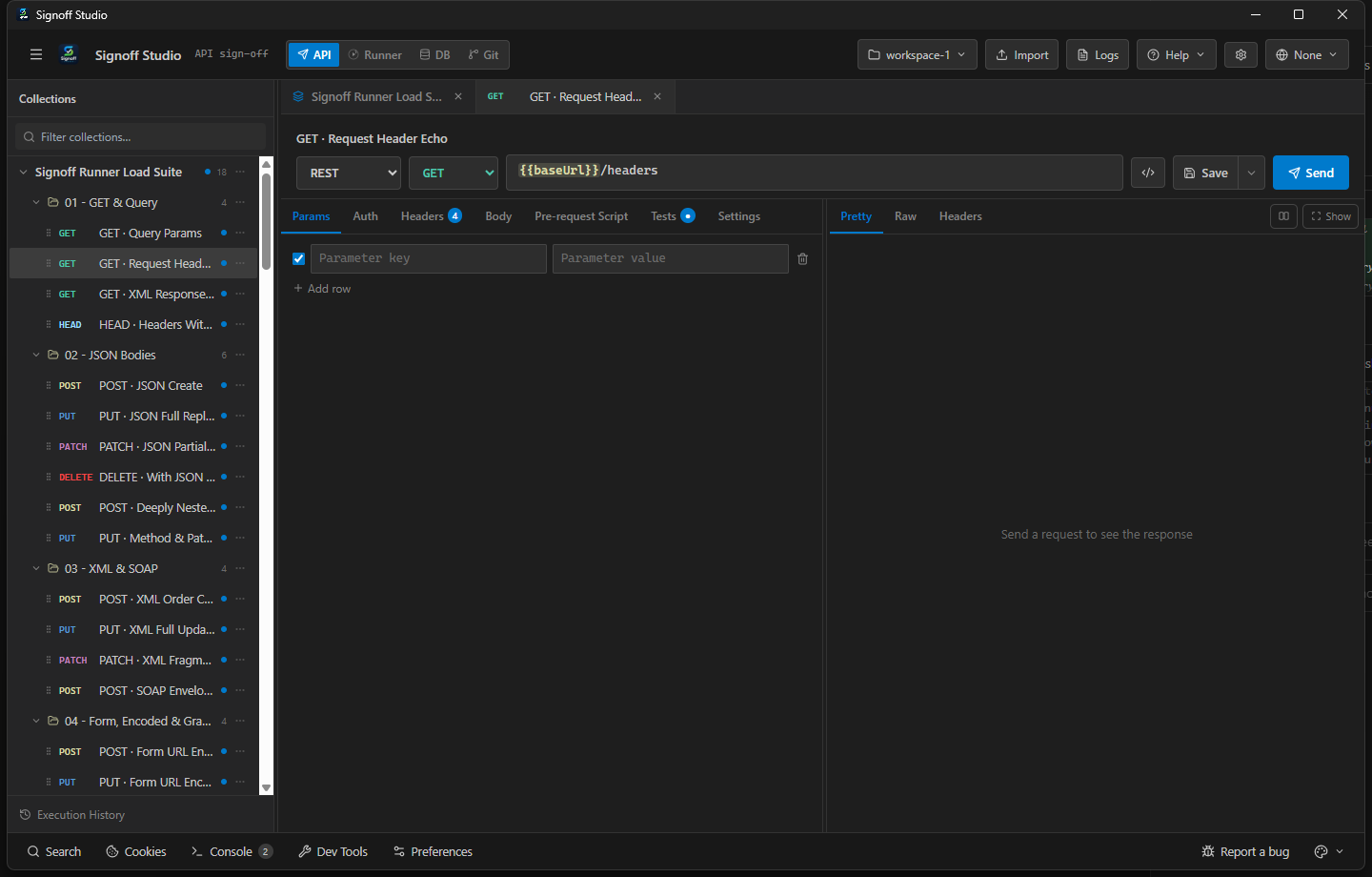
- Open API mode and select or create a request.
- Set method (GET/POST/PUT/PATCH/DELETE/HEAD/OPTIONS) and URL (
{{baseUrl}}/...). - Configure Params / Auth / Headers / Body, then Send (Ctrl+Enter).
- How It Works (VS Code Extension):
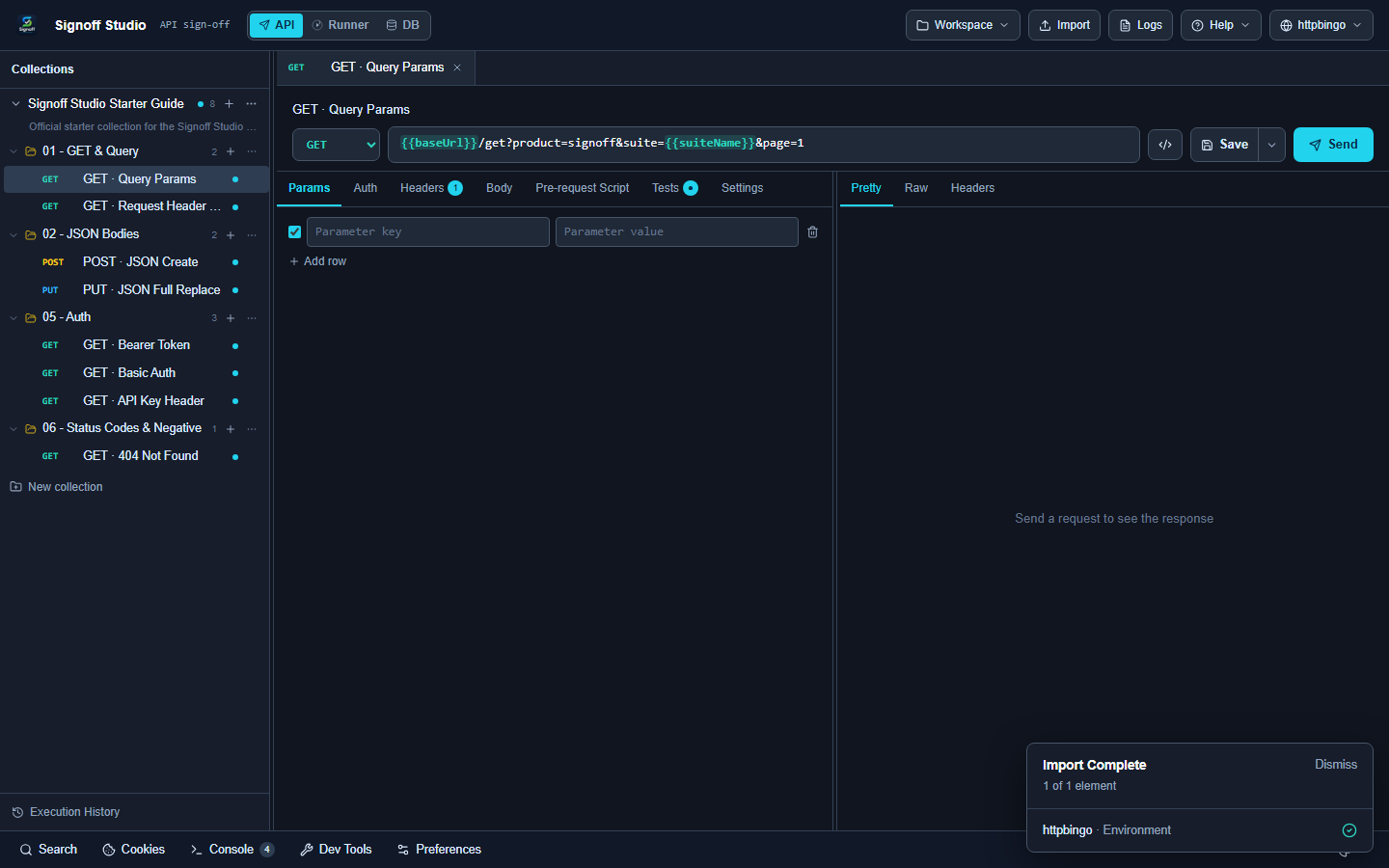
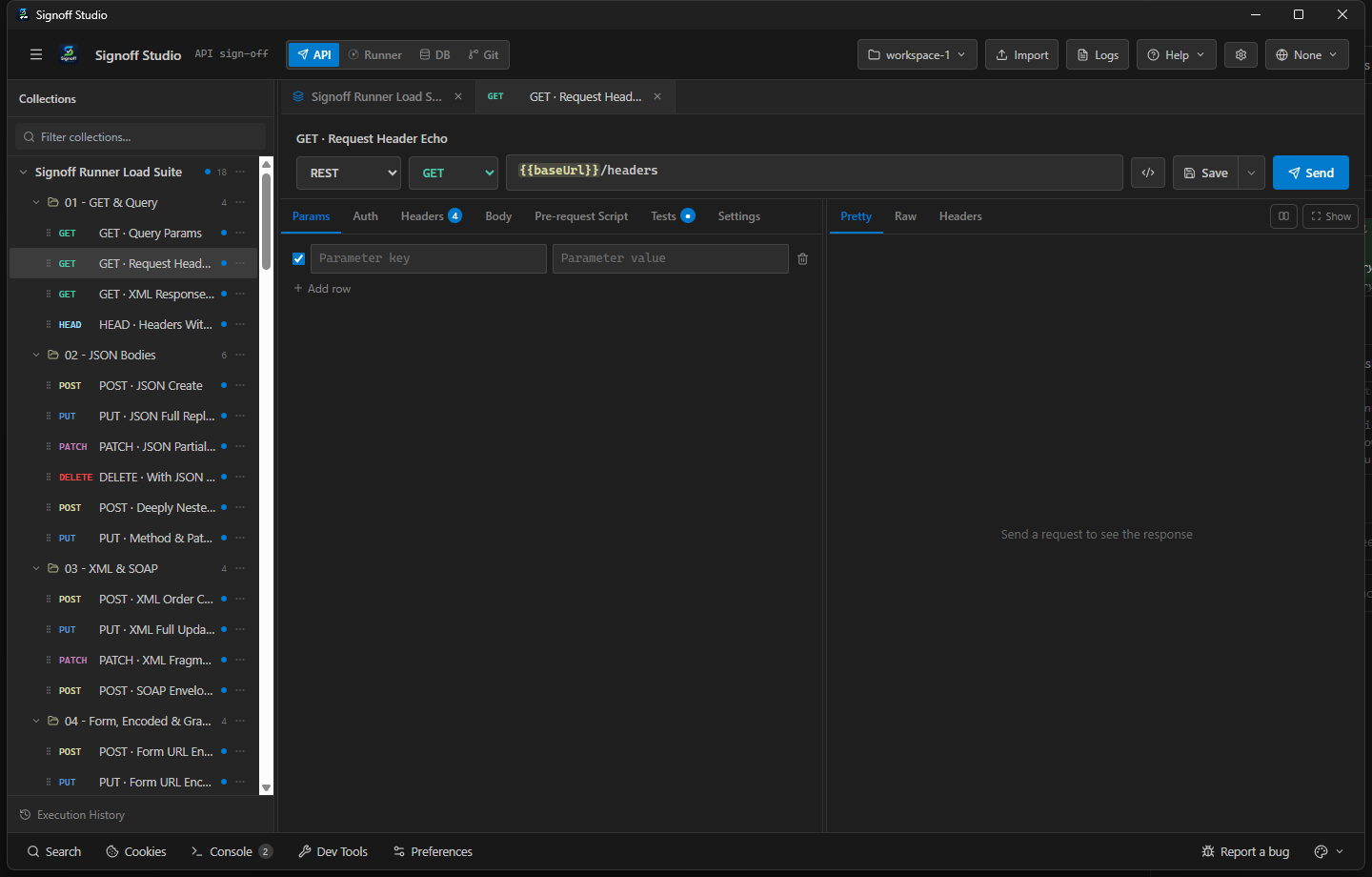
- Open Signoff Studio in the editor webview.
- Build the request the same way as Windows.
- Inspect Pretty / Raw / Headers / Explorer / Checks in the response panel.
- Code / Configuration Examples:
POST {{baseUrl}}/post
Content-Type: application/json

{
  "name": "Ada",
  "role": "engineer"
}
- Edge Cases, Troubleshooting & Pro-Tips:
- Follow redirects and SSL verification are Settings → General defaults; override per request in Settings.
- Multipart file parts need real file paths readable by the host process.
GraphQL
- Platform Availability: Full Parity
- Overview: GraphQL queries and mutations use the GraphQL body mode; schema introspection powers editor assist. Subscriptions can use
graphql-wsover WebSocket transport. - How It Works (Windows App):
- Set body type to GraphQL (or open a GraphQL-protocol request).
- Enter query/mutation and variables JSON.
- Introspect when the server allows it; use Stream/Pretty for results.
- How It Works (VS Code Extension):
- Same GraphQL body editor in the shared shell.
- Introspection and subscriptions use the extension-host protocol transports.
- Keep auth headers / bearer tokens on the request for private graphs.
- Code / Configuration Examples:
query Pet($id: ID!) {
  pet(id: $id) {
    id
    name
    status
  }
}
{ "id": "1" }
- Edge Cases, Troubleshooting & Pro-Tips:
- Subscriptions need a WS-capable endpoint; HTTP-only GraphQL servers will fail subscribe.
- Large introspections can be slow — cache schema locally when iterating.
WebSocket
- Platform Availability: Full Parity
- Overview: Persistent duplex connections for message-oriented APIs. Connect, send frames, and watch the Stream tab for inbound traffic.
- How It Works (Windows App):
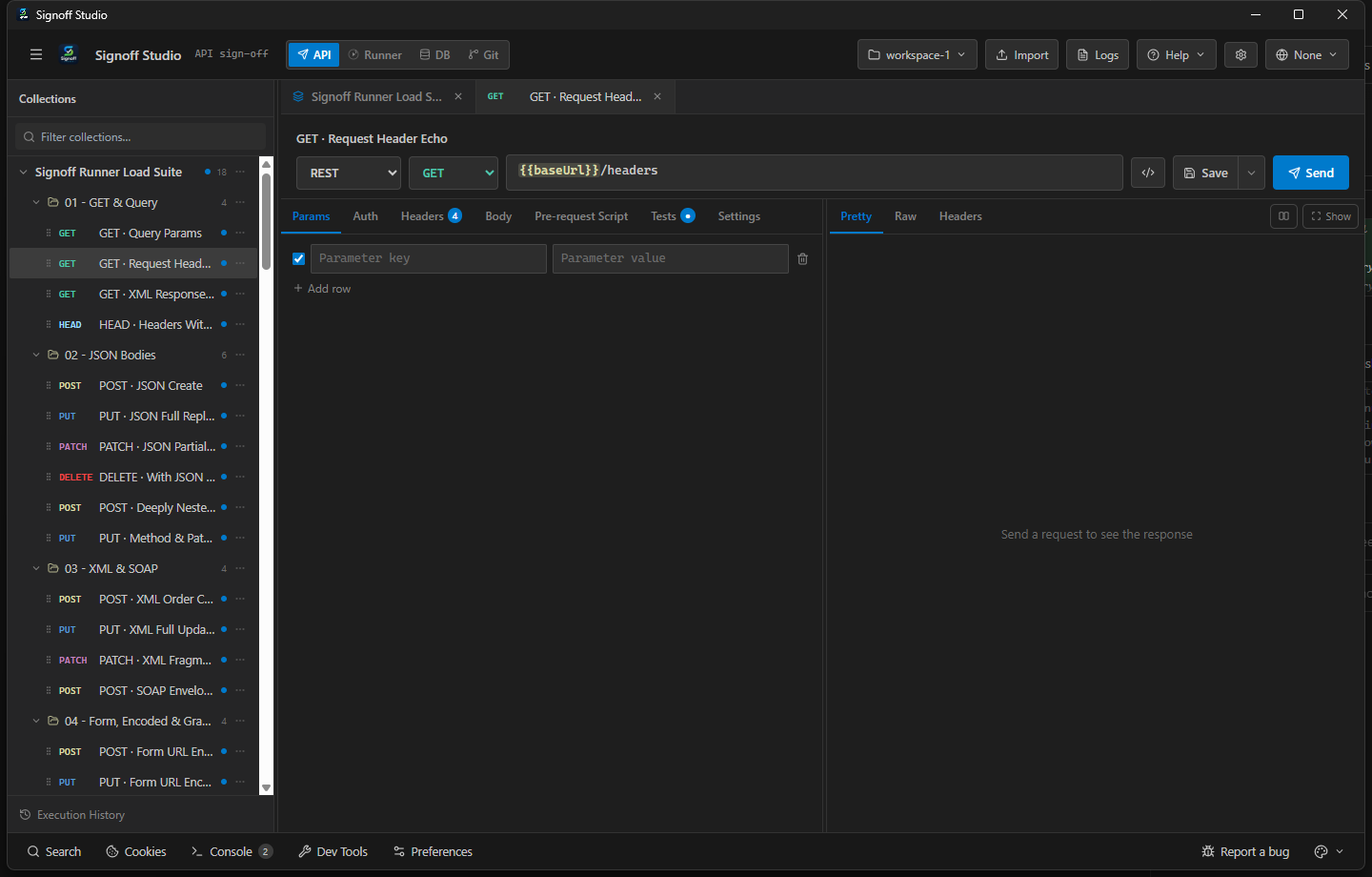
- Create a WebSocket request with
ws://orwss://URL. - Connect, then send text/JSON payloads from the composer.
- Disconnect explicitly when finished; review Stream history.
- Create a WebSocket request with
- How It Works (VS Code Extension):
- Identical WebSocket UI in the webview.
- Transport runs in the extension host (survives webview focus changes better than pure browser WS).
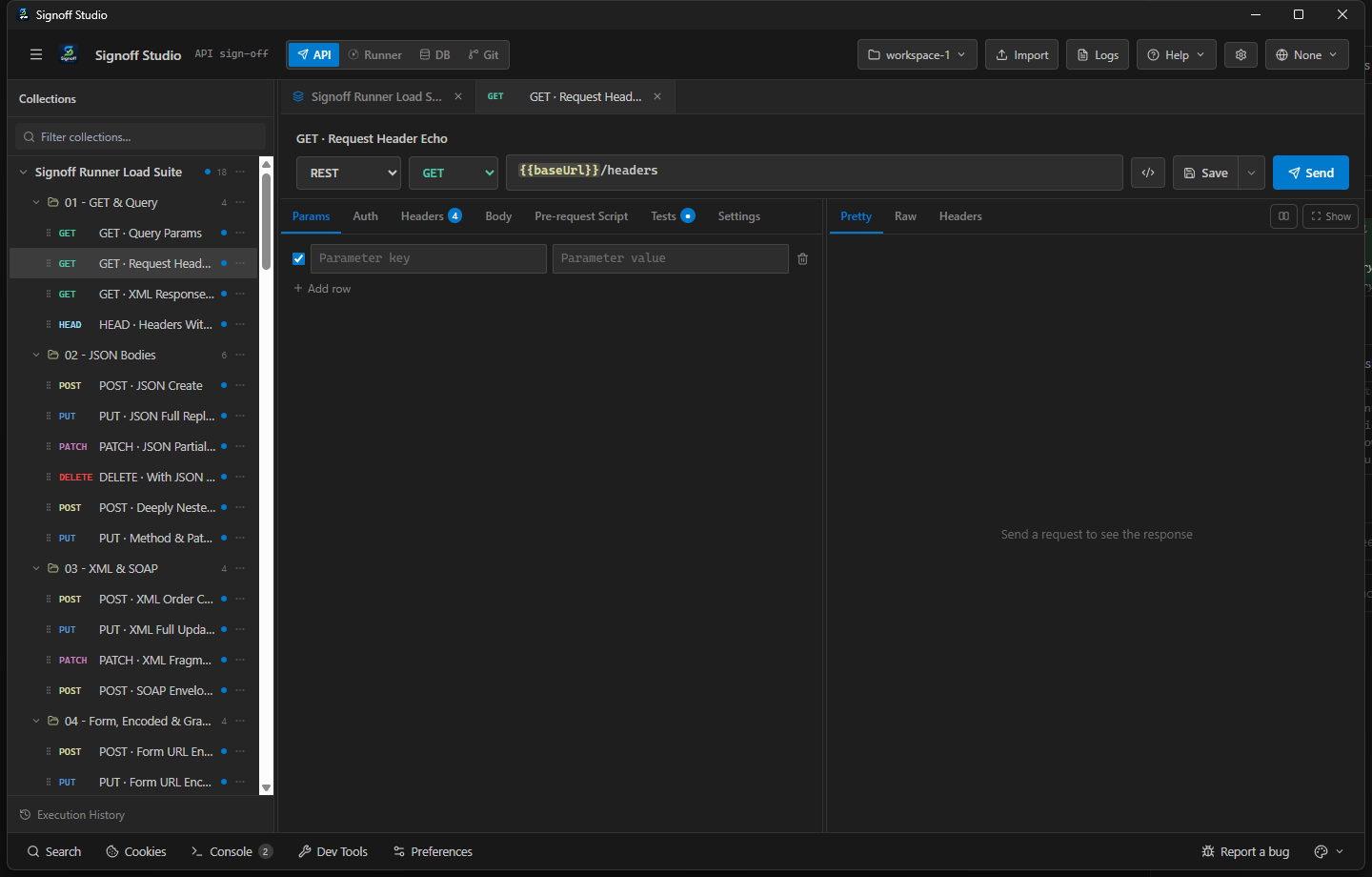
- Use Restore Response Panel if the stream view was closed.
- Code / Configuration Examples:
wss://echo.websocket.events
{ "type": "ping", "ts": 1710000000 }
- Edge Cases, Troubleshooting & Pro-Tips:
- Corporate proxies often break
wss://— configure Proxy in desktop Settings or test off-VPN. - Subprotocol / custom headers depend on server requirements; set them before connect.
- Corporate proxies often break
Server-Sent Events (SSE)
- Platform Availability: Full Parity
- Overview: One-way event streams over HTTP. Signoff opens the stream and appends events in the Stream / response views until you stop.
- How It Works (Windows App):
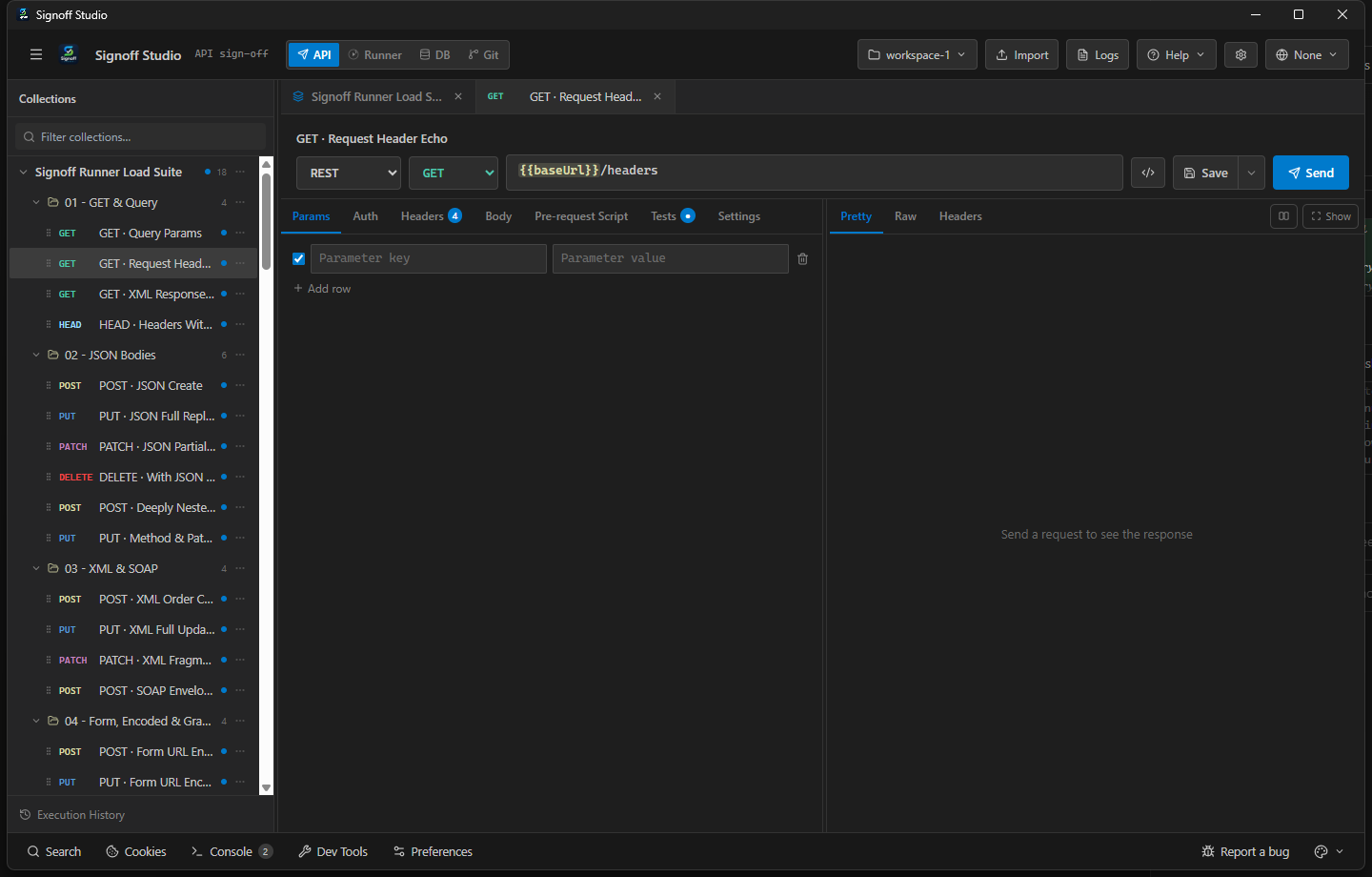
- Create an SSE request pointing at an
text/event-streamendpoint. - Send/Connect and watch events arrive.
- Stop the stream from the response toolbar when done.
- Create an SSE request pointing at an
- How It Works (VS Code Extension):
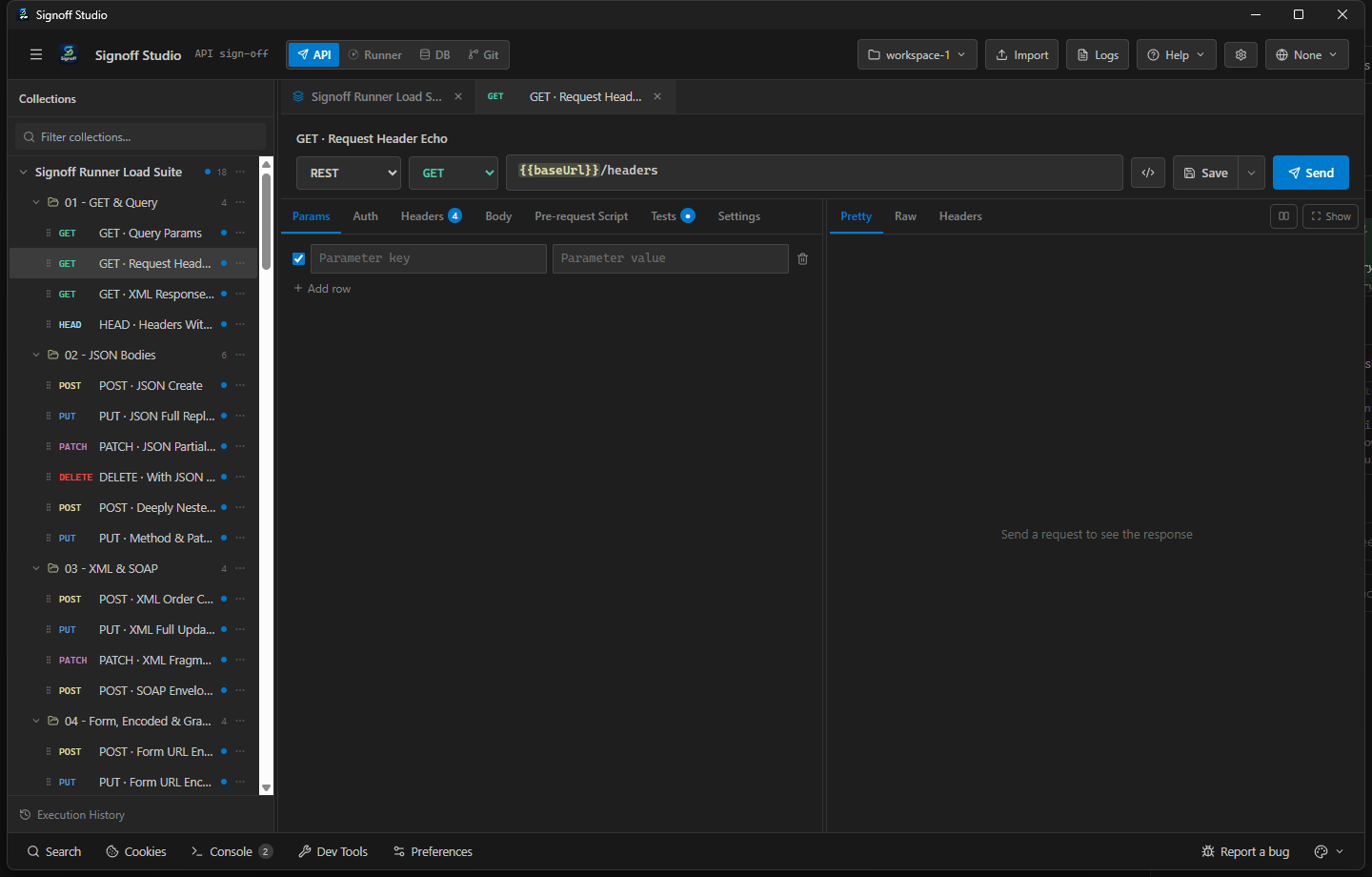
- Same SSE request type in the shared shell.
- Leave the panel open while streaming.
- Asserts on SSE are limited — prefer Runner checks on discrete HTTP sibling requests.
- Code / Configuration Examples:
GET {{baseUrl}}/sse
Accept: text/event-stream
- Edge Cases, Troubleshooting & Pro-Tips:
- Buffers / proxies may delay events; test against a known local SSE mock when debugging.
- Authed SSE often needs cookies or Authorization on the initial GET.
gRPC
- Platform Availability: Full Parity
- Overview: Unary and streaming gRPC calls with service list / server reflection when the target supports it. Proto-aware editing lives in the gRPC request surface.
- How It Works (Windows App):
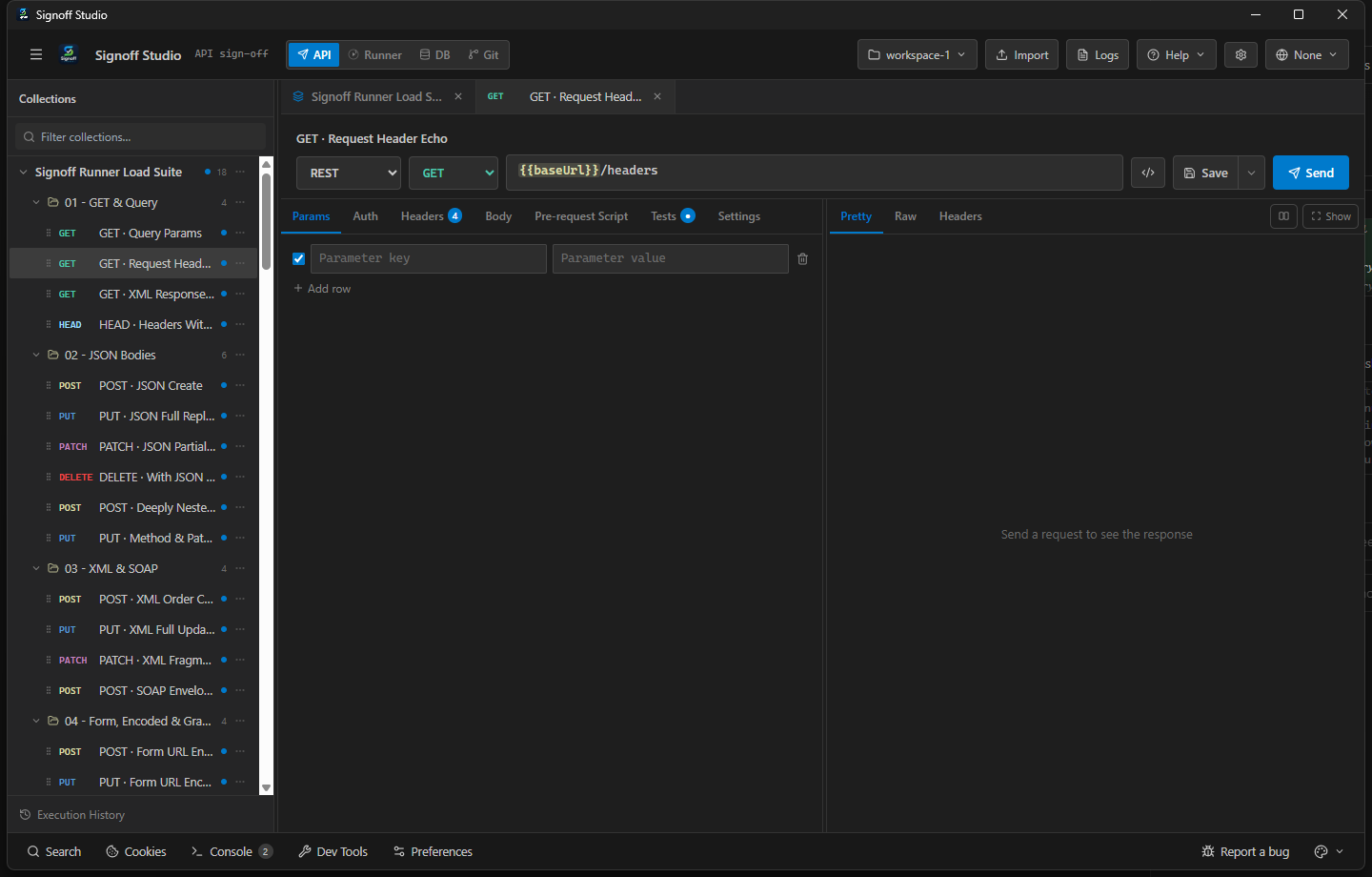
- Create a gRPC request; set host (and TLS options).
- List / Reflect services when available, pick method, fill message JSON.
- Invoke and inspect trailers/status in the response pane.
- How It Works (VS Code Extension):
- Same gRPC flow via host protocol transports.
- Reflection must be enabled on the server for browse-without-proto workflows.
- CLI
npm run runnercan also execute gRPC requests in collections.
- Code / Configuration Examples:
Host: localhost:50051
Service: pets.Pets/GetPet
{ "id": 1 }
- Edge Cases, Troubleshooting & Pro-Tips:
- Plaintext vs TLS mismatch is the #1 connect failure — match server config.
- Without reflection, ship
.proto/ descriptor inputs with the collection docs.
MQTT
- Platform Availability: Full Parity
- Overview: Publish/subscribe messaging for IoT and event buses. Connect to a broker, subscribe to topics, and publish payloads from the request UI.
- How It Works (Windows App):
- Create an MQTT request; set broker URL, client id, and credentials.
- Subscribe to topics; publish test messages.
- Watch inbound messages in the stream/output panel.
- How It Works (VS Code Extension):
- Same MQTT UI; broker connections originate from the extension host.
- Ensure firewall allows outbound MQTT/MQTTS ports.
- Use env vars for broker passwords — never commit secrets.
- Code / Configuration Examples:
mqtts://broker.example.com:8883
topic: pets/+/status
payload: {"status":"available"}
- Edge Cases, Troubleshooting & Pro-Tips:
- QoS and retained messages are broker-specific — verify with a known topic first.
- WebSocket MQTT URLs differ from raw TCP MQTT; pick the correct transport.
Auth across protocols
Supported auth types (request / folder / collection inherit): none, inherit, bearer, basic, api-key, oauth2, oauth1, digest, aws-signature, hawk, custom. ntlm appears in the UI but is not supported yet.
See Authentication.