Signoff Studio Docs
Import & export
- Platform Availability: Windows App · VS Code Extension (shared shell)
- Overview: Bring collections from other tools and export Signoff, Postman, Bruno, or OpenAPI formats. cURL paste is first-class for one-off requests.
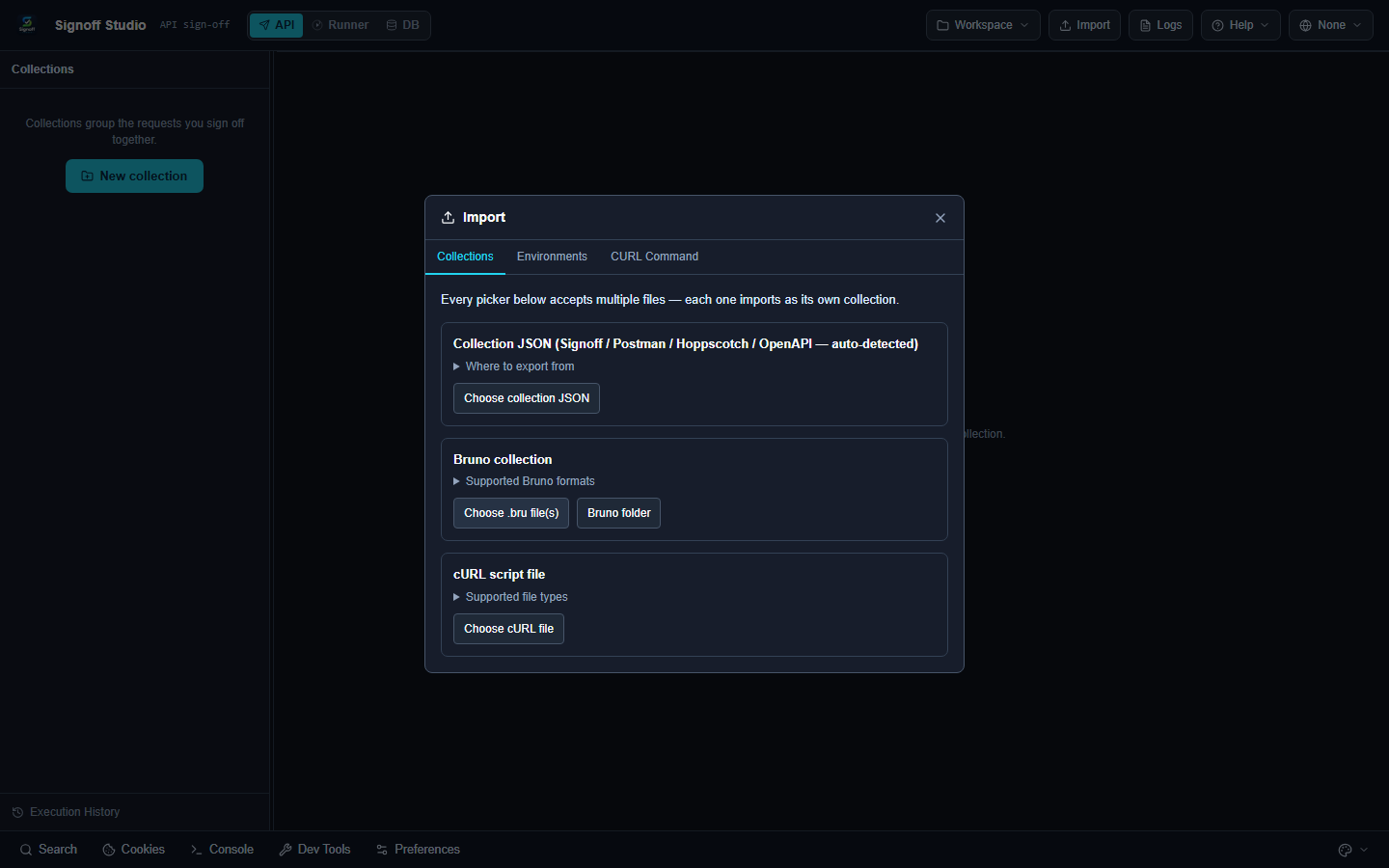
Importers
| Format | Notes |
|---|---|
| Signoff Collection | Native |
| Postman | v2.0 / v2.1 |
| OpenAPI / Swagger | OpenAPI 3.x, Swagger 2.0 (JSON/YAML) |
| Bruno | .bru files/folders |
| Thunder Client | Export + Git Sync tc_col_*, URL import |
| Insomnia | v4 JSON, v5 YAML/JSON |
| Hoppscotch | JSON |
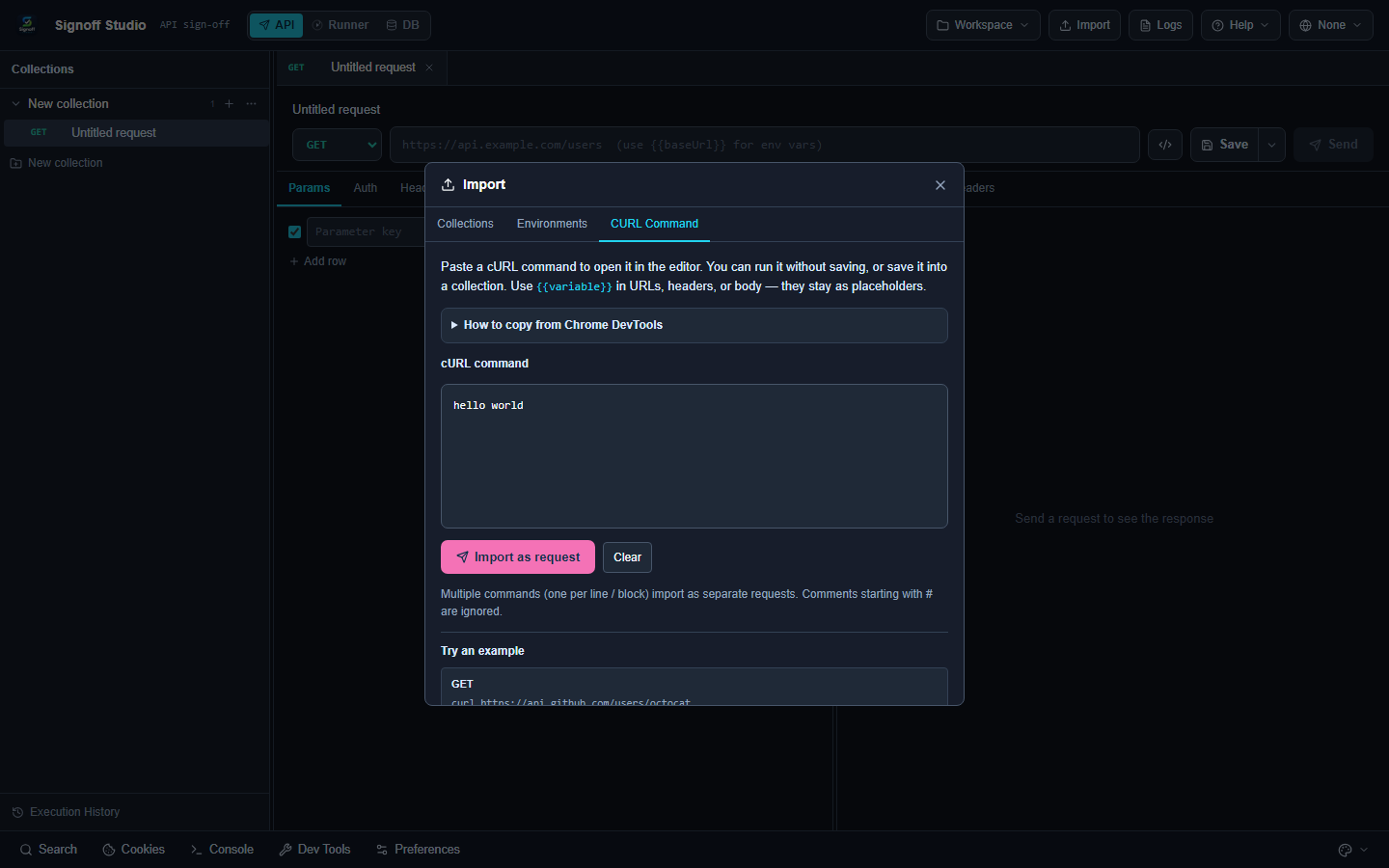
| cURL | Paste command |
Exporters
| Format | Scope |
|---|---|
| Signoff Studio | Collection / folder / environment |
| Postman Collection v2.1 | Collection / folder |
| Bruno | Folder / ZIP |
| OpenAPI 3 | Collection / folder (not environment) |
How It Works (Windows App)
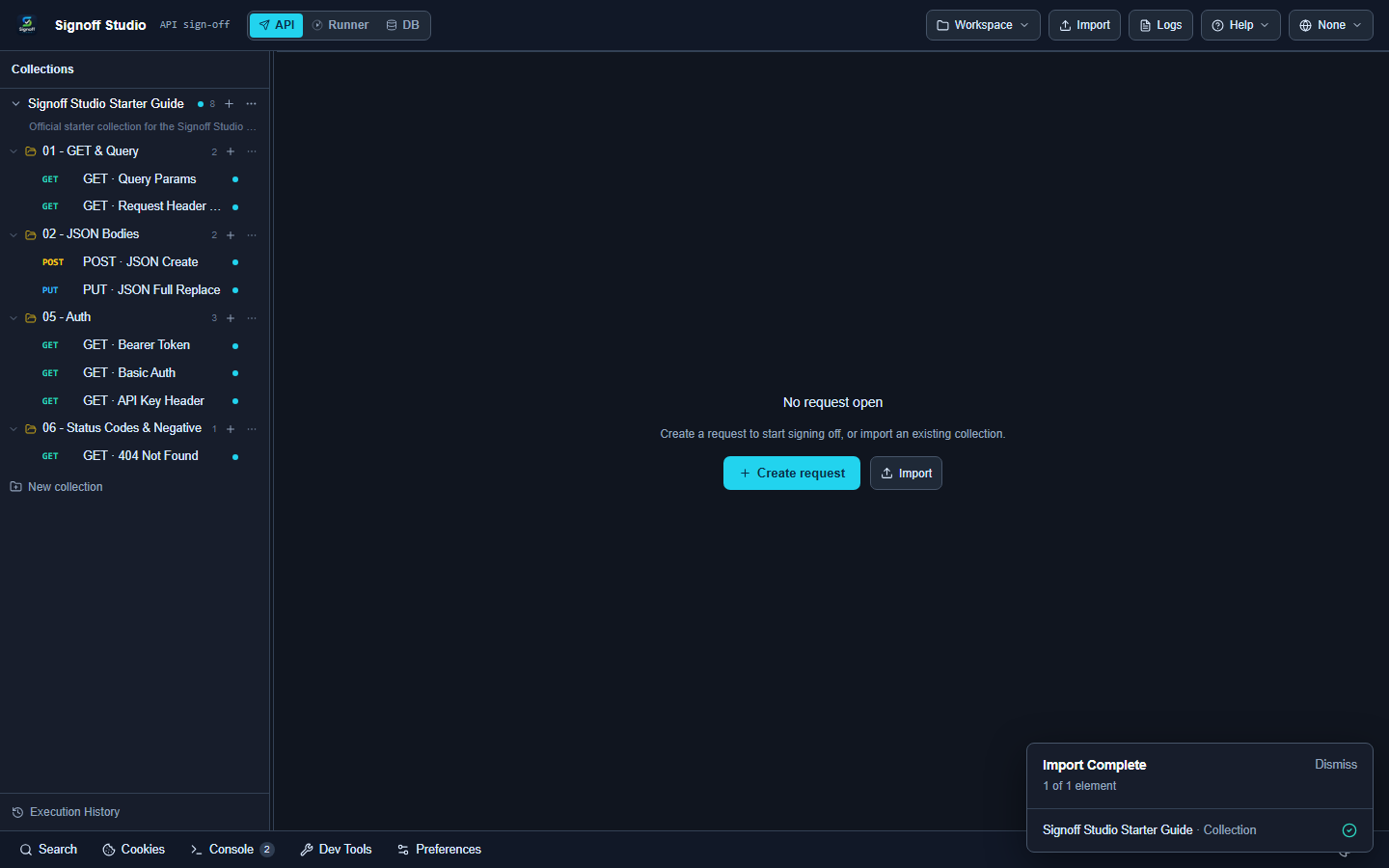
- Click Import in the top bar (or Welcome → Import Existing Project).
- Choose a format or drop files.
- For cURL, paste the command; fix validation errors if shown.
- Export via collection/folder context menu or Export dialog.
How It Works (VS Code Extension)
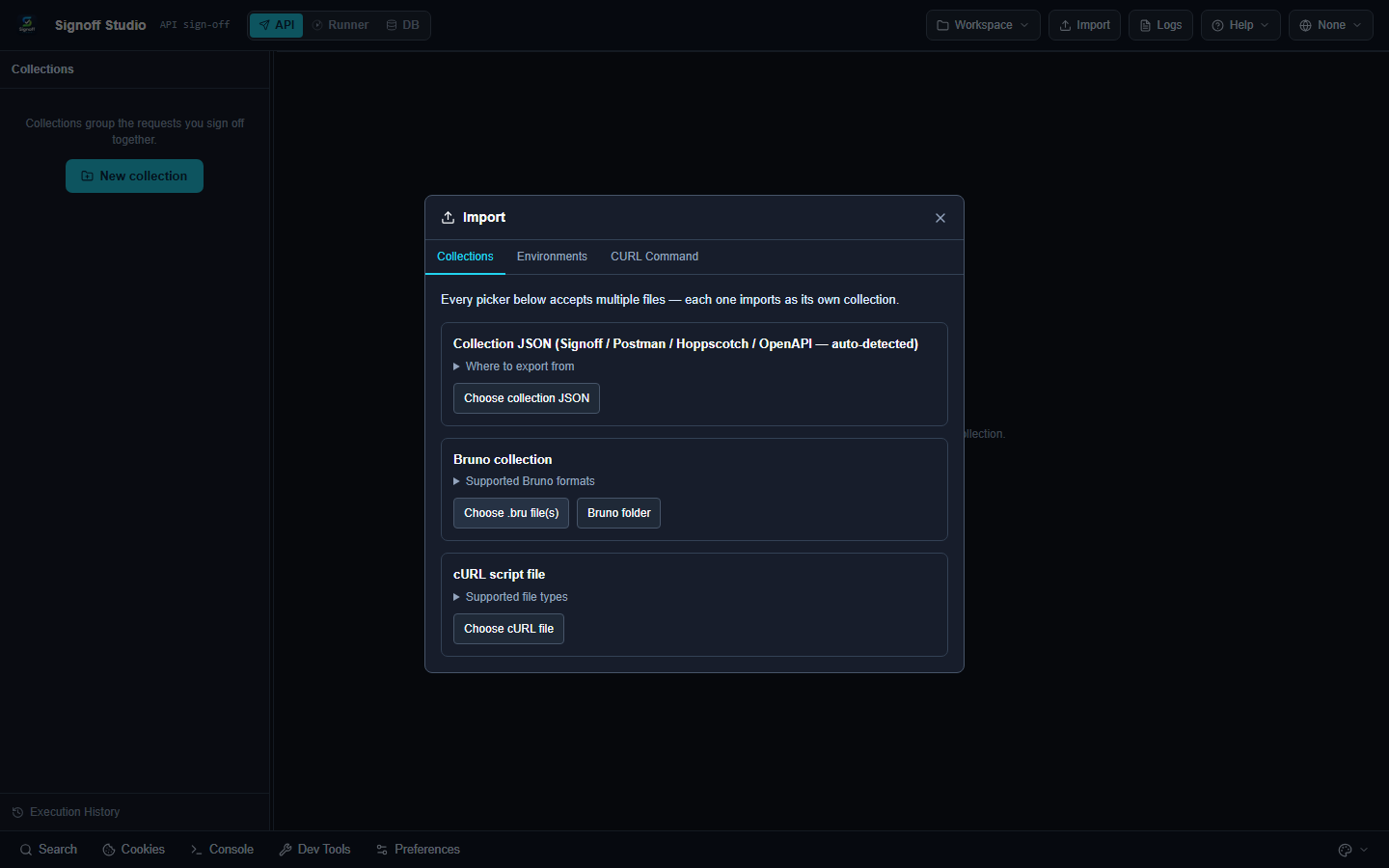
- Use Import in the webview, or Signoff Studio: Import Workspace from the Command Palette for workspace-level import.
- Export flows match Windows inside the shared UI.
Code / Configuration Examples
Starter Guide downloads:
cURL:
curl -s 'https://httpbingo.org/get?hello=world' -H 'Accept: application/json'
Edge Cases, Troubleshooting & Pro-Tips
- Large Postman dumps may take a few seconds — wait for the completion dialog.
- OpenAPI sync on a collection refreshes requests from a linked spec.
- Prefer Signoff export for round-trips that preserve scripts and Signoff-specific fields.