Signoff Studio Docs
Requests
- Platform Availability: Windows App · VS Code Extension (shared shell)
- Overview: The request builder is where you compose method, URL, params, auth, headers, body, scripts, and tests. Send from API mode and inspect the response pane.
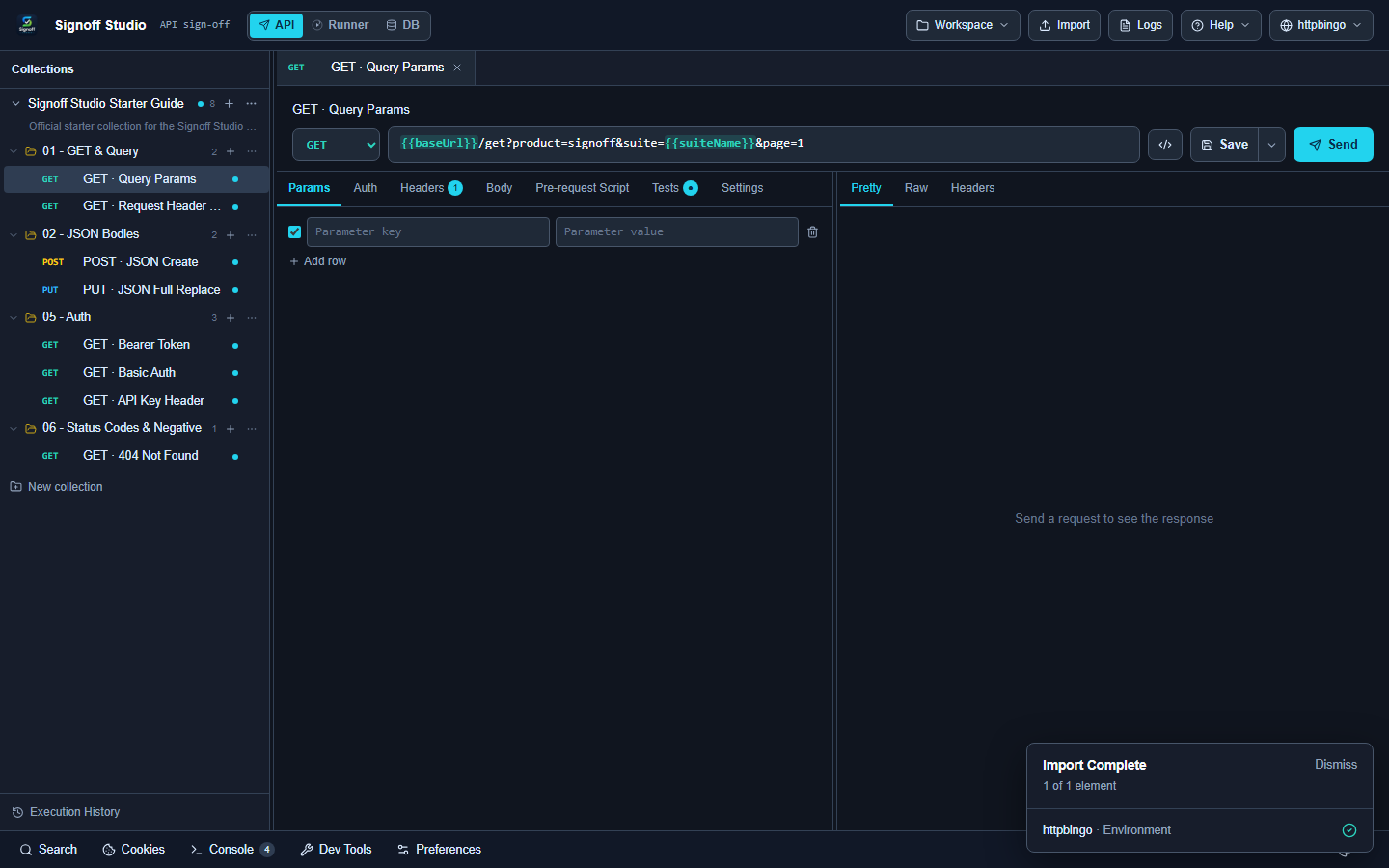
Request tabs
| Tab | Use |
|---|---|
| Params | Query string key/value rows |
| Auth | Per-request auth (or inherit) |
| Headers | Request headers |
| Body | None, JSON, Form, Multipart, GraphQL, Binary, Raw |
| Pre-request Script | QuickJS before send |
| Tests | Assertions after response |
| Settings | Request-level options |
How It Works (Windows App)
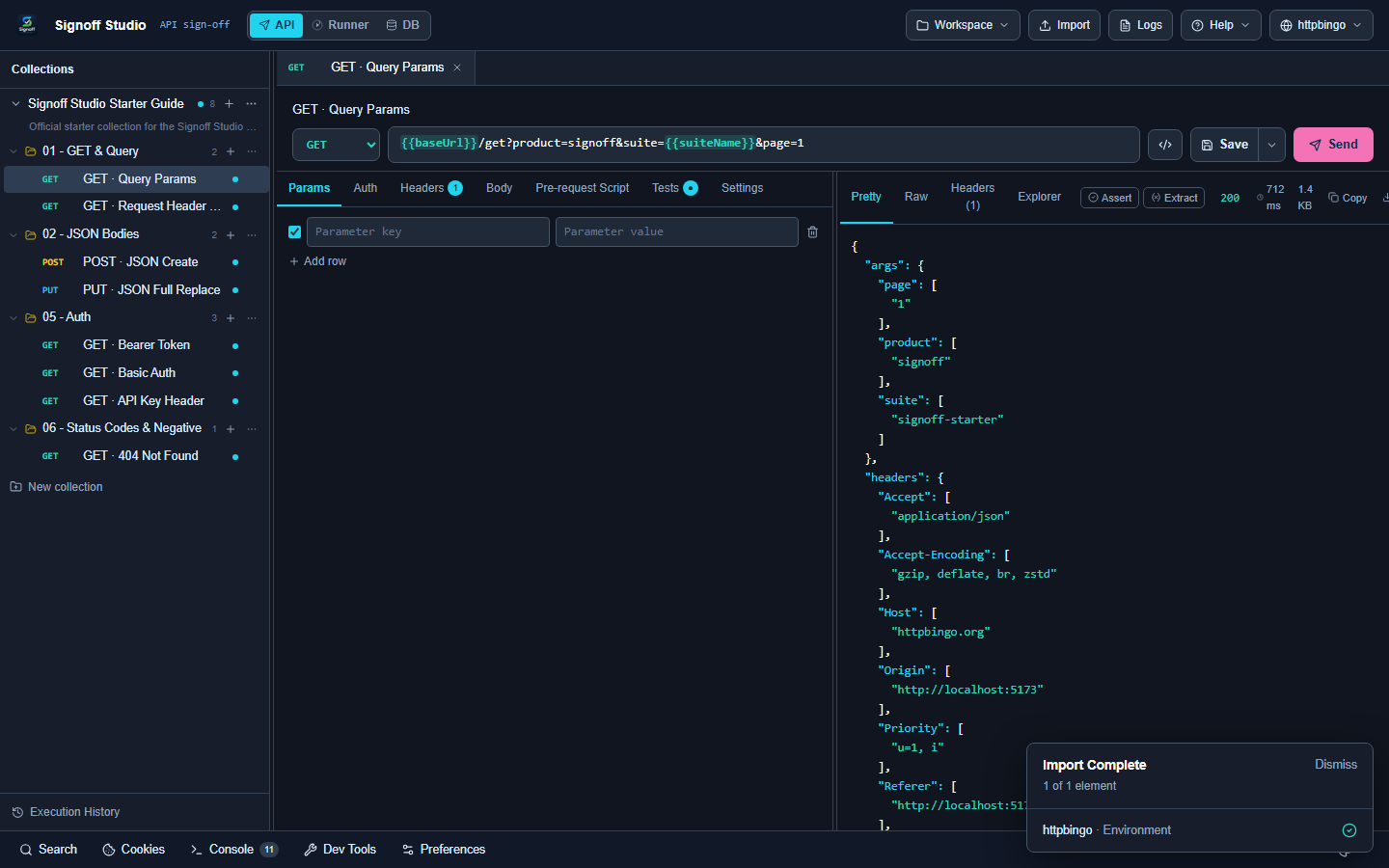
- Open or create a request in the collections sidebar.
- Choose method (GET, POST, PUT, PATCH, DELETE, HEAD, OPTIONS) and protocol if not REST.
- Set URL (supports
{{baseUrl}}and other environment variables). - Fill Params / Headers / Body as needed.
- Press Send or Ctrl+Enter.
- Inspect Pretty / Raw / Headers / Explorer / Checks in the response viewer.
How It Works (VS Code Extension)
- Run Signoff Studio: Open.
- Same builder UI as Windows.
- If the response split is hidden, run Signoff Studio: Restore Response Panel.
Code / Configuration Examples
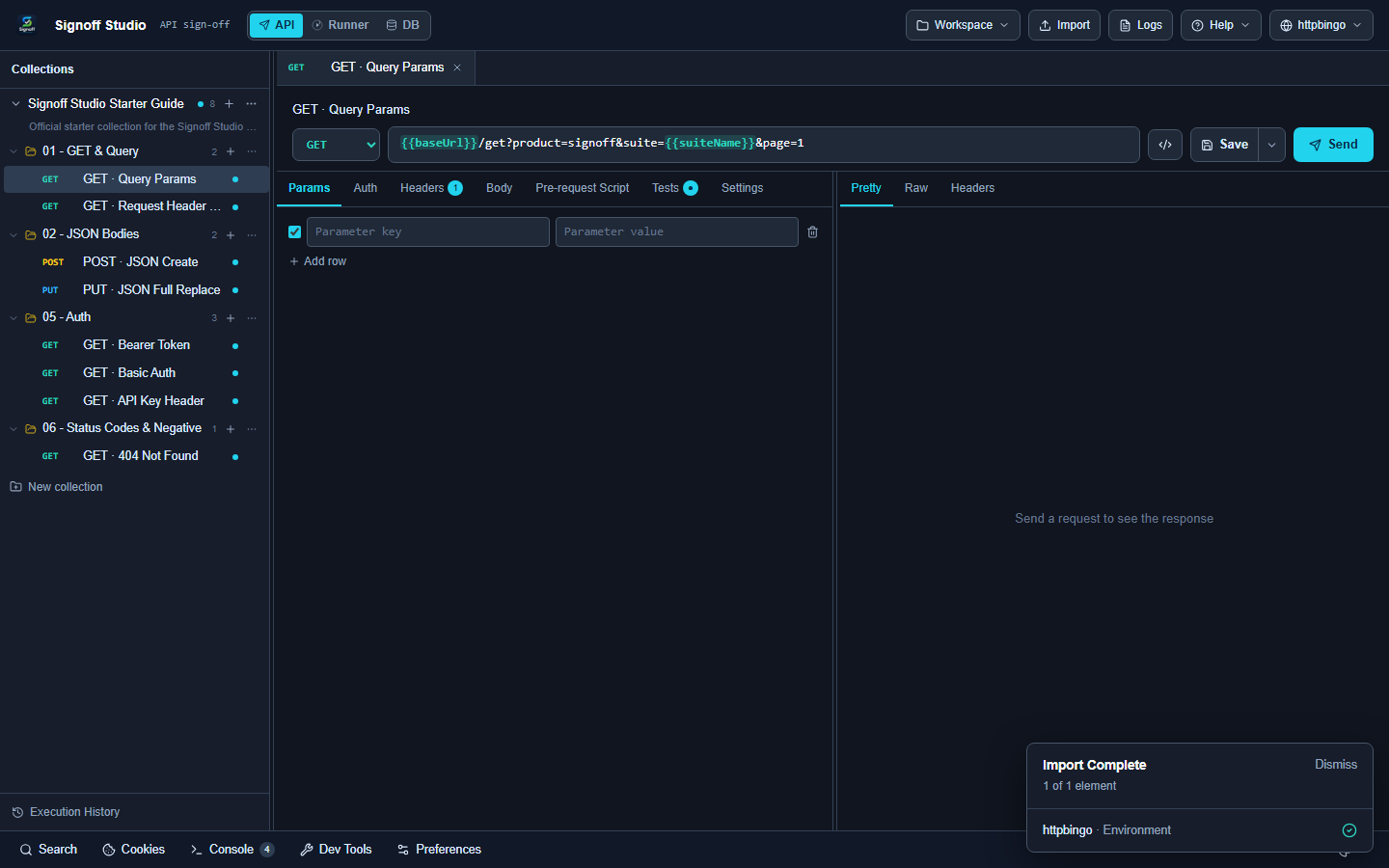
GET {{baseUrl}}/get?foo=bar
Authorization: Bearer {{token}}
cURL import example:
curl -X POST 'https://httpbingo.org/post' \
  -H 'Content-Type: application/json' \
  -d '{"hello":"signoff"}'
JSON body:
{
  "name": "Signoff Studio",
  "active": true
}
Test script:
qa.test("status is 200", () => {
  qa.expect(qa.response.code).to.equal(200);
});
Edge Cases, Troubleshooting & Pro-Tips
- Unresolved
{{vars}}usually mean the wrong environment is selected. - Large responses: raise maxResponseMb in Settings (Windows overlay) or trim the payload.
- Use Explorer + Extract to promote JSON paths into variables for the next request.
- Save response as Example for regression-friendly fixtures.