Signoff Studio Docs
Collections
- Platform Availability: Windows App · VS Code Extension (shared shell)
- Overview: Collections group folders and requests into a Git-friendly tree on disk. They are the unit you import, export, run, mock, and document.
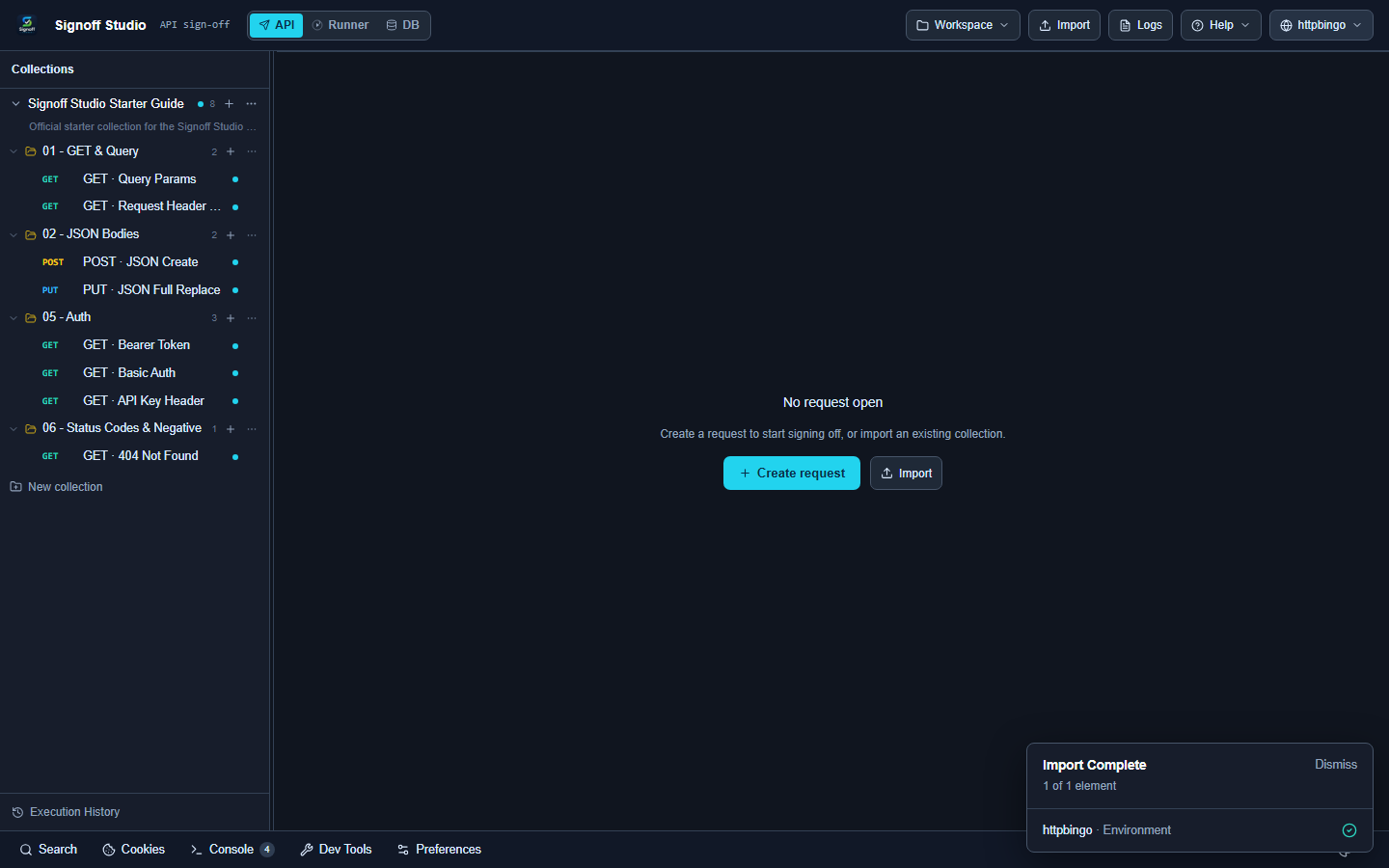
Create a collection
How It Works (Windows App)
- In API mode, click + New collection in the sidebar (or use Welcome → Create Collection).
- Name the collection and press Enter.
- Use the collection workspace tabs for Overview, Variables, Authorization, Scripts, Tests, Settings, and Documentation.
How It Works (VS Code Extension)
- Open Signoff Studio (
Signoff Studio: Openor Activity Bar). - Same sidebar + New collection flow as Windows — the webview UI is shared.
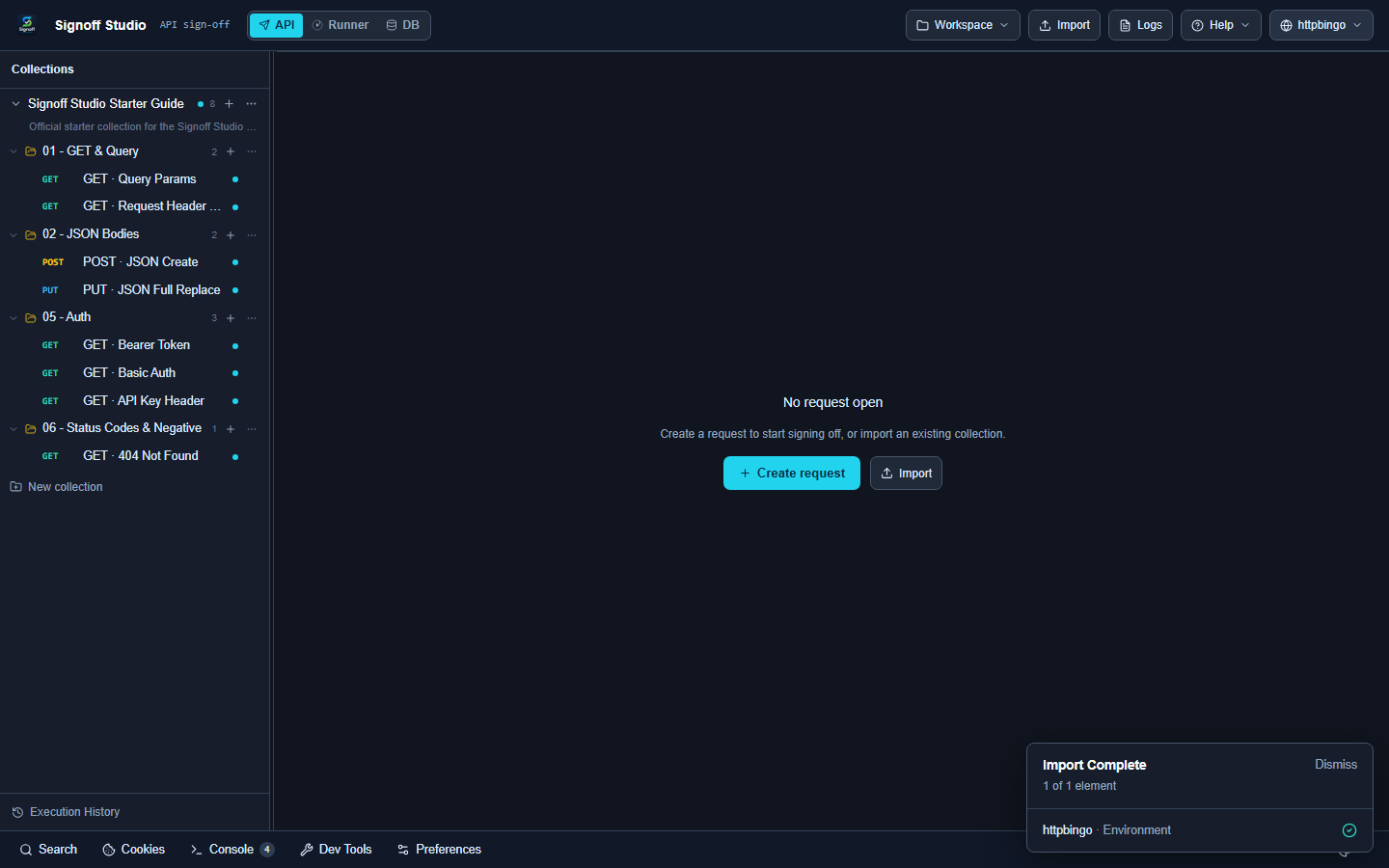
Collection workspace
| Tab | Purpose |
|---|---|
| Overview | Summary and quick actions |
| Variables | Collection-scoped variables |
| Authorization | Default auth inherited by children |
| Scripts | Collection-level pre-request / setup |
| Tests | Collection-level tests |
| Settings | Collection options |
| Documentation | Markdown docs for the collection |
Actions: Create request, Import, Run, Duplicate, Export, Delete, Sync OpenAPI, Mock toolbar.
Tree context menus
Request
Open · Run Request · Rename · Copy · Duplicate · Clone to… · Move to… · Move Up/Down · Generate Code · Save Response as Example · Create Example · Add to Runner · Reveal in File Explorer · Delete
Folder
New Request/Folder · Run Folder · Start/Stop mock · Rename · Duplicate/Clone · Move · Import/Export · Generate Documentation · Open Scripts · Collapse/Expand · Terminal · Delete
Collection
New Request/Folder · Run Collection · Rename · Duplicate/Clone · Import/Export Collection · OpenAPI sync · related share/export handlers
Code / Configuration Examples
Collections persist as files under your workspace folder (Signoff format). After export you can share:
# Export from UI: Export → Signoff Studio
# Or keep the workspace under Git:
git add collections/
git commit -m "Add checkout API collection"
Edge Cases, Troubleshooting & Pro-Tips
- Prefer folders for logical groups so Runner folder scope and mocks stay precise.
- Inherited auth on the collection avoids repeating Bearer tokens on every request.
- Reveal in File Explorer jumps to the on-disk JSON when syncing with teammates.