Signoff Studio Docs
Database workbench
- Platform Availability: Windows App · VS Code Extension (shared shell + DB host)
- Overview: Connect to PostgreSQL, MySQL, SQL Server, Oracle, or SQLite (plus a sample catalog), run SQL, inspect schema, and manage results — local-first with an optional vault for passwords.
How It Works (Windows App)
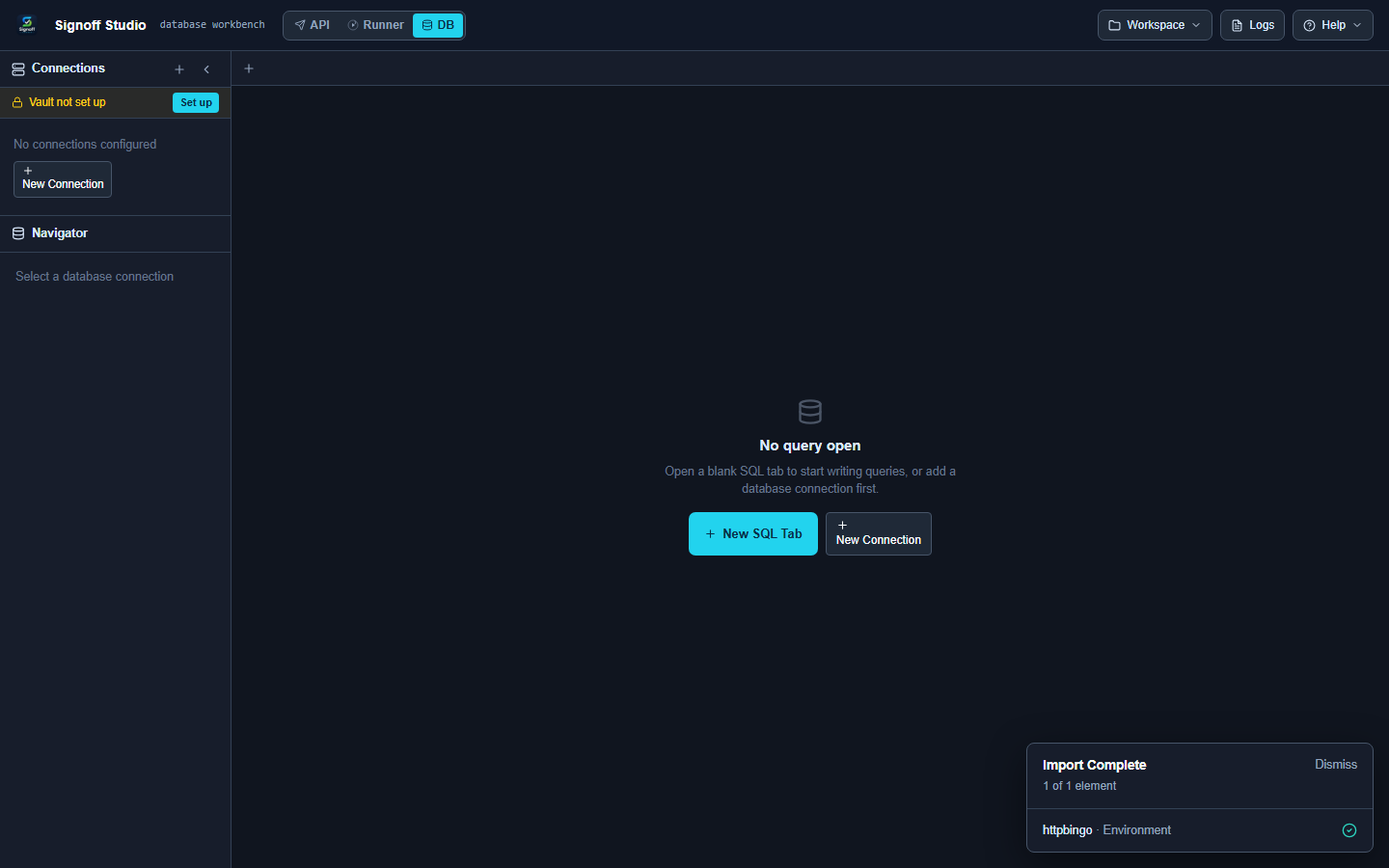
- Switch to DB mode.
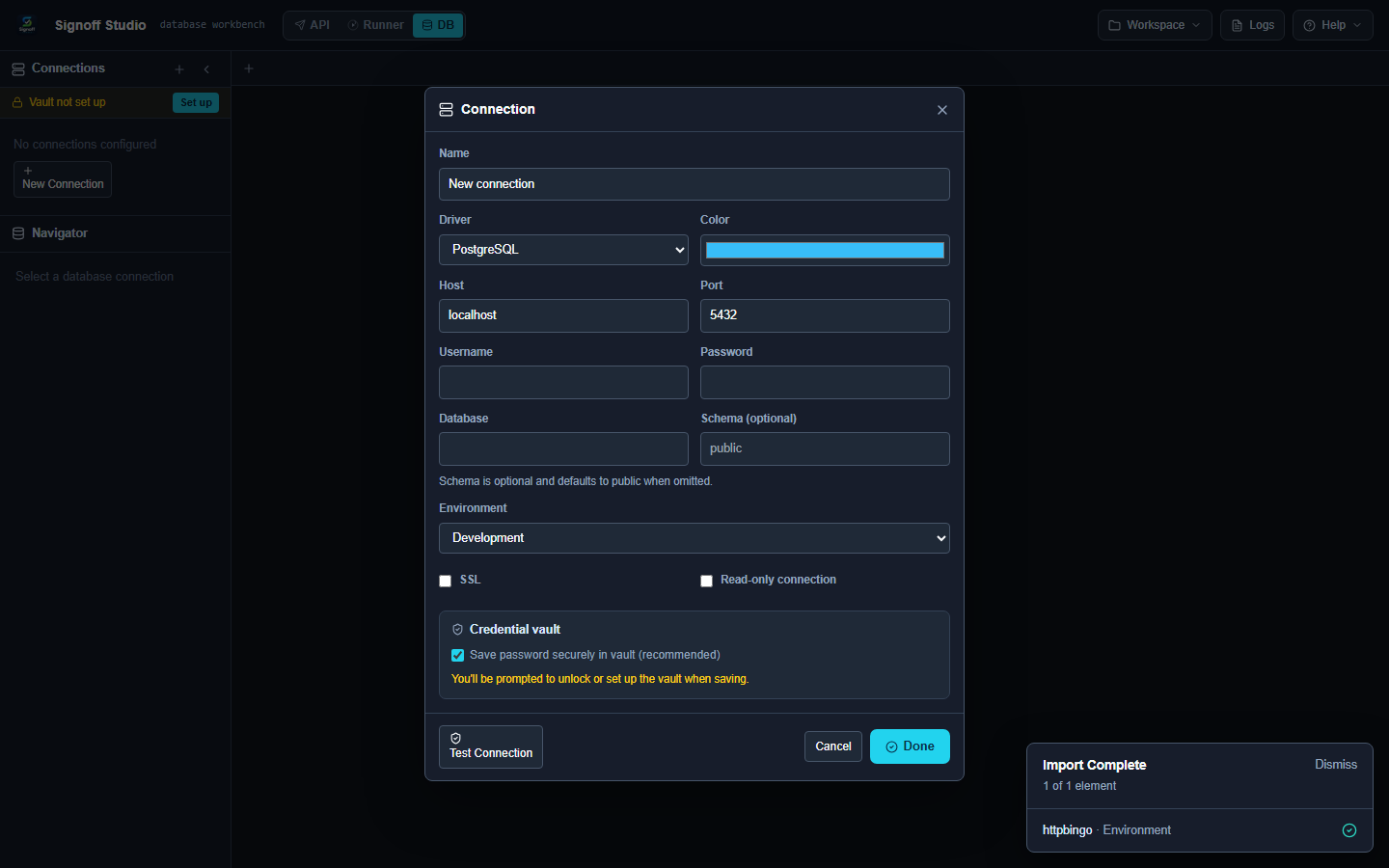
- Add a connection; pick a driver; fill host/user/database (or file path for SQLite).
- Store passwords in the vault when prompted.
- Test connection, then open the SQL editor.
- Run with Ctrl+Enter (or Run all with Ctrl+Shift+Enter).
- Review result tabs; export/copy; use transactions where supported.
How It Works (VS Code Extension)
- Open Signoff Studio → DB mode.
- Same workbench UI; DB proxy/drivers run through the VS Code host (
db-proxy/ driver packs).
Drivers
| Driver | Notes |
|---|---|
| Sample catalog | Built-in learning data |
| PostgreSQL | pg |
| MySQL | mysql2 |
| SQL Server | mssql |
| Oracle | oracledb |
| SQLite | better-sqlite3 / file path |
Code / Configuration Examples
SELECT id, email, created_at
FROM users
WHERE active = true
ORDER BY created_at DESC
LIMIT 50;
Scripting bridge (when host allows):
const rows = await qa.db.query("SELECT 1 AS ok");
qa.expect(rows[0].ok).to.equal(1);
Edge Cases, Troubleshooting & Pro-Tips
- If connections fail after update, check driver overlays (status / update / rollback).
- Query timeout and kill session are available for long-running statements.
- Format SQL with Ctrl+Shift+F.