Signoff Studio Docs
Authentication
- Platform Availability: Windows App · VS Code Extension (shared shell)
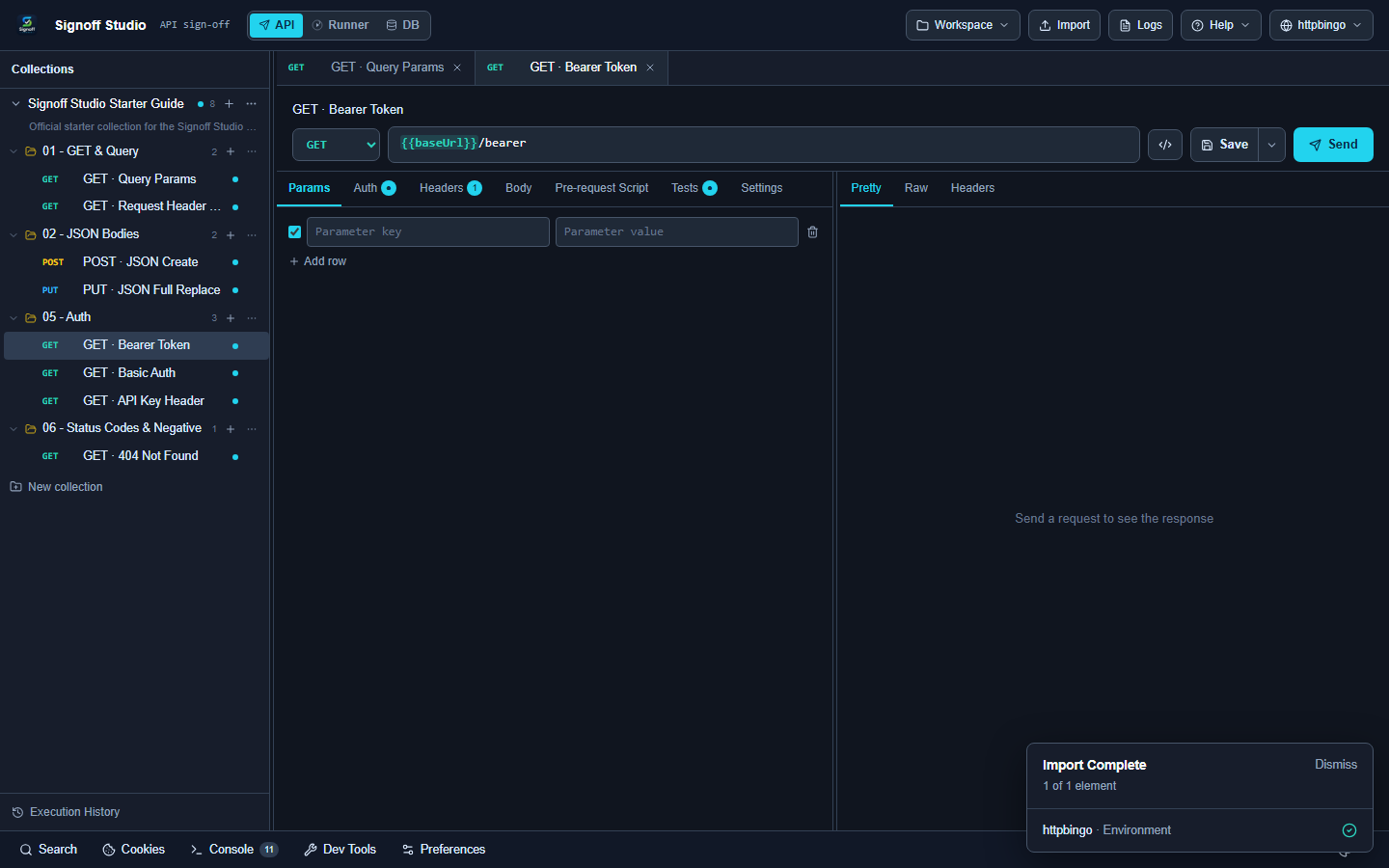
- Overview: Configure auth per request or inherit from folder/collection. OAuth local callback, AWS SigV4, and Hawk are supported; NTLM appears in the UI but is not supported yet.
Supported types
| Type | Notes |
|---|---|
| none | No auth headers |
| inherit | Use parent folder/collection auth |
| bearer | Authorization: Bearer … |
| basic | Username / password |
| api-key | Header or query placement |
| oauth2 | authorization_code (+ PKCE), client_credentials, refresh_token, password, implicit |
| oauth1 | Consumer key/secret + token |
| digest | Digest challenge flow |
| aws-signature | AWS SigV4 signing |
| hawk | Hawk auth |
| ntlm | Not supported yet (gap) |
| custom | Custom header injection |
How It Works (Windows App)
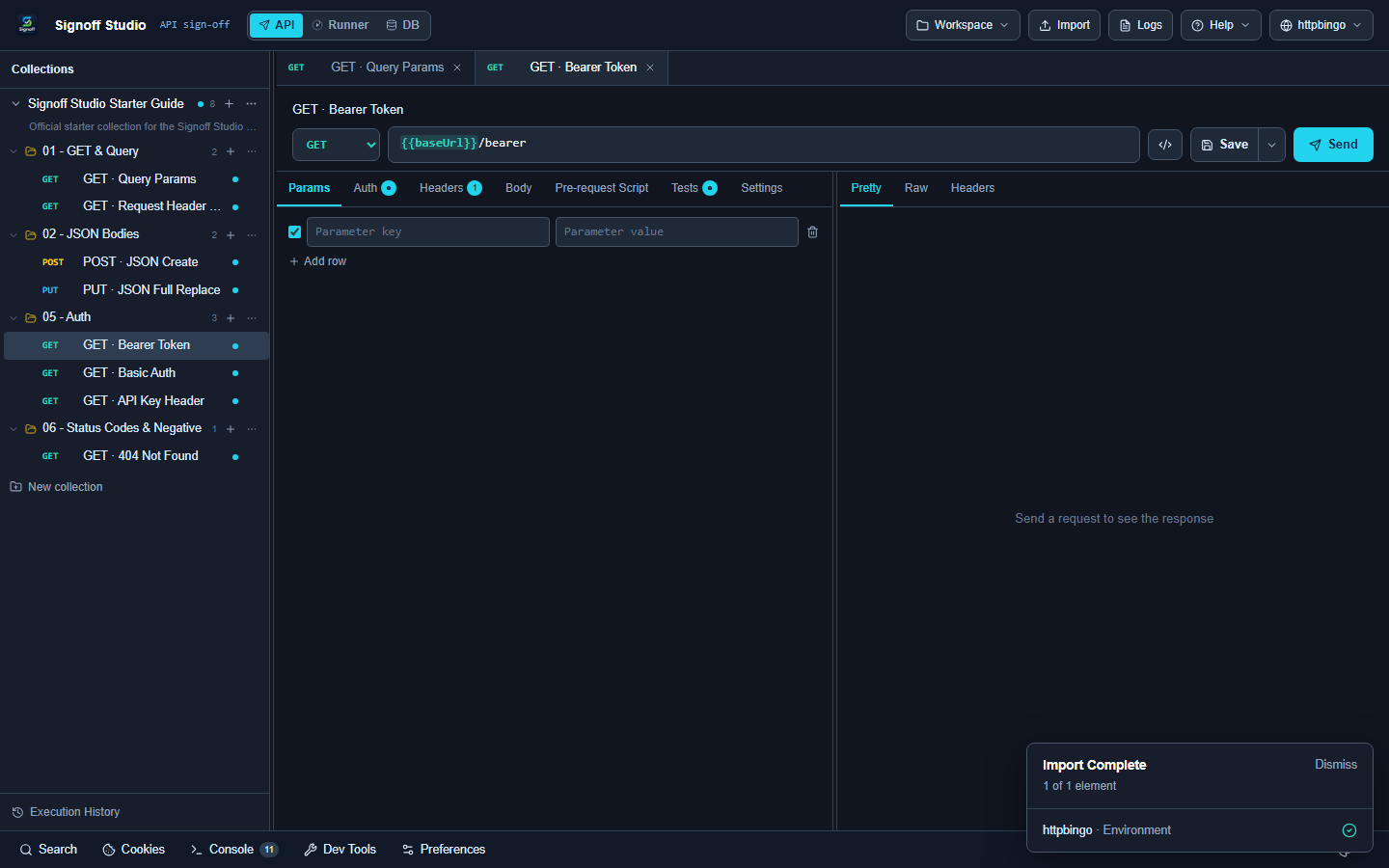
- Open a request → Auth tab (or set collection/folder Authorization).
- Choose type and fill fields.
- For OAuth2 authorization code, Signoff Studio can start a local callback listener via the desktop host.
- Send the request; inspect response Auth-related headers as needed.
How It Works (VS Code Extension)
- Same Auth tab in the webview.
- OAuth local callback is handled by the VS Code host (
oauth-local-callback).
Code / Configuration Examples
Bearer:
Authorization: Bearer {{token}}
API key header:
X-API-Key: {{apiKey}}
OAuth2 client credentials (fields in UI):
{
  "type": "oauth2",
  "grantType": "client_credentials",
  "accessTokenUrl": "https://auth.example.com/oauth/token",
  "clientId": "{{clientId}}",
  "clientSecret": "{{clientSecret}}",
  "scope": "api.read"
}
Edge Cases, Troubleshooting & Pro-Tips
- Prefer inherit at collection level for microservice suites.
- Store tokens in environment Secrets, not plain Variables.
- PKCE is recommended for public clients using authorization_code.
GAP IDENTIFIED: NTLM is listed in the auth type picker but is not implemented. Use an external gateway or Basic/Bearer where possible. Marketplace copy also states NTLM is not supported yet.