Signoff Studio Docs
AI assist
Bring-your-own-key (BYOK) assistants for request authoring help and optional ghost-text autocomplete. Tokens never live in the versioned settings document — only hasToken presence flags are stored.
BYOK providers
- Platform Availability: Full Parity (webview AI). Full provider management UI is richest on the Windows Settings overlay.
- Overview: Enable OpenAI, Anthropic, Azure OpenAI, Gemini, or an OpenAI-compatible local endpoint (e.g. Ollama at
http://127.0.0.1:11434/v1). Pick a default provider/model, then use the AI assist bar on requests. - How It Works (Windows App):
- Open Settings (Ctrl+, / gear) → AI.
- Enable AI, choose default provider, paste API token (stored via secure host APIs), set model.
- Optionally Test connection / list models; open a request and use the AI assist bar.
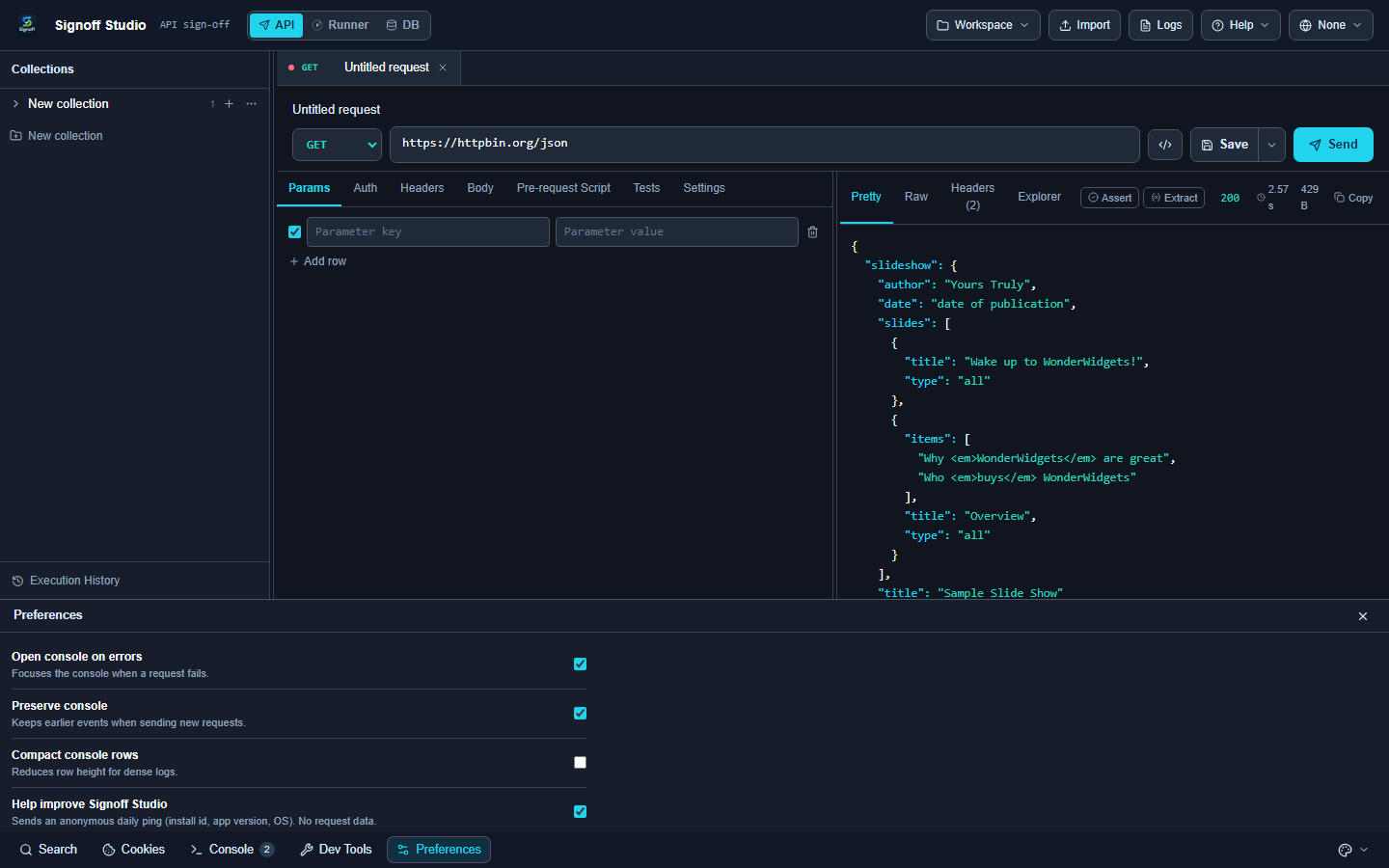
- How It Works (VS Code Extension):
- Configure AI from the shared settings/Preferences surfaces available in the webview.
- There is no
contributes.configurationblock — do not look for keys in VS Code Settings UI. - Use the same assist bar on the request editor once a provider is enabled.
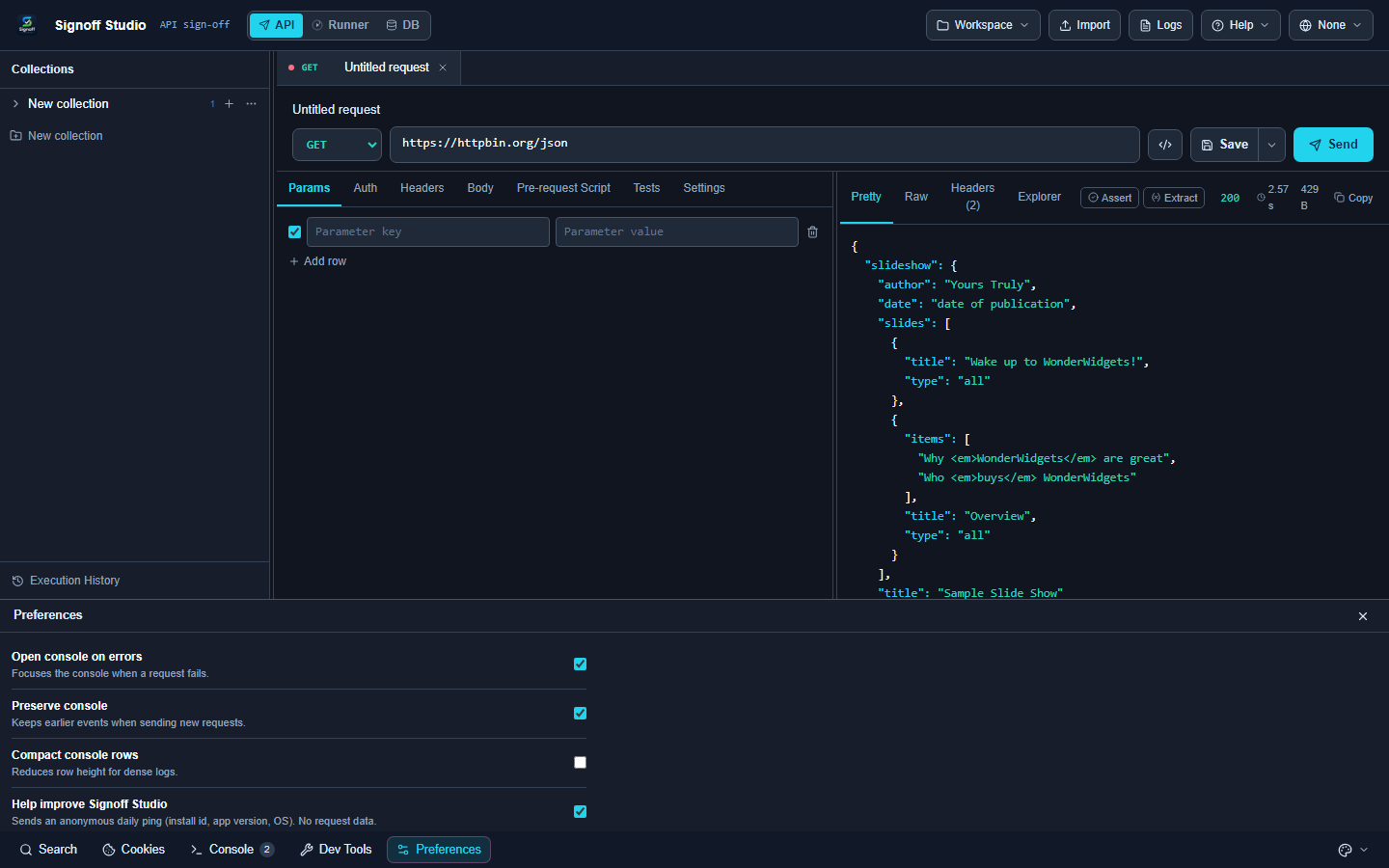
- Code / Configuration Examples:
{
  "ai": {
    "enabled": true,
    "defaultProvider": "openai",
    "defaultModel": "gpt-4o-mini",
    "timeoutMs": 60000,
    "maxTokens": 2048,
    "providers": {
      "openai": { "enabled": true, "model": "gpt-4o-mini", "hasToken": true },
      "anthropic": { "enabled": false, "model": "", "hasToken": false },
      "azure": {
        "enabled": false,
        "endpoint": "",
        "deployment": "",
        "apiVersion": "2024-02-15-preview",
        "hasToken": false
      },
      "gemini": { "enabled": false, "model": "", "hasToken": false },
      "openaiCompat": {
        "enabled": true,
        "name": "Local OpenAI-compatible",
        "baseUrl": "http://127.0.0.1:11434/v1",
        "model": "llama3.2",
        "hasToken": false
      }
    }
  }
}
Local Ollama-style base URL:
http://127.0.0.1:11434/v1
- Edge Cases, Troubleshooting & Pro-Tips:
defaultProvider: "none"disables outbound AI even ifenabledis true.- Azure needs endpoint + deployment + apiVersion in addition to the token.
- Tokens are not written into exported settings JSON as plaintext secrets.
GAP IDENTIFIED: The full desktop Settings overlay AI section (provider forms, token set/clear, test connection) is Windows-first. VS Code relies on in-webview AI configuration; there are no Marketplace contribution settings for keys.
Privacy controls (what gets sent)
- Platform Availability: Full Parity
- Overview: Explicit toggles gate whether method/path, headers, body, response body, and schema snippets are included in AI context. Defaults favor minimal disclosure (method/path on; headers/bodies off).
- How It Works (Windows App): Settings → AI → privacy checkboxes; save and retry assist.
- How It Works (VS Code Extension): Same privacy flags in the shared AI settings object.
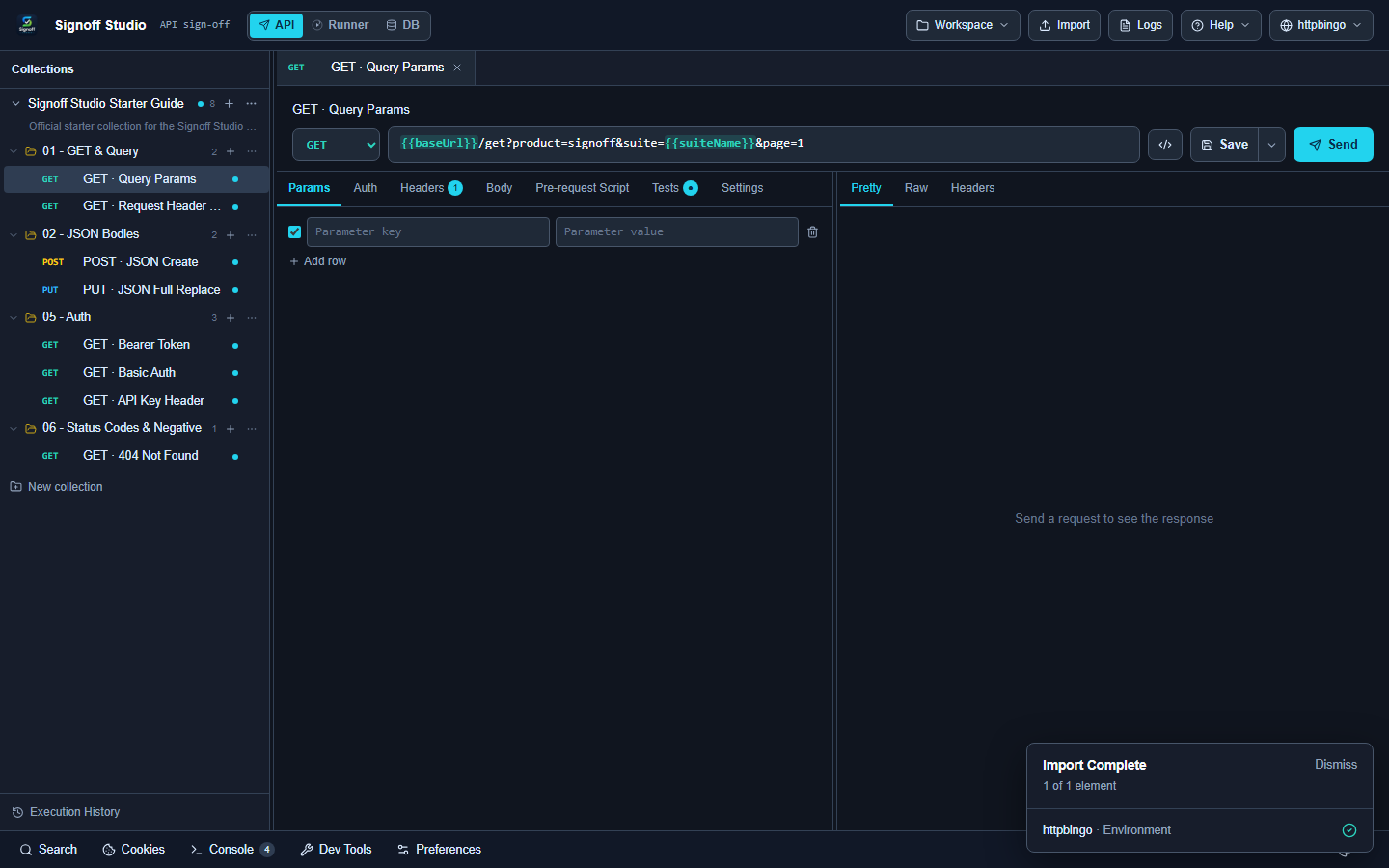
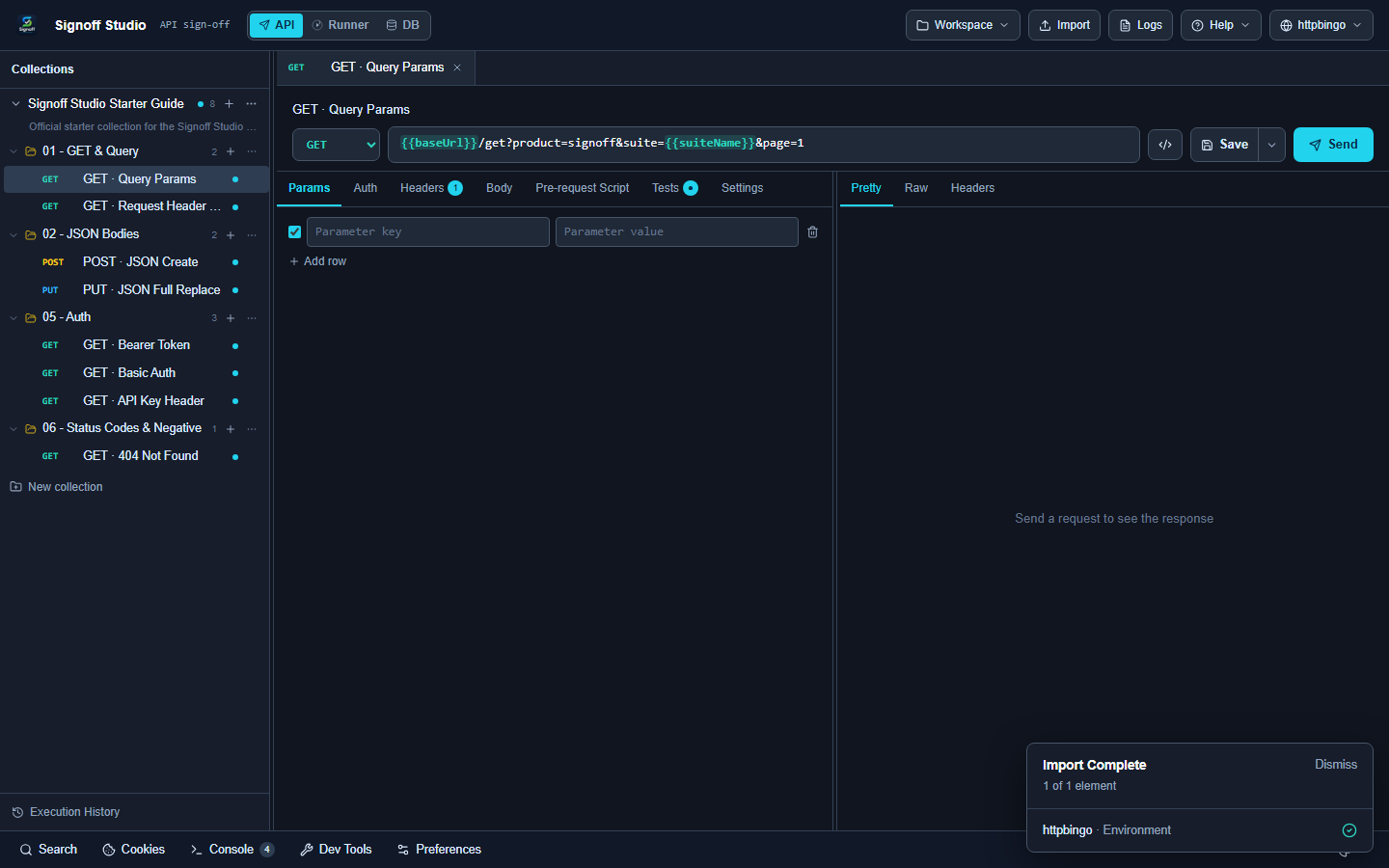
- Code / Configuration Examples:
{
  "ai": {
    "sendMethodAndPath": true,
    "sendHeaders": false,
    "sendBody": false,
    "sendResponseBody": false,
    "includeSchema": false
  }
}
- Edge Cases, Troubleshooting & Pro-Tips:
- Never enable sendHeaders / sendBody against untrusted proxies or third-party accounts when payloads contain PII.
- Redaction still strips obvious secret-shaped values when building context — treat it as defense-in-depth, not a license to share prod tokens.
timeoutMs(1s–300s) andmaxTokens(64–32768) bound runaway calls.
Ghost-text autocomplete
- Platform Availability: Full Parity
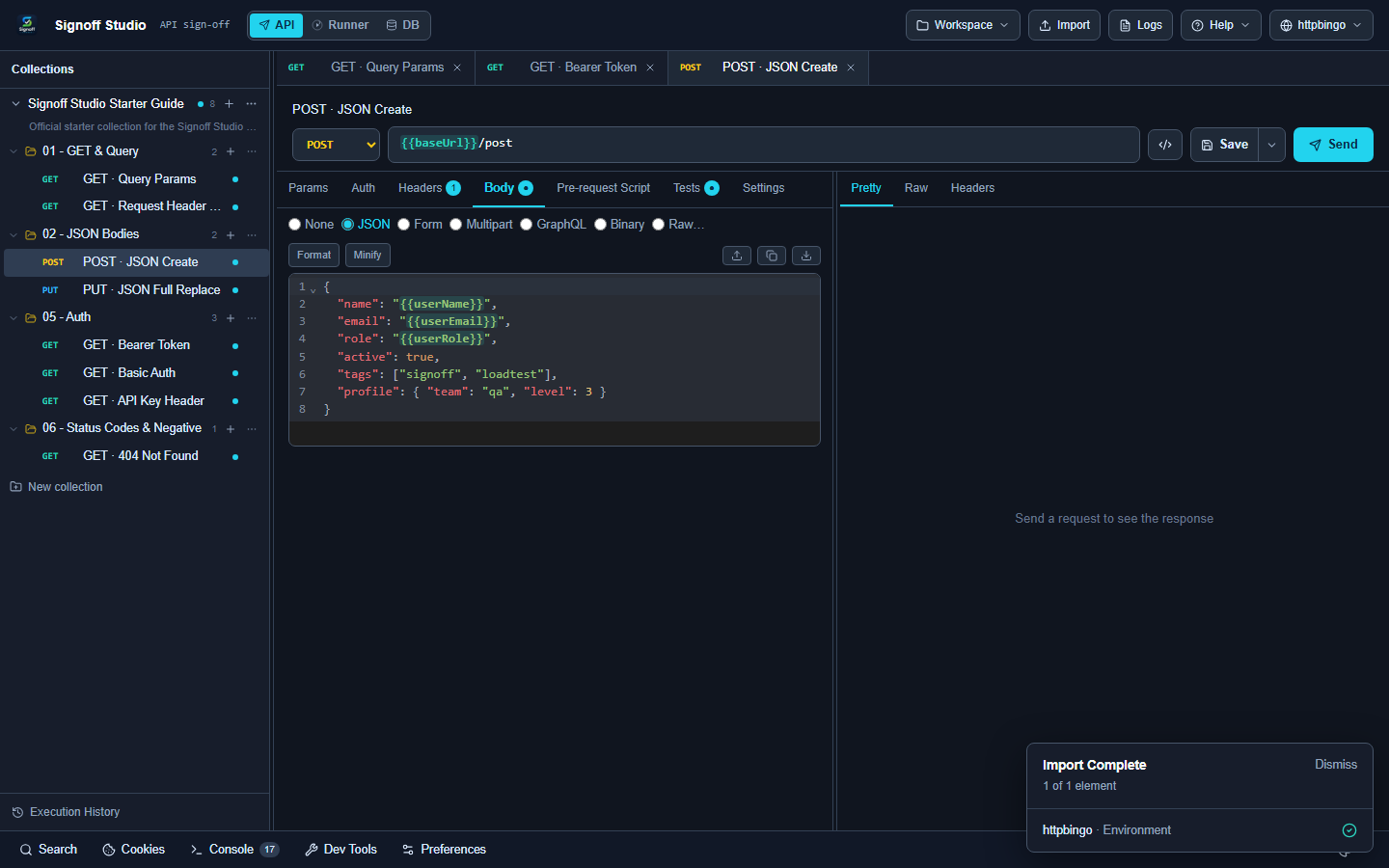
- Overview: Optional editor autocomplete modes: off, debounced (default), aggressive, manual. Can use a dedicated
autocompleteModelseparate from the chat/default model. - How It Works (Windows App):
- Settings → AI → Ghost-text autocomplete mode.
- Optionally set autocomplete model.
- Type in supported editors; accept/dismiss suggestions per mode.
- How It Works (VS Code Extension):
- Same mode enum in shared settings.
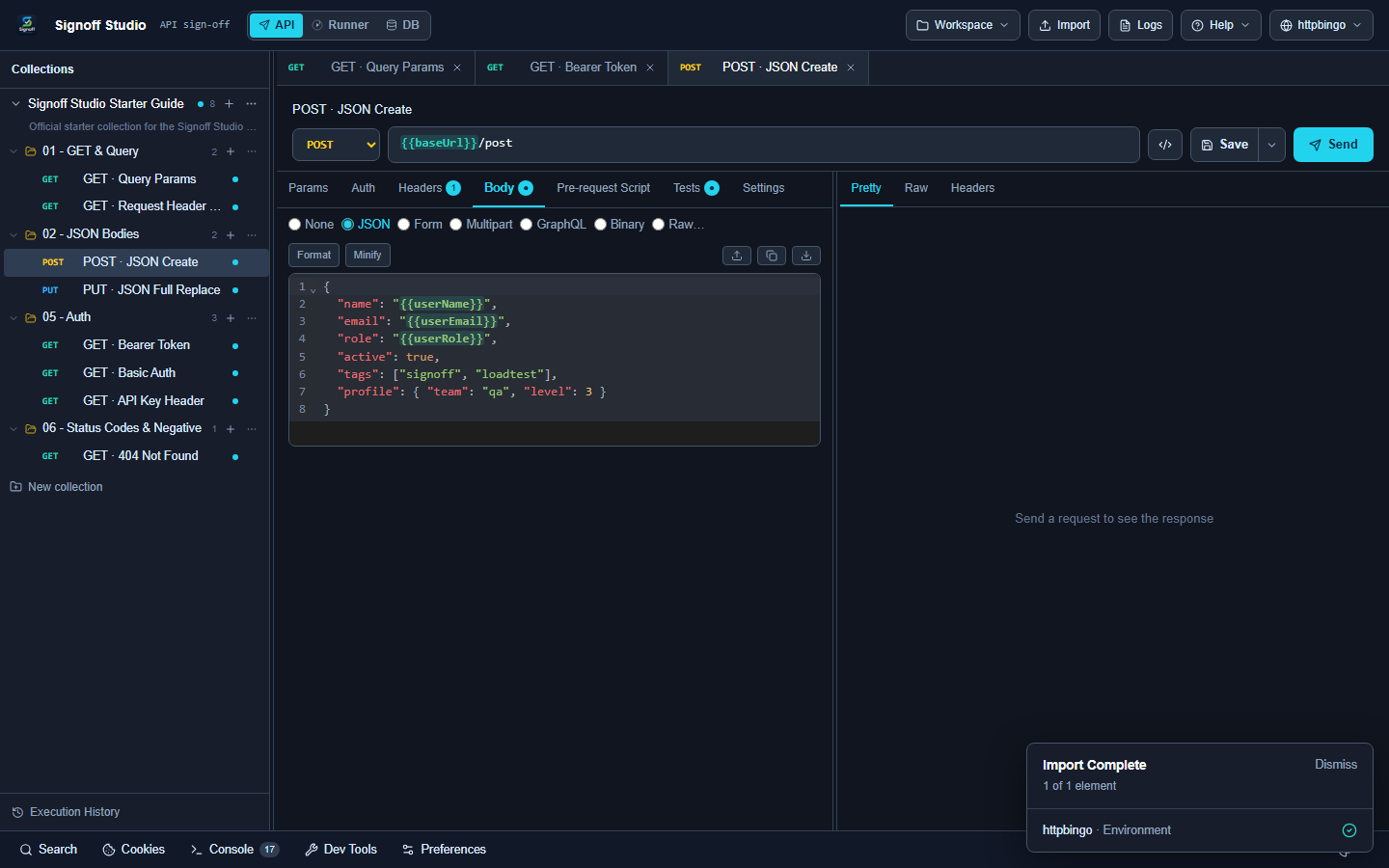
- VS Code native IntelliSense is separate — Signoff ghost-text is inside the webview editors.
- Use manual on slow models to avoid keystroke lag.
- Code / Configuration Examples:
{
  "ai": {
    "autocomplete": "debounced",
    "autocompleteModel": ""
  }
}
| Mode | Behavior |
|---|---|
off |
No AI ghost text |
debounced |
Suggest after a short pause (default) |
aggressive |
Suggest more eagerly |
manual |
Only on explicit invoke |
- Edge Cases, Troubleshooting & Pro-Tips:
- Autocomplete still requires a configured provider with a reachable endpoint.
- For air-gapped machines, run openai-compat against a local model and disable cloud providers.
- Script editors also have non-AI
qa.*snippet intel — orthogonal to BYOK.
AI assist bar on requests
- Platform Availability: Full Parity
- Overview: In-request assist for drafting bodies, tests, or explanations using the active provider while respecting privacy flags.
- How It Works (Windows App): Open a request → use the AI assist bar → apply or discard suggestions into Body/Tests.
- How It Works (VS Code Extension): Same assist bar in the webview request editor.
- Code / Configuration Examples:
// Example Tests suggestion you might accept
qa.test("creates pet", () => {
  qa.expect(qa.response.code).to.equal(201);
  qa.expect(qa.response.json().name).to.be.ok;
});
- Edge Cases, Troubleshooting & Pro-Tips:
- If assist no-ops, check
ai.enabled, providerhasToken/ local baseUrl, and network/proxy settings. - Prefer generating asserts against httpbingo Starter Guide first to validate the pipeline.
- If assist no-ops, check